VXDIAG VCX NANO GM test on GMC Yukon
I used a Tech2win in conjunction with a VXDIAG VCX NANO GM device I bought off vxdiagshop to perform diagnosis and it seems to be working fine now.
Reason to prefer the VXDIAG to the Tech2 is, that I have a workshop PC and the VXDIAG is supposed to run newer vehicles as well.
This is basically the tech2 software but for a pc. I run mine on a linux laptop, using Wire. Was plug and play except I needed a driver file which was easy too. Threw winders out many years ago and never regretted it. That laptop started as a win10 wally world cheap. $288 Lenovo 330 if I remember right. Wiped it and installed MX-19. I have several(5) auto diagnostics on that laptop and no interference between them. Way happy about how it worked.
I usually plug it in first to see what it recognizes on each vehicle, sometimes it’s a switch to a different program. Way faster than my friend’s $1500 snapon.
And vxdiagshop sends a CD (for vx manager driver) and has a download site. After 2008 I think some GMs began needing the GM subscription to program by VIN. About $80.
This tool works great on this laptop and it can talk to all the different modules diagnosing problems and also able to activate inputs/ outputs, reset and recalibrate various vehicle sensors through the software provided. I have bought several different scanners and none can do a fraction of what this is capable of. This is definitely the best tool I have in my toolbox and this tool was definitely worth every penny (and then some).
Been using mine over a year, on many different vehicles, definitely paid for itself.
And the snapon guy is full of all kinds of it whenever he thinks he’s getting $50 a month on top of $1500+ for a used scanner.
Subaru SSM4 License Verification Failed Solution
Problem:
I got an error when installing 2020.07 vxdiag subaru software. SSM4 reported error “License Verification Failed, you cannot install the software”
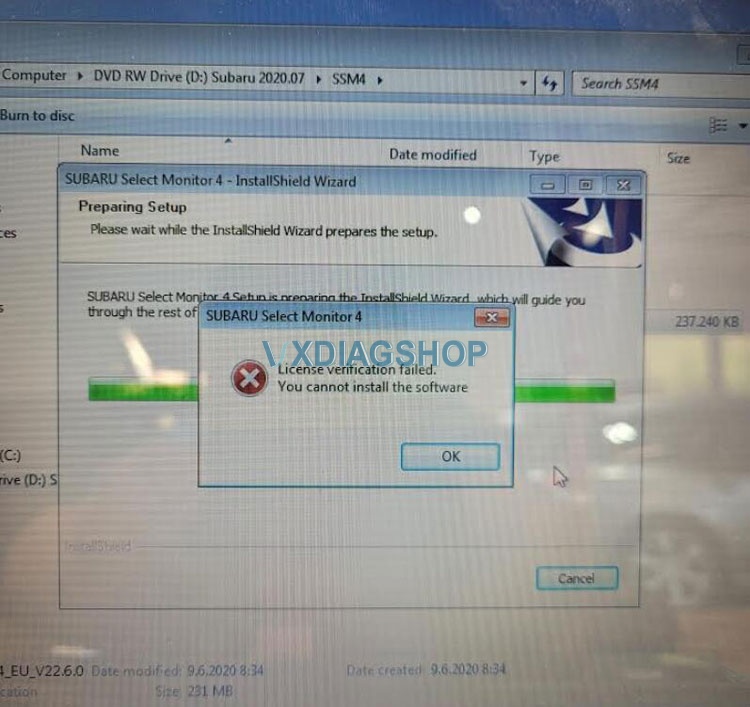
Solution:
Change computer date/time to 2021-01-01.
Reinstall SSM3 & SSM4 software again.
What Device type to Select for VXDIAG VCX NANO GM?
Problem 1:
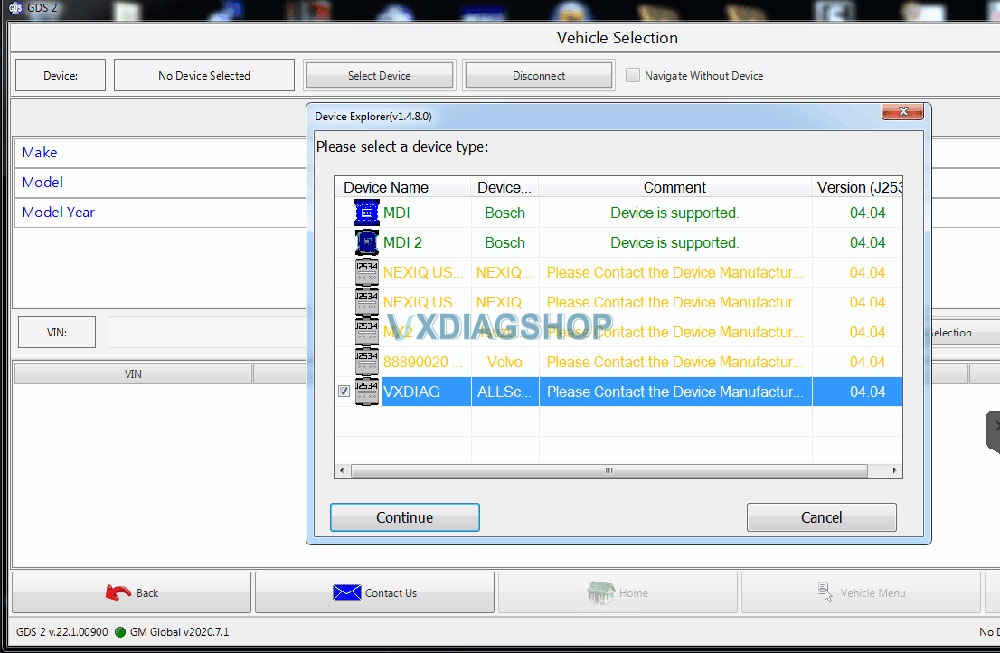
I got a problem when running gds2 software of the vxdiag vcx nano gm device. The software crashed after selected VXDIAG as the device type.
Solution:
Select MDI2 device type instead of VXDIAG Allscanner to connect.
Problem 2:
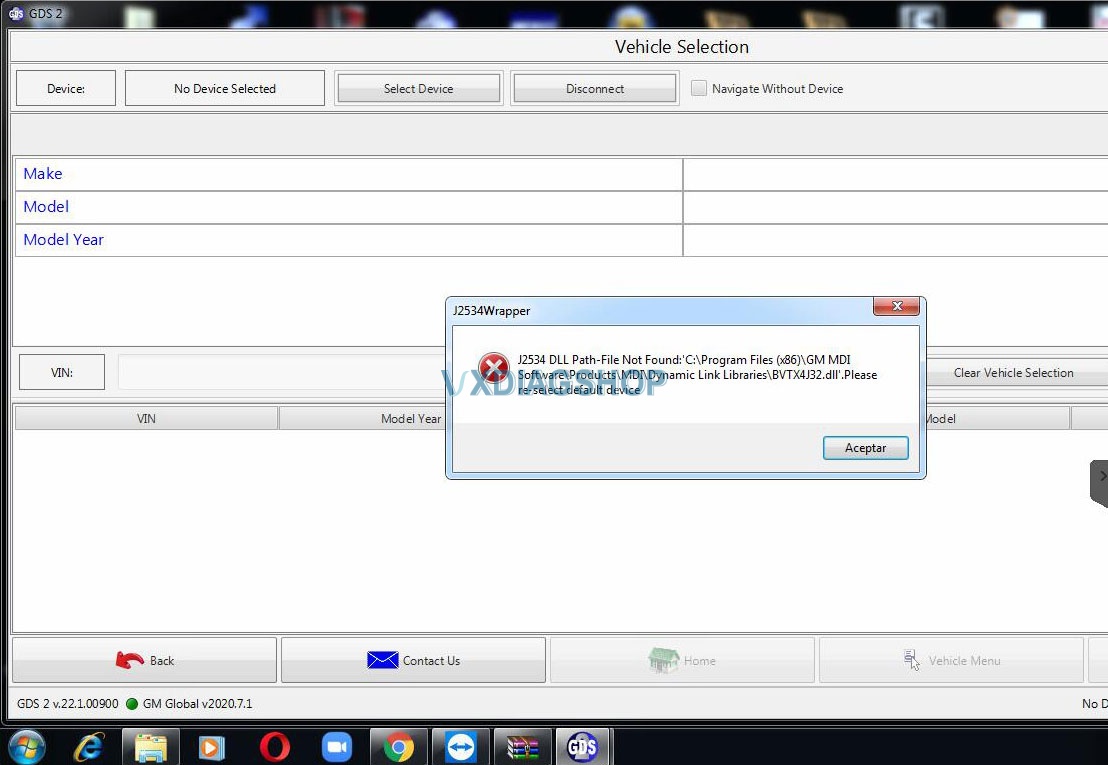
It communicates with gm vcx nano by selecting MDI2 device. I got another error “J2534 DLL Patch-file not found”
Solution:
Make sure Passthru and GM software are selected when install VX Manager driver.
If still not working, download and install the software again.
https://www.vxdiagshop.com/info/vxdiag-diagnostic-software-download-4048.html
VXDIAG C6 2018 Xentry “No Access Authorization Code” Solution
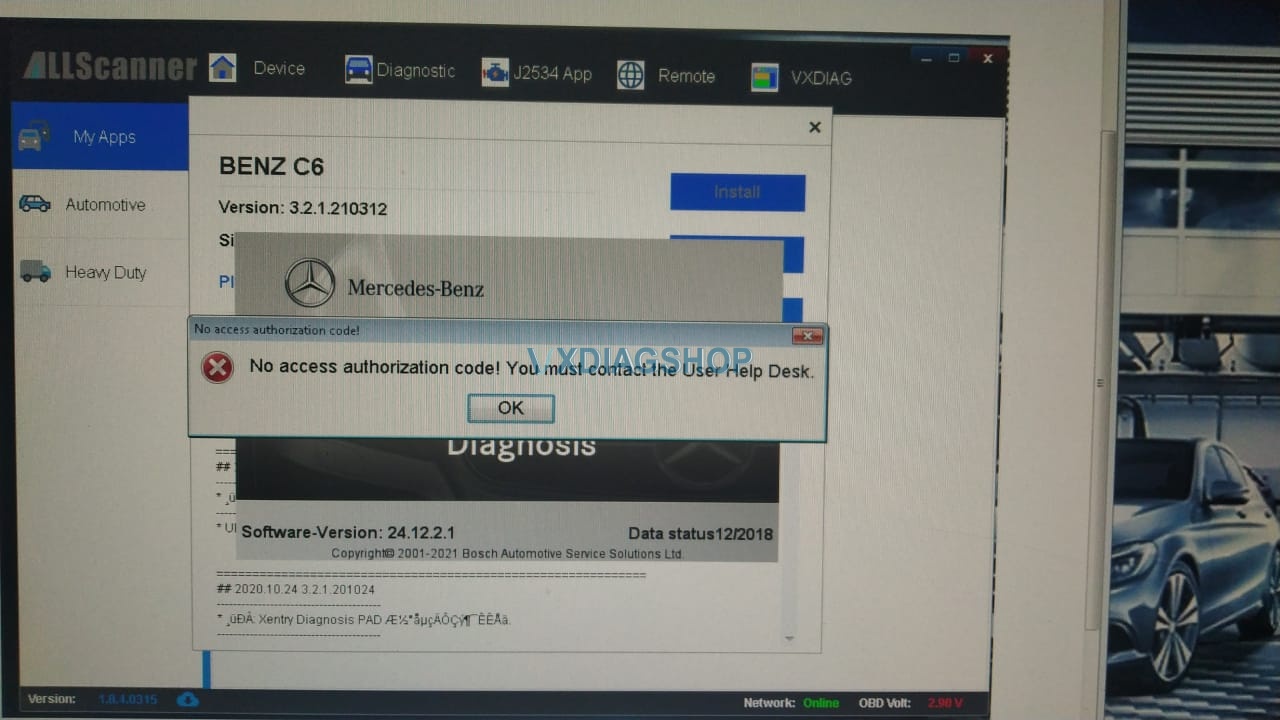
Have VXDIAG Benz C6 xentry 12/2018 and need help overcome this error “No access authorization code” so that xentry is working.
Solution:
For xentry 12/2018, it is old software, so please update the firmware version and driver in VxManager, then re-activate.
How to activate VXDIAG Benz C6?
Do follow this blog:
http://blog.vxdiagshop.com/2019/12/27/activate-2019-12-vxdiag-benz-c6-xentry/
Good to know:
For the old Xentry version, you need to activate.
For the newest Xentry version, it comes with keygen and no need to activate.
– 2021.3 500GB Software SSD with Keygen for VXDIAG Benz Star C6
–2021.3 500GB Software HDD with Keygen for VXDIAG Benz Star C6
Look at the images of Xentry 2021.3:
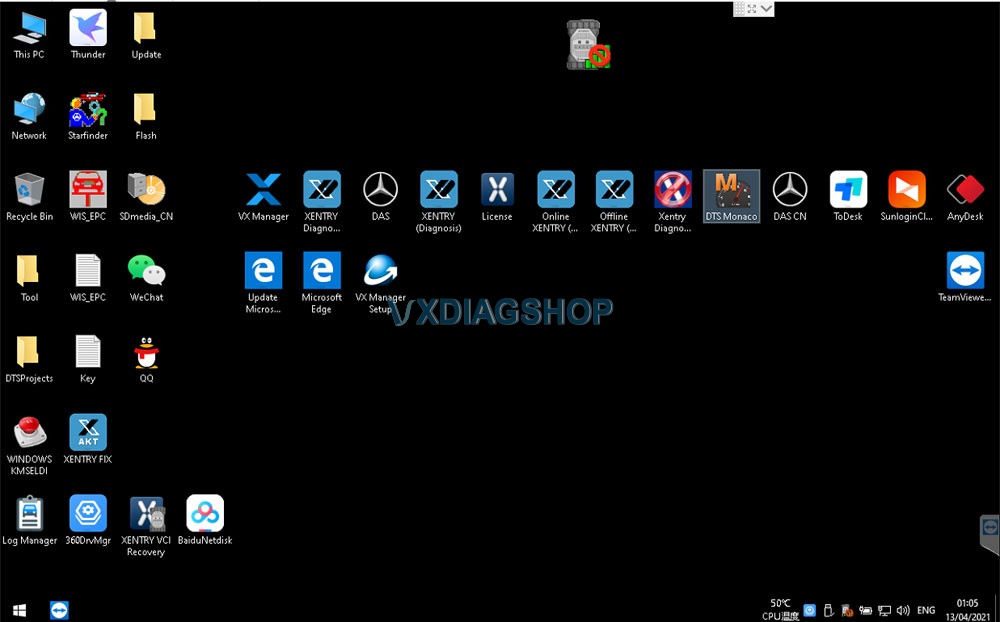
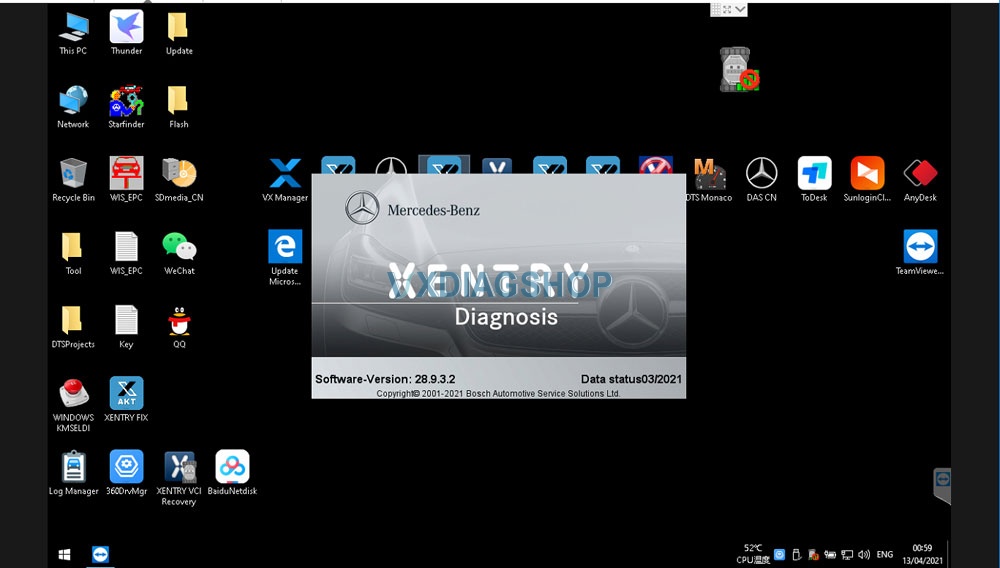
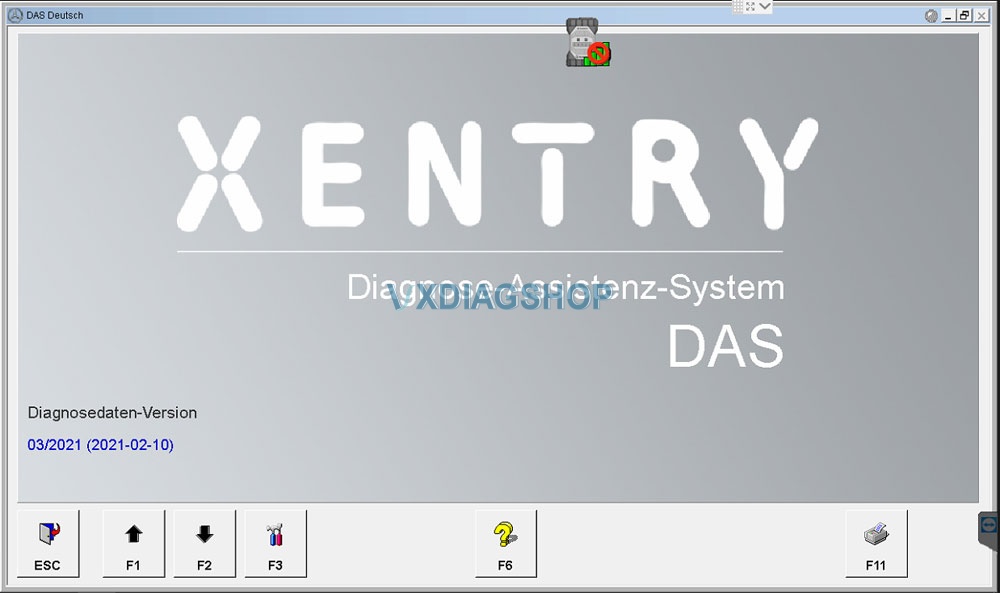
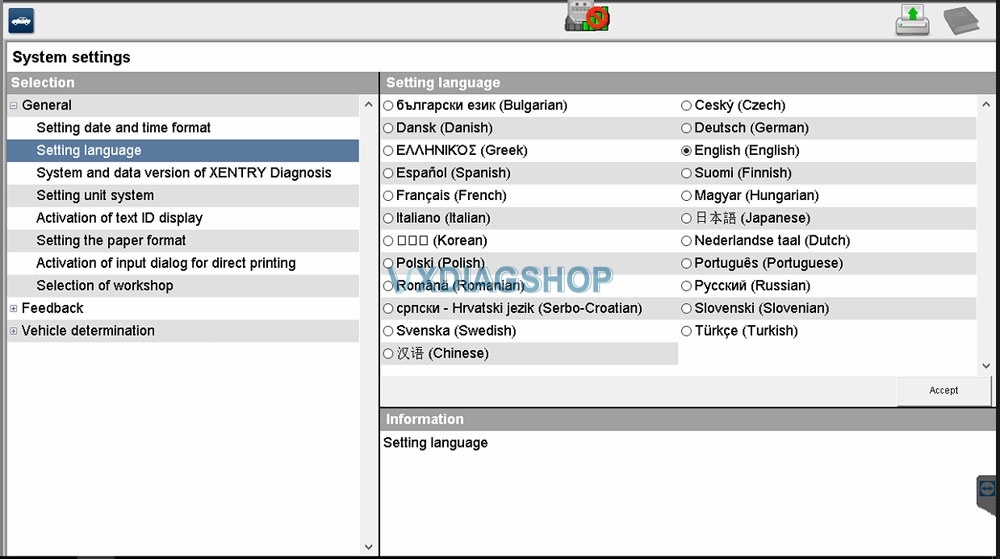
How to Set up DTS Monaco for VXDIAG VCX SE Benz?
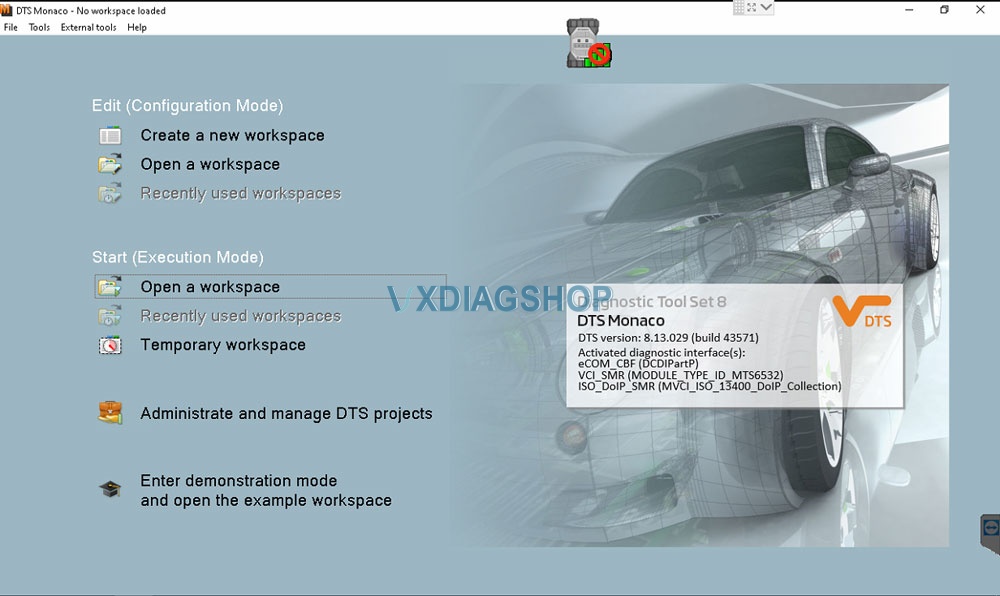
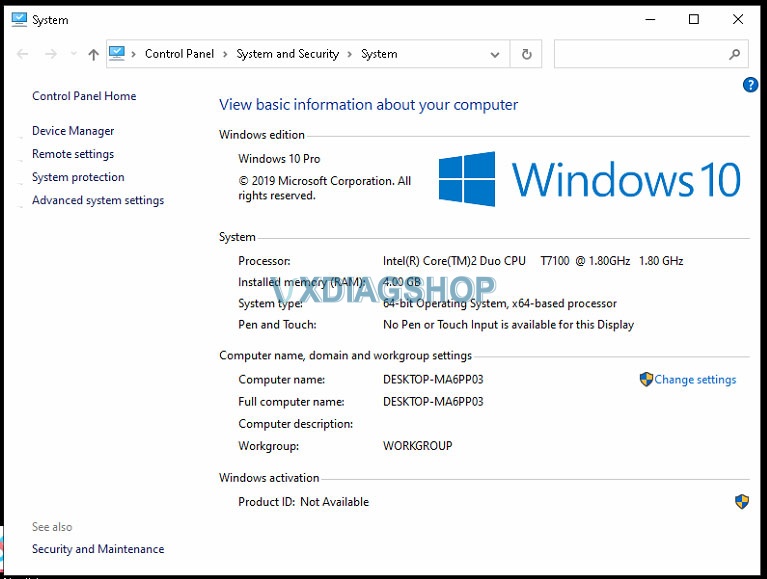
VXDIAG VCX SE Benz DoIP DTS Monaco Software does not require activation and ready to use (requbenzire vxdiag benz device well connected). Here we test vcx se c6 connection with DTS Monaco via WiFi to check the stability of the device using the example of 2015 W212 hybrid, connect it to Command 5.1!
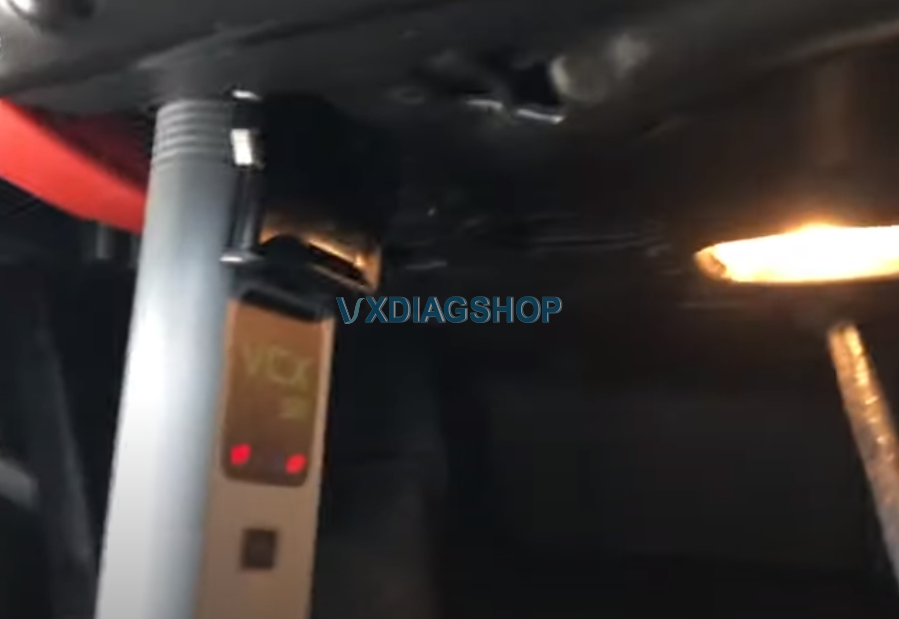
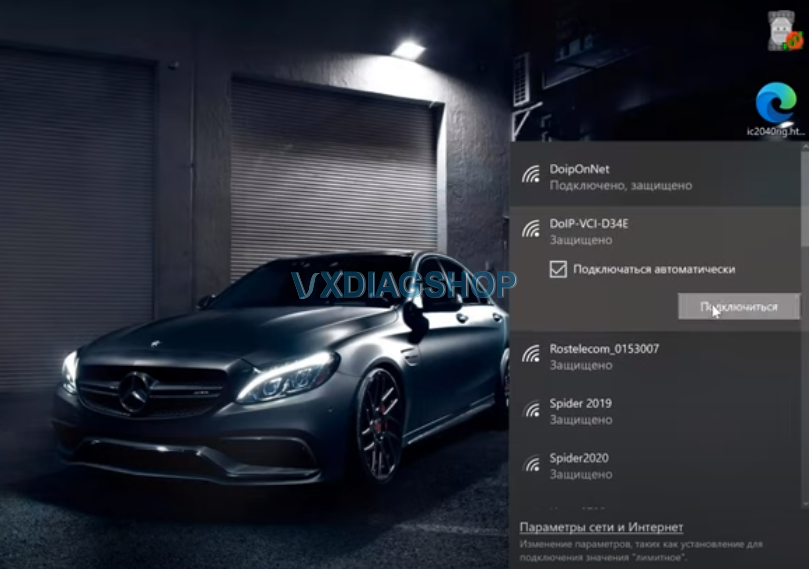
We connect it to the car. Search WiFi and connect it via wifi mode.
The car tested is a 2015 w212 hybrid, we wait for the device to start, we connect to it, we see that it is connected, it is available, we launch DTS Monaco software on desktop.
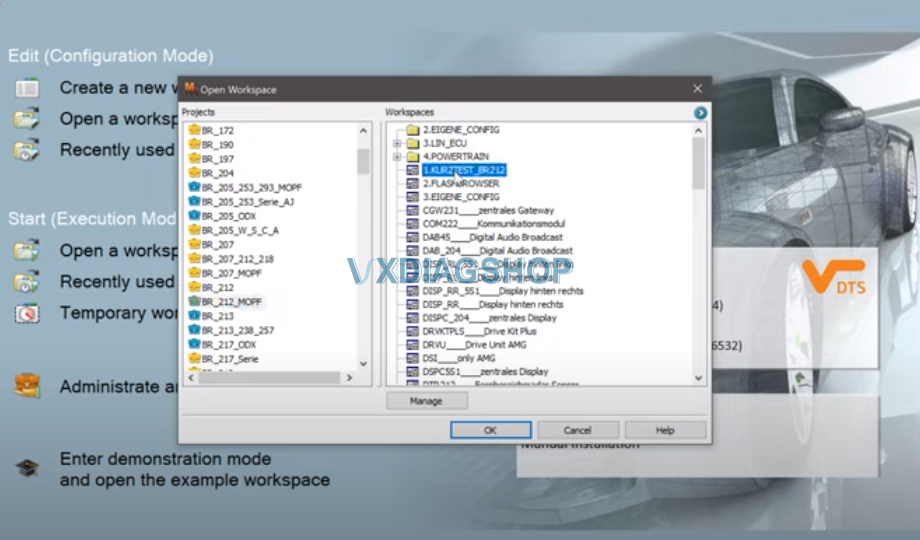
We see that we have a device, selects projects from Monaco. First time using the DTS requires to Create a new workspace. Here we just open a workspace.

KURZTEST allows you to carry out all the diagnostics, you can also start the process, it will read all the modules
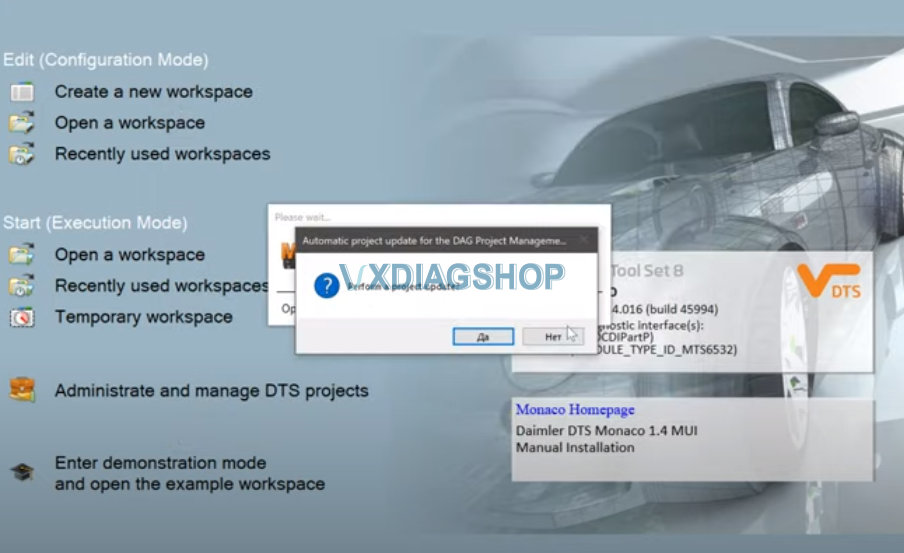
DTS asks to update the projects, press YES to update
The vxdiag se doip Benz works well with dts Monaco. I can’t say anything bad, it works quickly. We are waiting for the connection.
We see the window in the upper right corner that we have a VCI device connected.
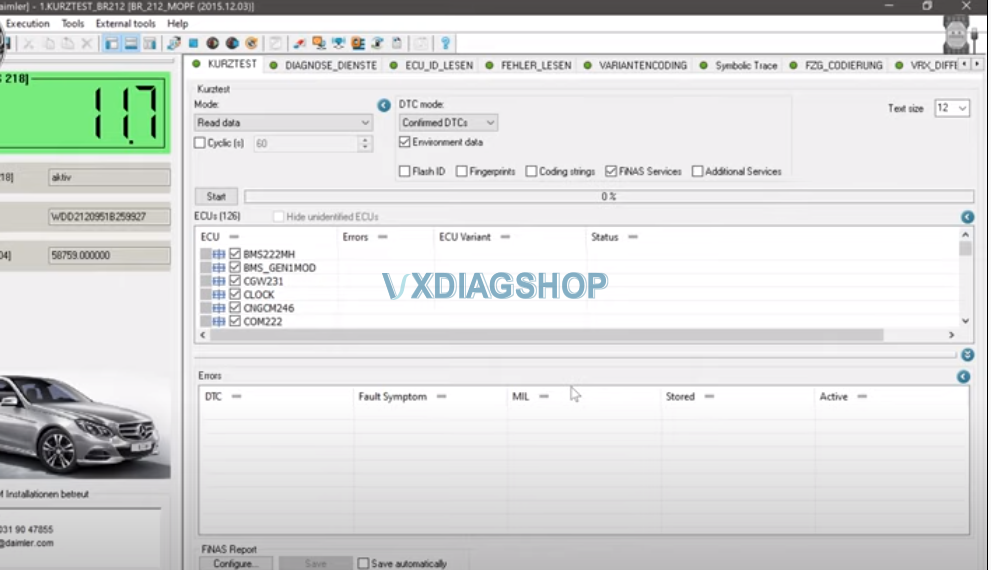
Monaco started, we see the onboard voltage here shows in the ignition lock.
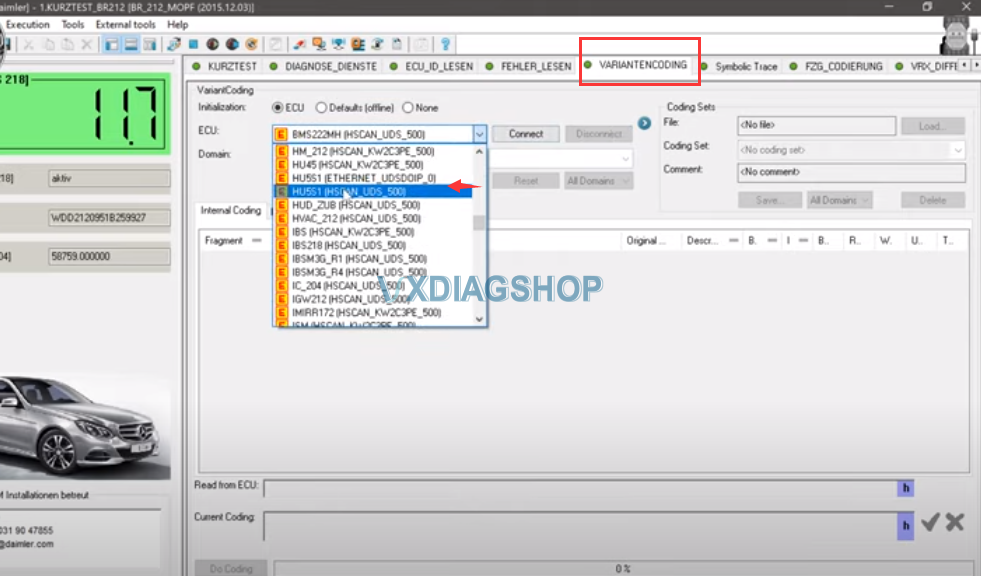
We start the variant encoding
We will see the example of Comand version 5.1, we see that we find all the encodings.
We can choose any encoding, everything opens instantly, everything is visible, all codings are visible.
You can make changes, encode without problems, that is the device copes with its function.
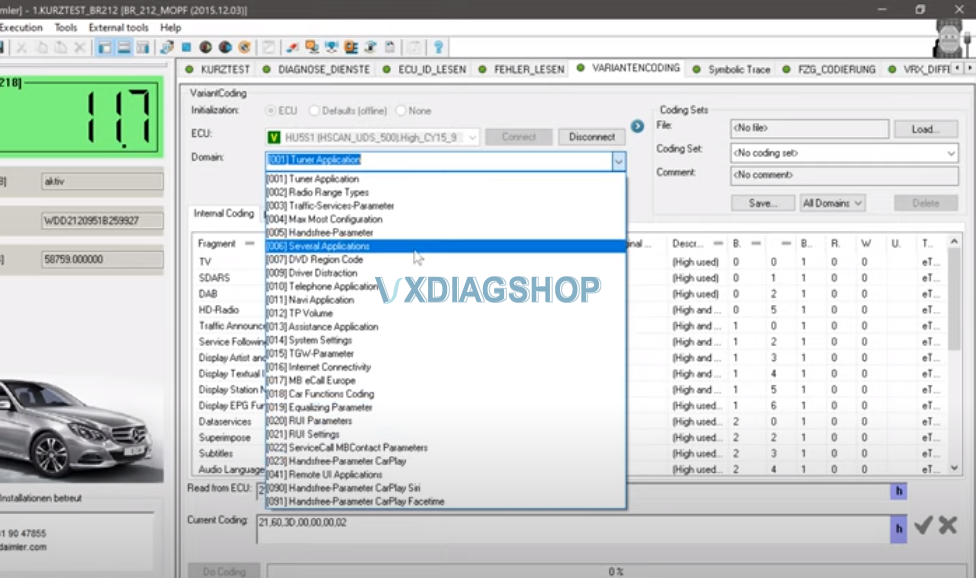


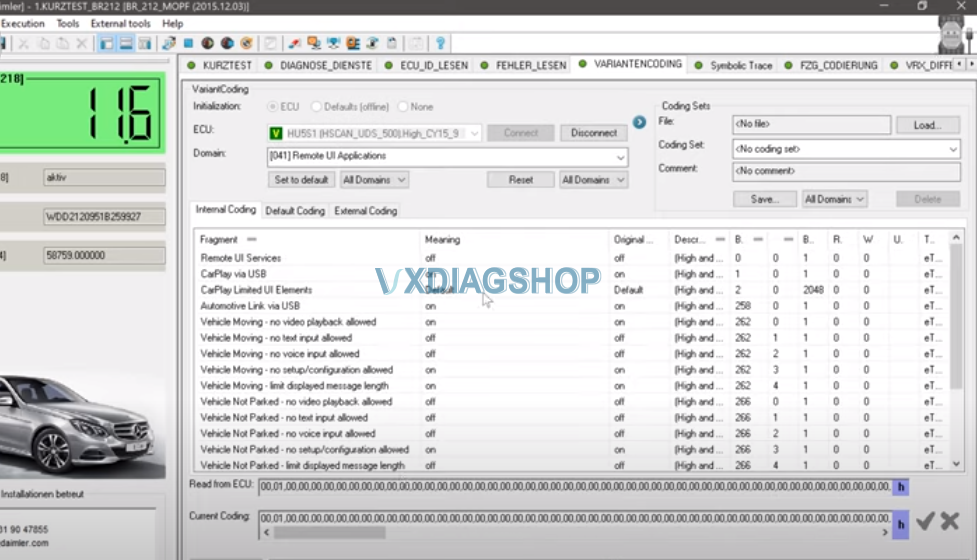
All those encodings that are not enabled via Openport
Vxdiag everything starts up pretty quickly
He reads all encodings, as I said, in this command 5 and higher, there are a lot of encodings, quite advanced devices there are a lot of additional settings.

For a short test, you need to create your own project
Upload everything there so that it counts normally
We are waiting for him to count the short test
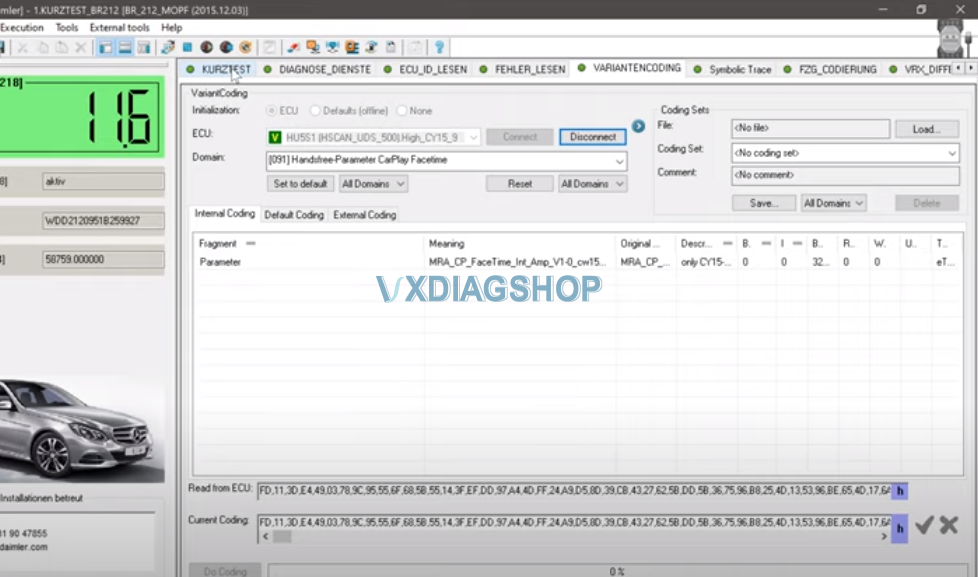

We see that through Monaco, it enters the units and reads it.
Wait for the short test to complete. vxdiag Vcx se benz doip works fine.
It is quite usable, you can use and code using this vcx se Benz.
Read also: