Can I use Ford FDRS with VXDIAG VCX NANO?
Problem:
I need help. Ford IDS asks to use only Ford Diagnosis and Reqpire System (FDRS) for this Transit Duratorq Turbo 2.0L diesel. Is the vxdiag vcx nano Ford compatible with the FDRS software?

Solution:
For some newer Ford, FDRS is required.
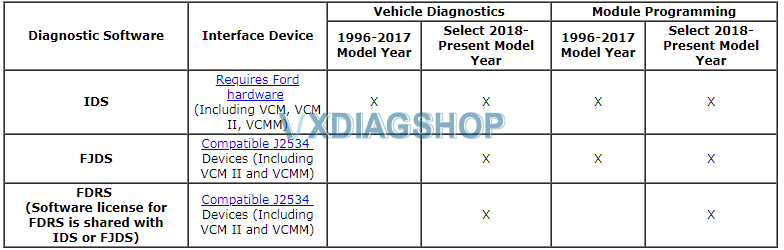
VXDIAG Scanner Ford Software compatibility:
IDS- no issue. Compatible with both crack and original IDS. Latest version V121.01 with patch in default.
FJDS- Need luck. Some succeeded, some failed. Check review here.
FDRS- Engineer confirmed it is working. Works with Mazda MDRS as well. No feedback nor tutorial.
How to Solve VXDIAG GM SPS Programming Error “E4403”
Confirmed: 2021 vxdiag GM is able to perform online programming by working together with SPS (Service Programming System). While a partial user had an E4403 error recently.
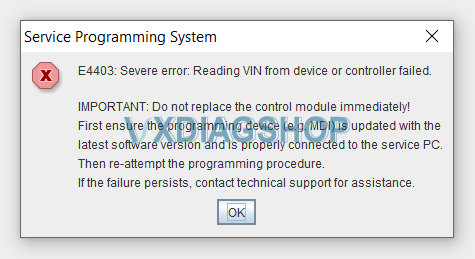
VXDIAG engineer replied:
Before this step you have to install java while installing will ask you to go with j2534 driver or skip.
Don’t skip you have to be sure fully installed.
You have to use internet explorer don’t use google chrome or normal windows browser.
Open explorer in admin mode to be able to update the j2534 wrapper and problem solved. Update j2534 driver to the latest version.
Any step have problem go complete out and start again
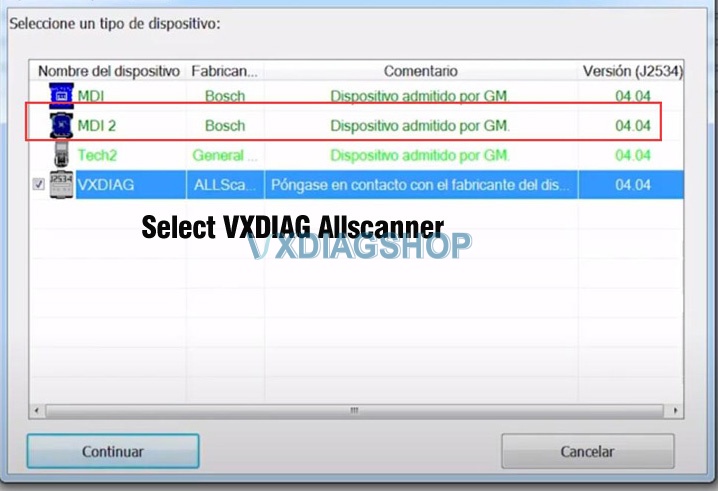
Please look at the following image, it means there is available newest version.

After upgrading, select a device type as “VXDIAG-Allscanner”
Any more problem, contact at www.vxdiagshop.com
Feedback:
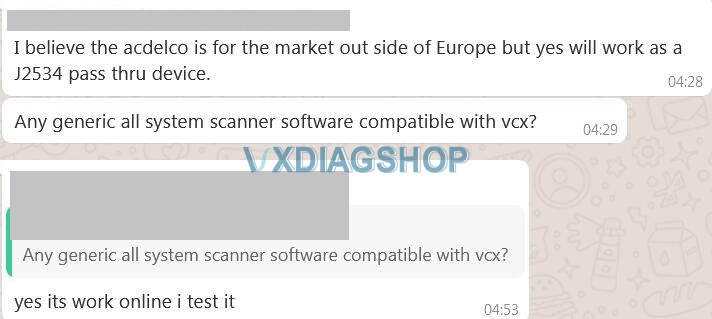
It is working online i test it.
VXDIAG DoNET Definition
What is “DoNET” ? We have many customers asking that. Here’s the explanation from vxdiagshop.com.
“DoNET” is a connection method for the VXDIAG scanners and software laptop.
Similar as USB or WiFi connection.
USB and WiFi connection has distance limitation. The biggest advantage of the DoNET connection is that it beyond distance limitations, even if your device and software are not in the same place.
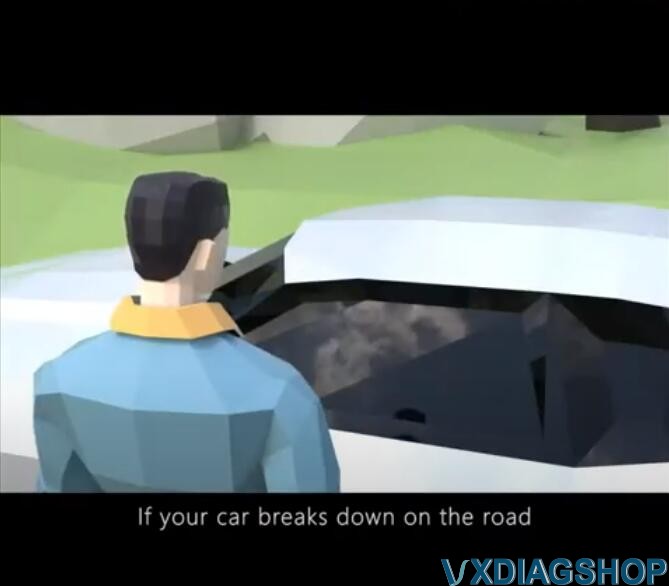
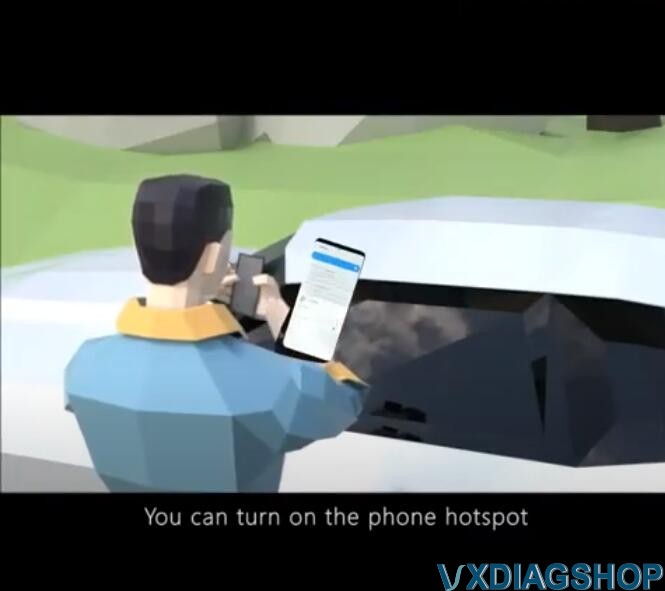
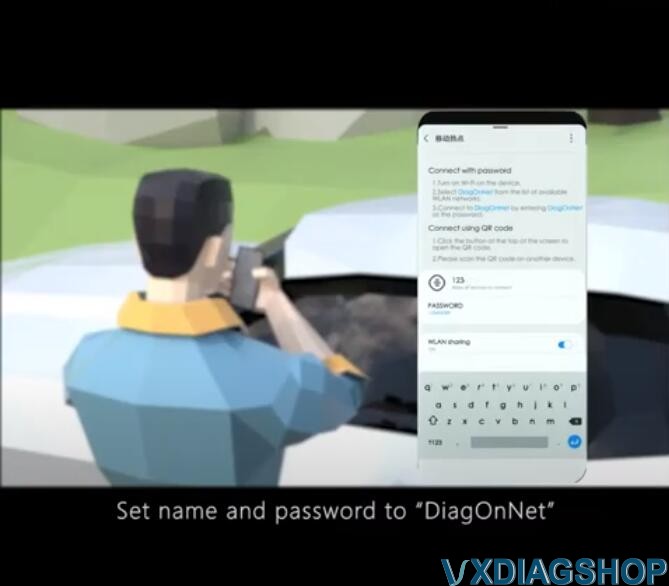
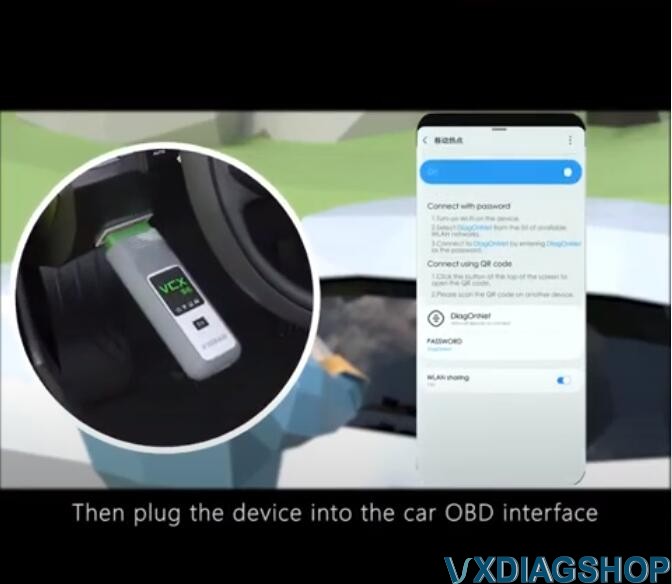
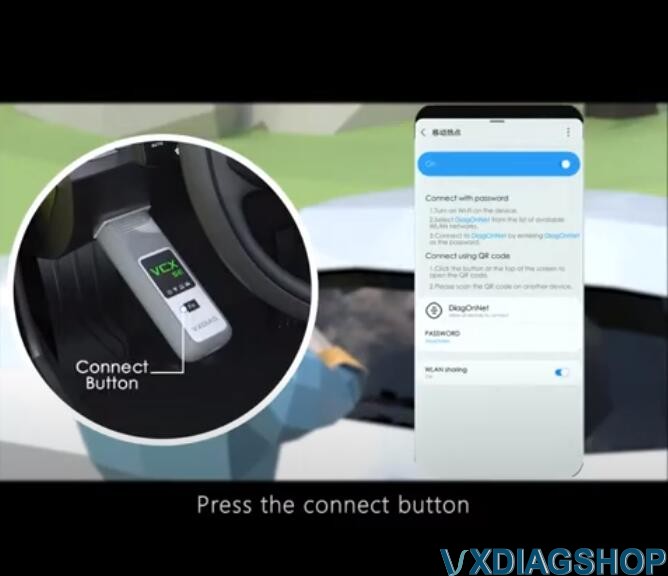
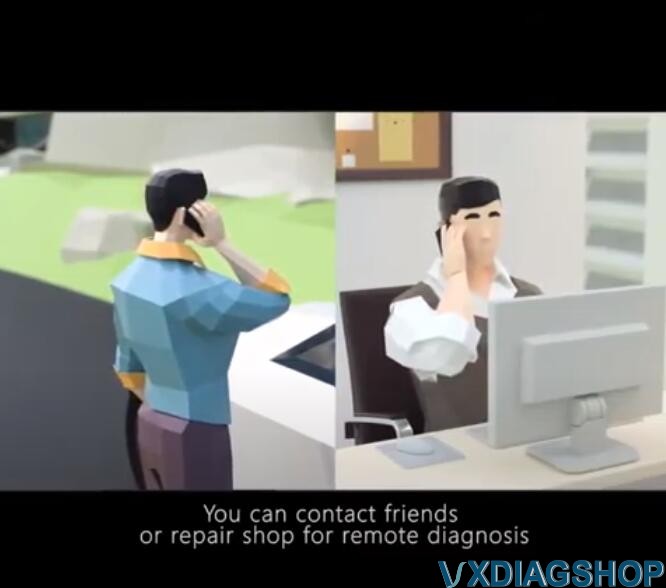
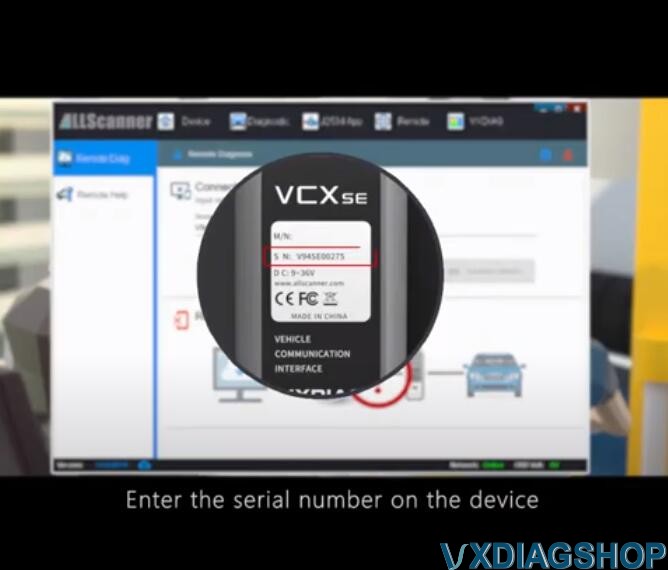
For example, if your car breaks down on the road or had a customer whose car is broken down, you happen to carry the vxdiag device (a vcx se is pretty small can be put into pocket), turn on Hotspot and pair to the device via DoNET. Then have your friend run the VX Manager on computer, enter vxdiag device serial number, complete DoNET setting. Software is ready to use. You now enjoy remote diagnosis.
Available car brand software: BMW ISTA, Mercedes Xentry, Honda HDS, Toyota Techstream, Porsche PIWI-S, Jaguar Land rover SDD/Pathfinder, Subaru SSM3/SSM4, VAG ODIS, Ford Mazda IDS
Note:
1.You must have vxdiag device and software to connect via DoNET (check what device can be enabled with DoNET in text below)
2. It is not VXDIAG engineer to control your/our software or PC, but you control it via mobile phone.
3. It is a rumor that DoNET will able online coding/programming. Online programming requires online account which we doesn’t provide with.
Check images below:



Here is a video explaining what is DoNET:
And listed are some tutorials that help better understand how to use DoNET connection:
VXDIAG DoIP device DONET Settings
How to setup and Network Configuration for VXDIAG VCX “DoNet” Remote Diagnostics
How to Solve VXDIAG Benz C6 Xentry Fault (2.27) -7.870
vxdiag benz C6 Problem:
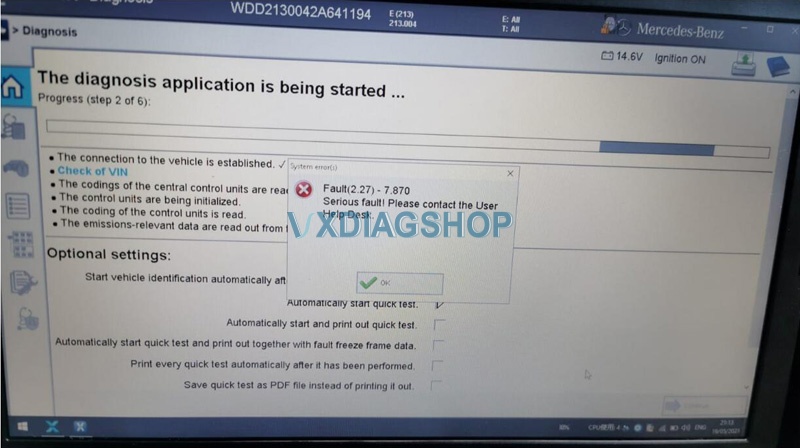
System error (s)
Fault (2.27) -7.870
Serious fault! Please contact the User Help Desk.
Vxdiagshop.com working solution:
Please free download this new Benz C6 VCI Manager driver on mega
https://mega.nz/file/3QY2FJIS#J_IAyIYyGvNLnxVr6AaUUby-jk_M5NWQxT-IbPU7gzk
There is someone who solved the problem with the new driver.
Hope it helps!
How to Set up VXDIAG VCX SE DoNet for Ford?
Problem:
I bought a VCM2 china clone, it works with ids 101.01 in VMware 10 with XP SP3.
But, although it connects well to ids and VCI Manager (V101.01), it can’t detect or connect to my ford mondeo PCM.

Finally Fixed!
Well, managed to downgrade the firmware using ids V86 (version 2.1.1.5) and now the VCM2 can connect to the car.
For the first time I listen the relay clicking.
VIN and the characteristics of the car was read by ids V86.
The clone vcm2 is working well with ids V86.
It is sufficient to me, it covers my 2011 mondeo.
A bonus is that this VCM2 also work with forscan, nice!
A new problem: unable to do Modules programming
But It was unable to do Modules programming (I want to setup the SASM module, the mondeo pull to the right although it visit some 10 or more 4 wheel alignment shops, it has almost 2º to the right when steering wheel is centred).
How to do?
The padlock symbol means you do not currently have full communication with vehicle yet it doesn’t mean blacklisted You need to activate module programming with extender software which lasts for just 120 days but can be renewed as often as you wish
Please downloaded “Ford Extending Programming.rar file, it is used to solve ” error selection not available after entering module programming”
https://mega.nz/file/gREkDChZ#7Yo8_ks39I0Wr6-k8nspZauR6qMqvdfcqeHlR60GMxc

Hope it helps!