Tech2win E667481 License Expire Solution
Feedback 1:
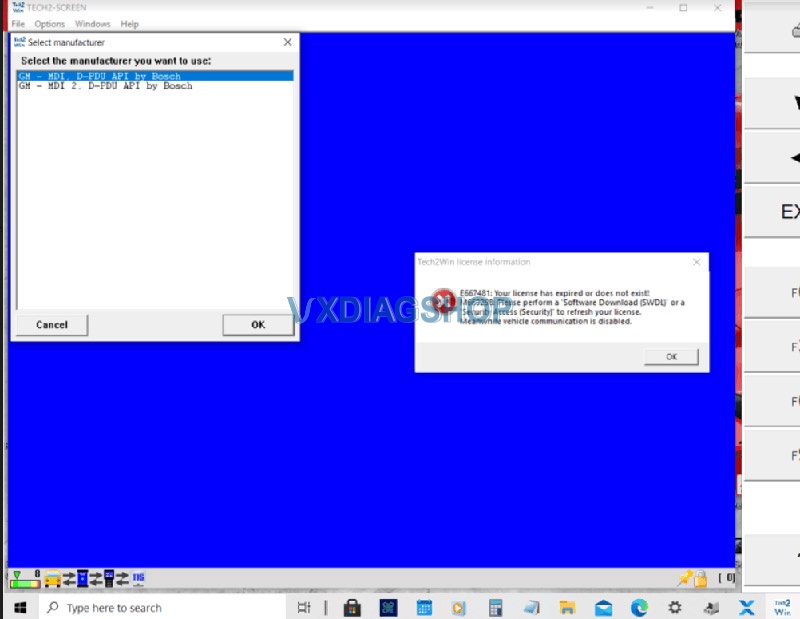
Hi, my vxdiag vcx nano Tech2Win was working no issue on Windows 10 system. Recently it reported an error saying the license expired or no exists.
Error: E667481 Your license has expired or does not exist.
Solution:
Update VX Manager driver to V1.8.4, update firmware and license.
Feedback 2:
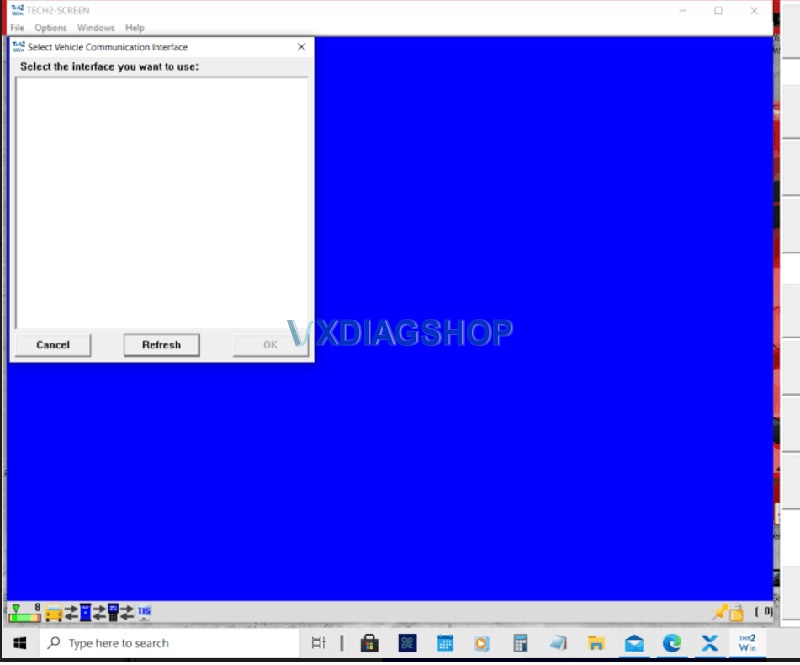
I did all the above, updated VX Manager, firmware and license, this time Tech2win is blank and won’t show vehicle communication interface options.
Solution:
The new vx manager might conflict with your operating system.
Some people manage to run Tech2win on Windows 10 without issue. Some failed due to various Win10 configurations.
We recommend installing Tech2win on Windows 32bit operating system (except Home version).
How to Reset Firmware for VXDIAG VCX SE?
Could the vxdiag vcx se firmware be reset? The answer is Yes. vcx se firmware can be reset. The firmware reset procedure is the same as vcx doip series.
1.Failed to update firmware, VCI manage cannot see the device neither through usb nor through wifi.
2.Device connect well with vehicle and laptop, indicators turn on, VX Manager cannot find the device (No Device (AUTO)).
*Better confirm with us before doing a firmware reset.


VXDIAG VCX SE Firmware Reset File

Press Reset button on VCX SE unit
Connect VCX-SE with vehicle via USB to power on
Release the reset button after connecting to computer
The reset procedure is the same as VCX DoIP series, check this guide.
https://www.vxdiagshop.com/service/vxdiag-vcx-se-firmware-reset.html
Can VXDIAG GM diagnose 2008 Chevrolet Silverado?
Problem:
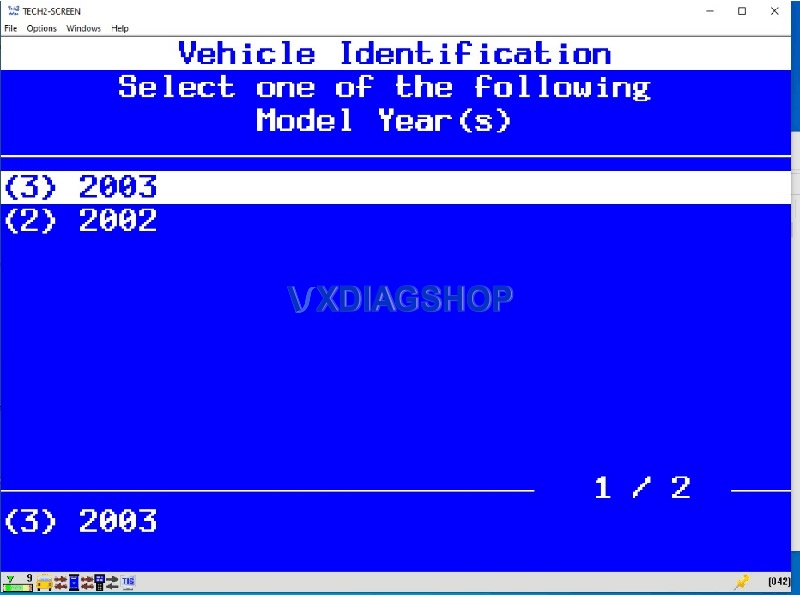
I need help. I cannot find 2008 Chevrolet Silverado in vxdiag vcx nano GDS2 nor tech2win. T2W shows 02/03 Silverado only and GDS2 supports 09 up models.
What is the path for 08 Silverado?

Vxdiagshop.com solution:
In Tech2win software, select North American and you will see.

FYI:
Tech2win supports GM pre-2008 (Does not support Opel/Saab).
GDS2 supports GM from myear 2008 to 2020.
https://www.vxdiagshop.com/service/gds2-gm-vehicle-list.html
VXDIAG VCX SE Benz VCI Not Used solved by FW Update
I just installed the AllScanner VXDIAG VCX SE Benz, then tried to update the vci. Unfortunately, that somehow doesn’t work. It says “VCI cannot be used, Firmware is older than the installed program version”.

Problem solved by myself. The vxdiagshop.com ware of the C6 only had to be updated, then flash the vci firmware

Credits to @ Norman
How to use VXDIAG VCX NANO to Program Opel ECU?
The PSA group bought the Opel/Vauxhall so we have to go to the PSA SERVICE BOX website to reprogram the Opel ECUs. Here are the tips on reprogram Opel ECU using a vxdiag vcx nano OpelOBD2 scanner and SPS via the PSA website.
Model Example: Opel Ampera 2012 1.4L
The vehicle can not start. GM says that what we need to do is update the versions of the K16 and K114B ECUs.
First, you need to register the Service Box website and pay for SPS subscription.
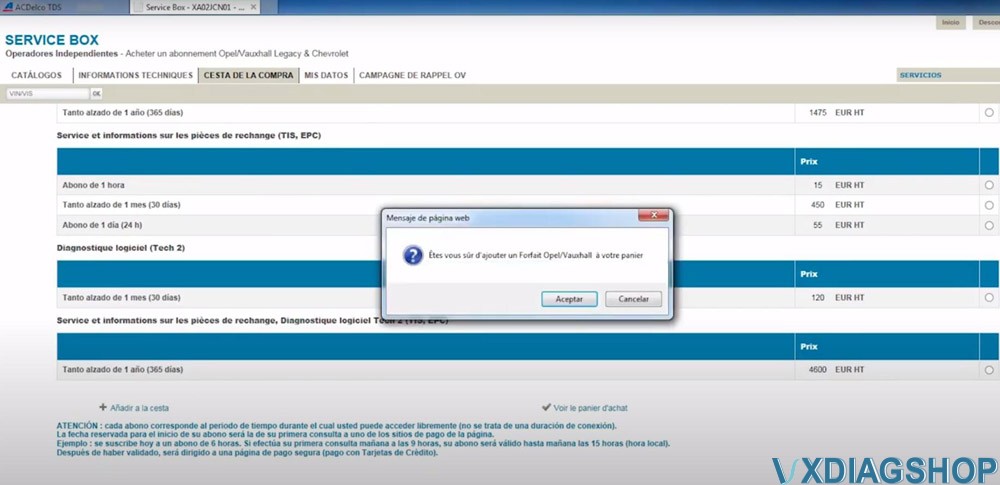
The subscription options also depend on the country from which you connect. Select an option you desired.
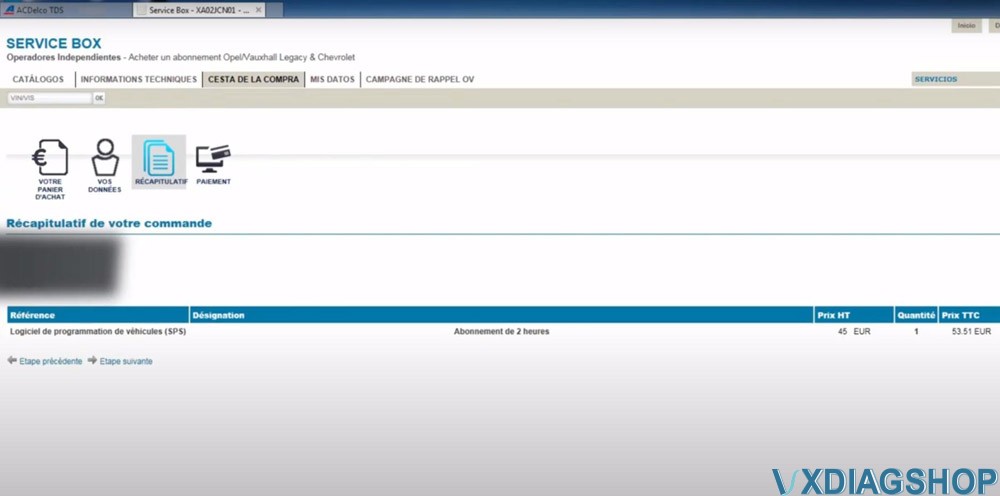
They offer 2 hours of subscription (it took me 53.51 euro). If you log out and reopen in another browser, press F5 and it will come back.

After paying for the ServiceBox, select Technical Information-> Opel Legacy & Chevrolet Subscriptions
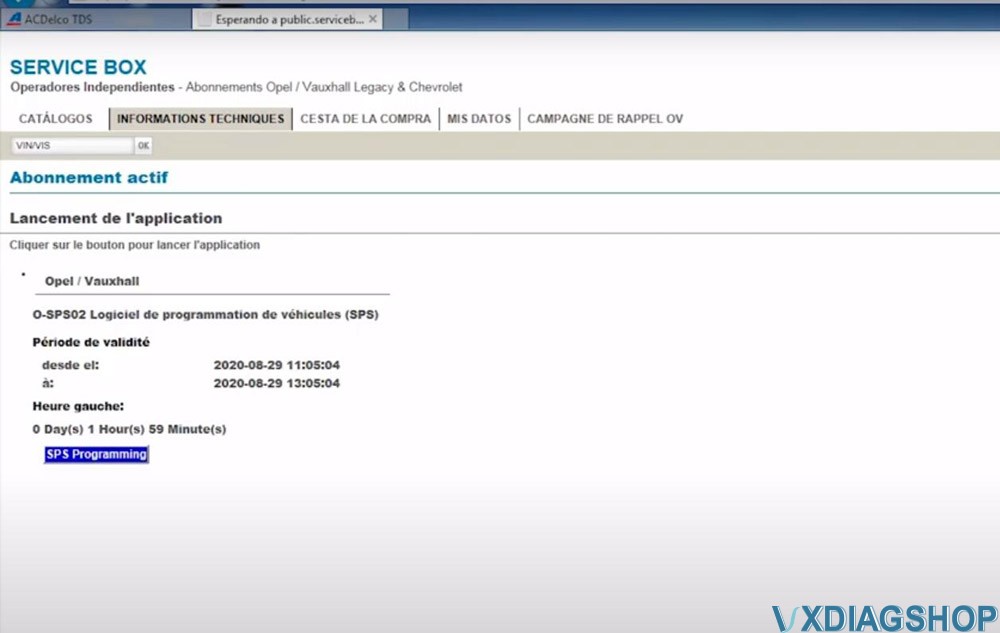
You can see when the SPS programming subscription starts and ends.
The SPS procedure is the same as in the ACDelco TDS website.
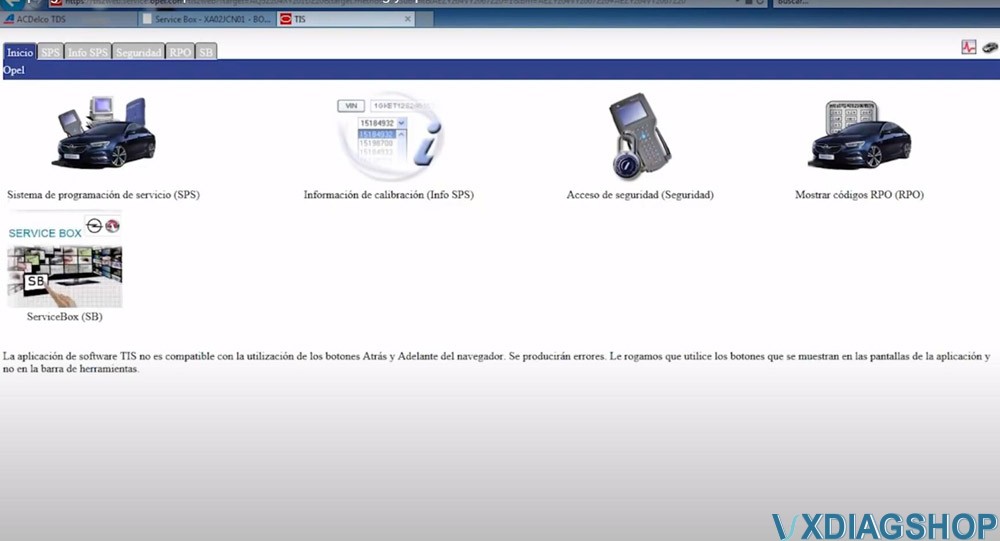
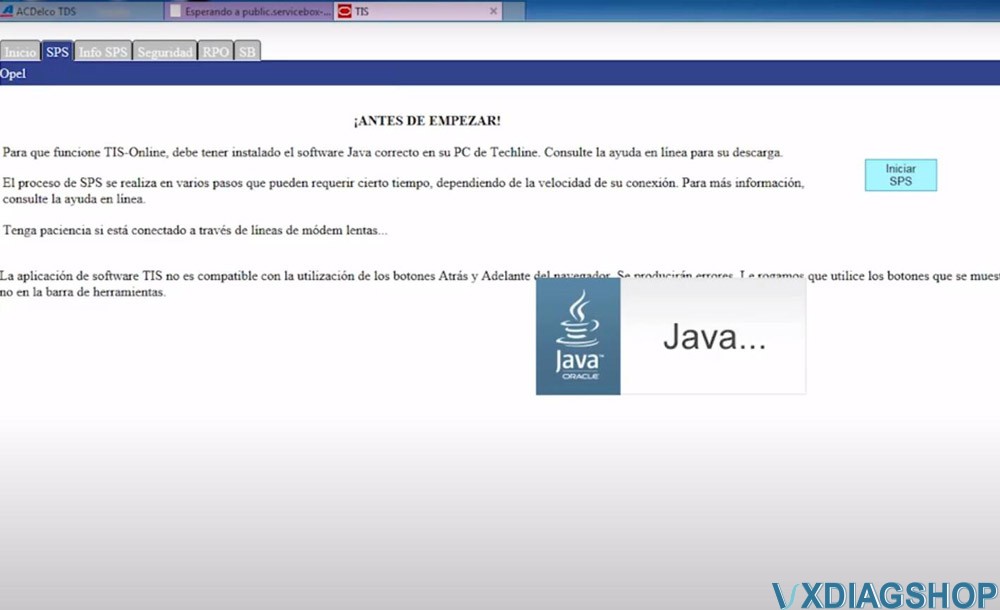
Select SPS programming, accept license warning message, then install SPS
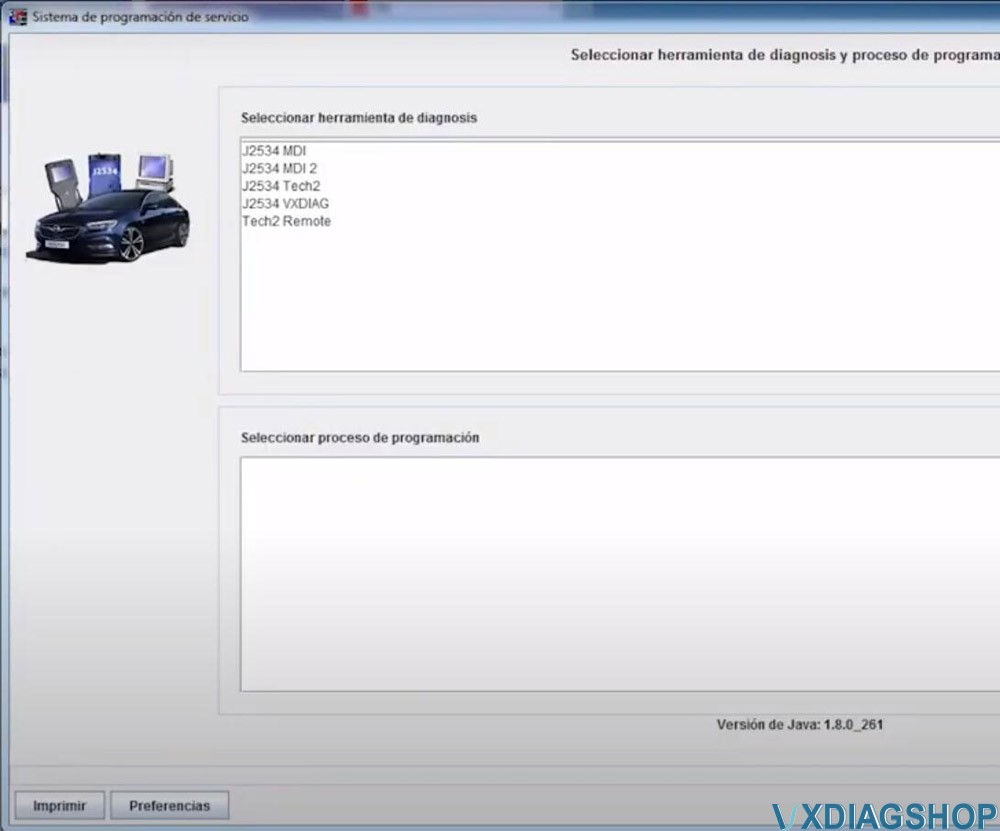
Select diagnostic interface (If there is J2534 VXDIAG, select it. If doesn’t, select J2534 Tool to connect)

Select vehicle information and device type (if failed to connect with VXDIAG Allscanner, select MDI2 instead)
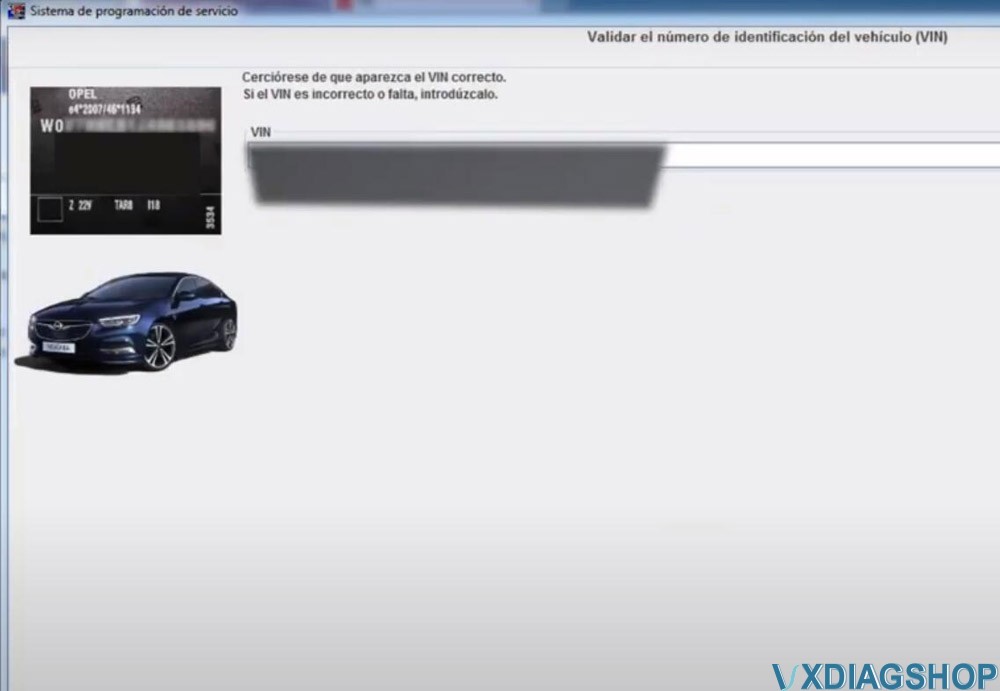
Confirm VIN
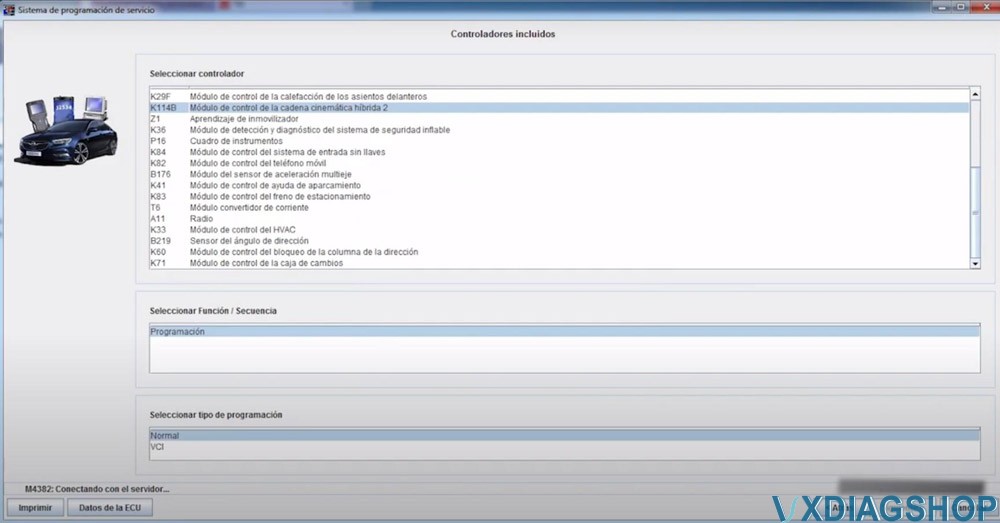
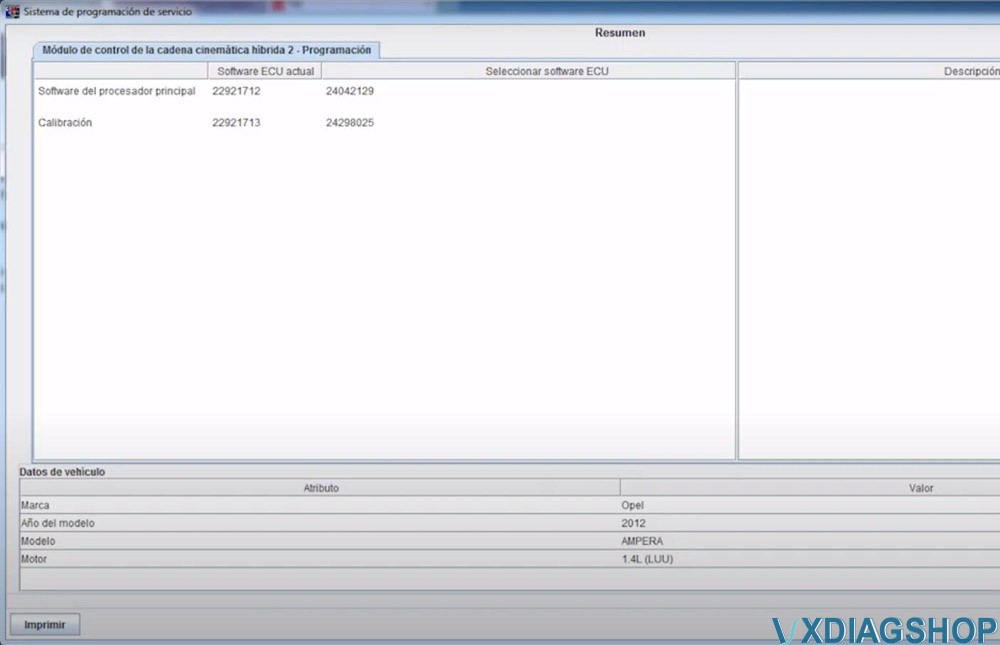
First we programmed the K114B Hybrid kinematic control module 2. Wait until the procedure completed.
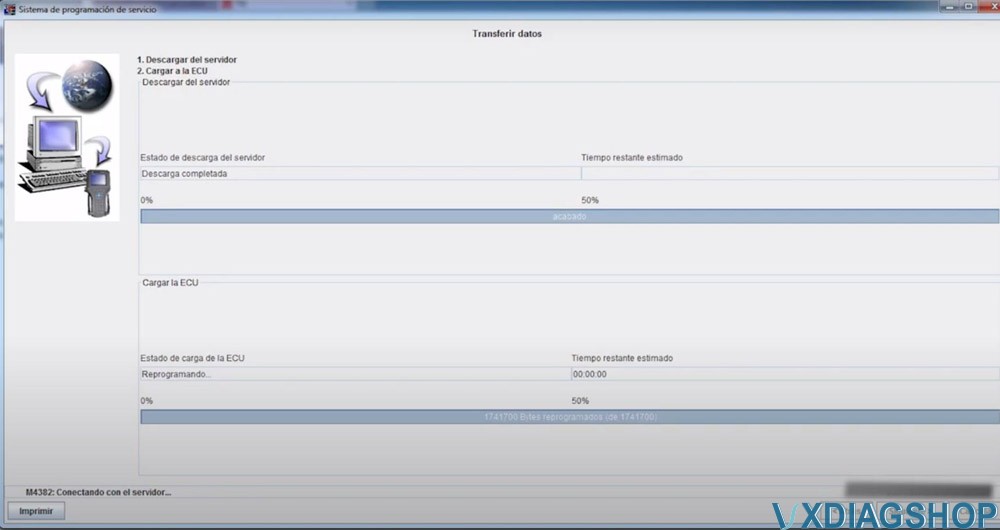
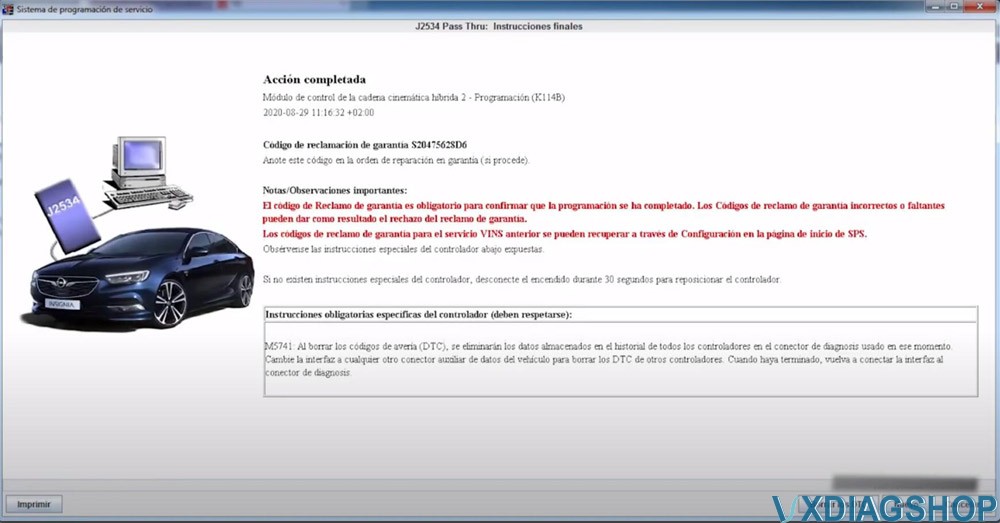
Erase fault code after programming the module
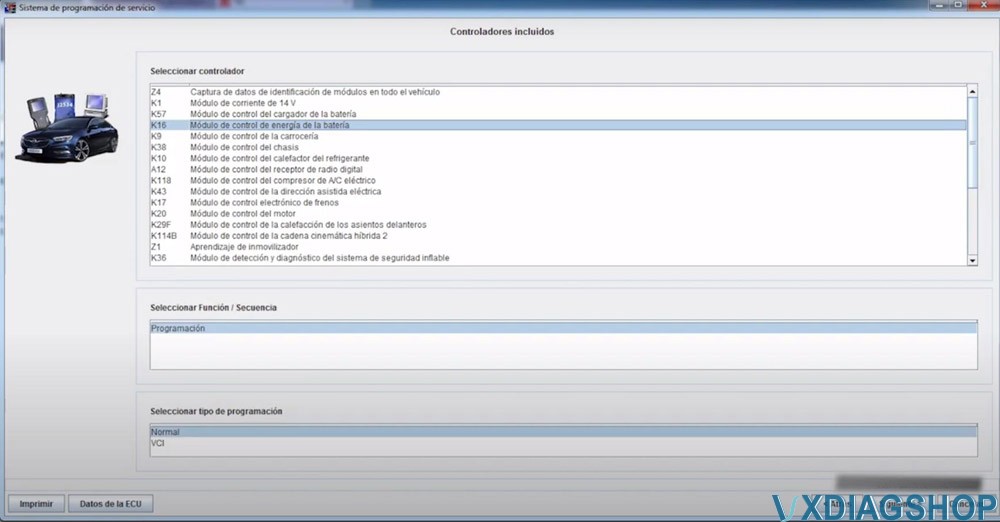
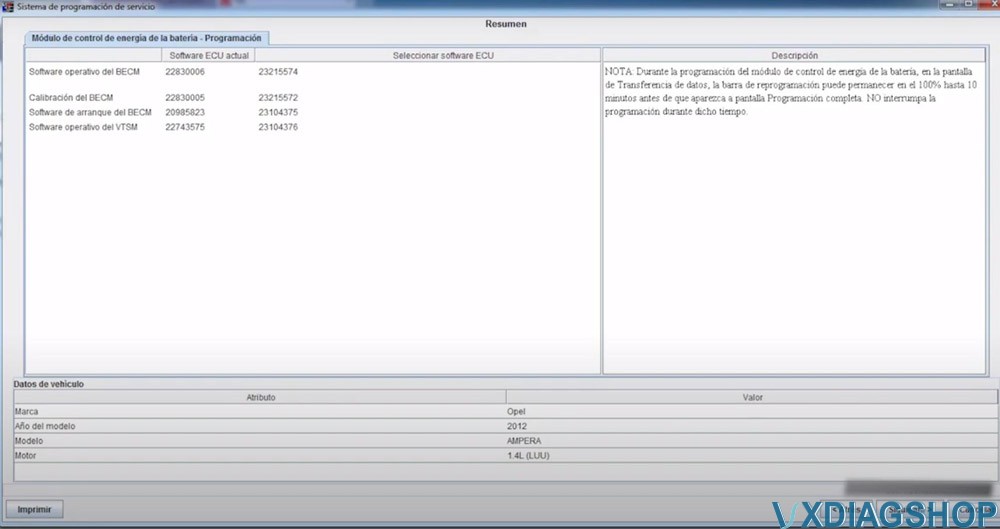
Then program KB16 Battery power control module. Wait until the procedure completed.

Again erase fault code when finish program 2nd module
You can program other ECU modules as well.
Read also: