VXDIAG Techstream Lexus RX450h Review on Win7
Here is my experience with VXDIAG VCX NANO Toyota J2534 and the crack version Techstream software. I actually installed the tool on a small Samsung Notebook (Windows 7, 10.1″) which has excellent battery life.
1st car:
Tested on my C-HR, it works quite well (with a certain slowness). We have access to an incredible amount of data (particularly the hybrid part).
2nd car:
Little test on the Rx. That works well.
For each system there is a screen giving the possible fault codes, a screen giving the state of the system with the parameters then an “active test” screen.
For example, for the “air conditioning” system, I chose a simple command:

For the air conditioning there is an interesting function, which varies the maximum speed of the compressor (probably “Target Speed”).
As regards the active tests of the hybrid system, they are to be used in a particular context.
The only ones that can be launched without any particular procedure (apart from the ventilation control) are the “Inspection Mode” (used for example for pollution control).
You can set to “ON” or “OFF” from the PC and see the status on the control screen:
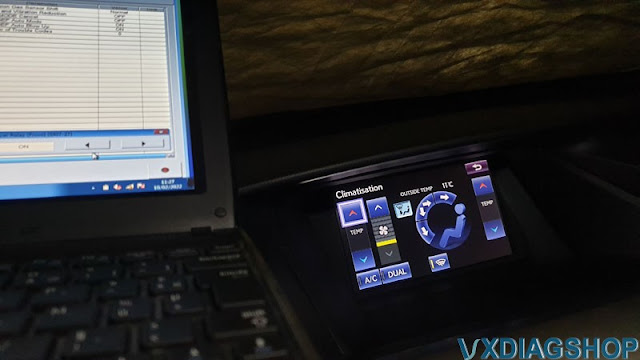
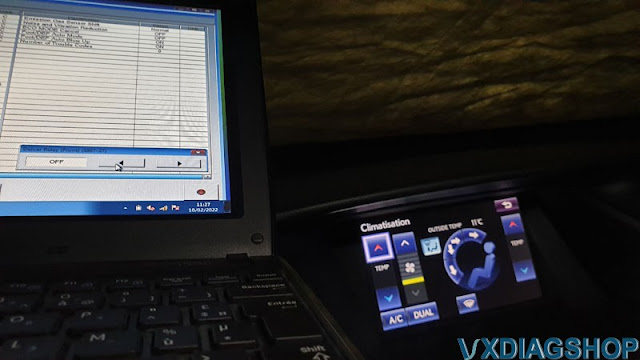
The hybrid function is copious (6 pages)

with interesting commands:
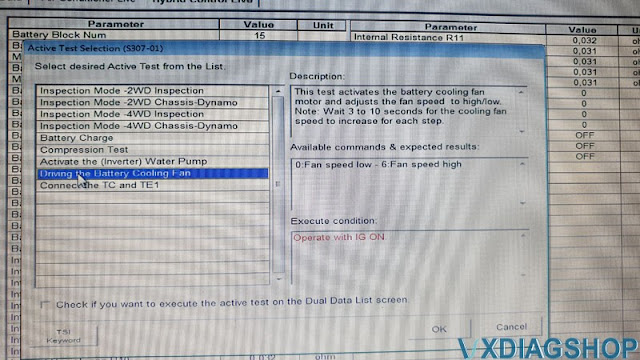
and others that seem risky.
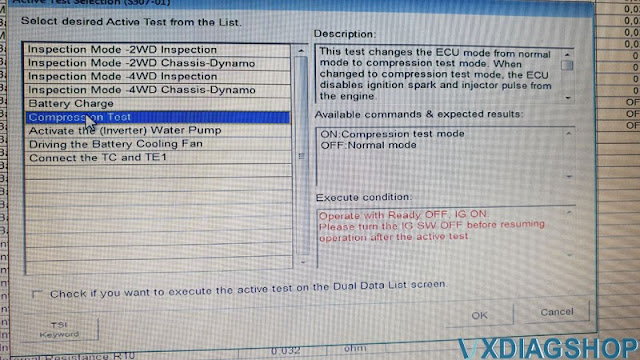
3rd car:
I have been using Toyota Techstream for a long time to check the good condition of my Land Cruiser injectors. There was clearly a lot less stuff on my Land Cruiser.
On hybrids, in the absence of defects, I do this out of curiosity. It’s quite fascinating to have access to all these parameters. Tracking the main battery status sounds interesting to me but there are quite a few things that get done with Hybrid Assistant.
I had fun finding in RX45h manual the use case of the active test that I mentioned.
TechStream is the ideal tool to associate with the repair manual!
Related reading: VXDIAG VCX NANO Techstream Review on 2010 Lexus Rx450h
RX450h VXDIAG VCX NANO Review on Lexus
I invested in this WiFi version VXDIAG VCX NANO Toyota Techstream scanner here for less than $100 here
https://www.vxdiagshop.com/wholesale/vxdiag-vcx-nano-for-toyota-wifi-version.html
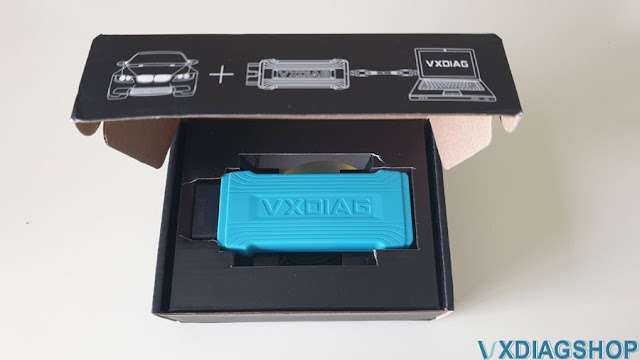
Small investment, it is very far from the prices of the official interface!
Received in about 2 weeks.
I took pictures of the packaging, but honestly, it’s 100% consistent with those displayed on the site above, so we let it go.
For reference:
– RX450h Gen3 (2010)
– lambda laptop under W10 (family edition, not even pro)
– be careful, the patch can cause some anti-viruses to squeak too sensitive.
In short: we feel the good stuff, it’s serious. Even the USB cable (which will only be used once) is of good quality.
On the “homemade” DVD there is TechStream 16 with its patch (I’ll come back to this later), and VX Manager program.
All this can also be downloaded from the site, as well as all the necessary documentation.
The vx manager program is very well done, and comes with other tools that I haven’t tested yet (in particular one called “OBD Voltage”).
The first connection must be made via USB, which enables WiFi to be activated:
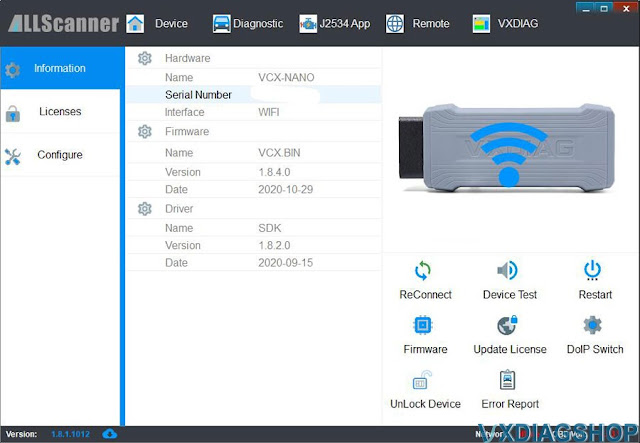
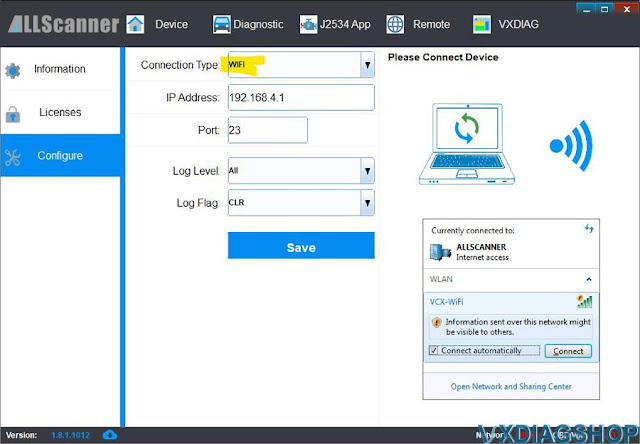
Be careful here you have to choose WiFi, WLAN is a priori to connect to an existing network.
There is also a small “WiFi Update” tool, which allows you to change some settings, and to access the integrated web server!
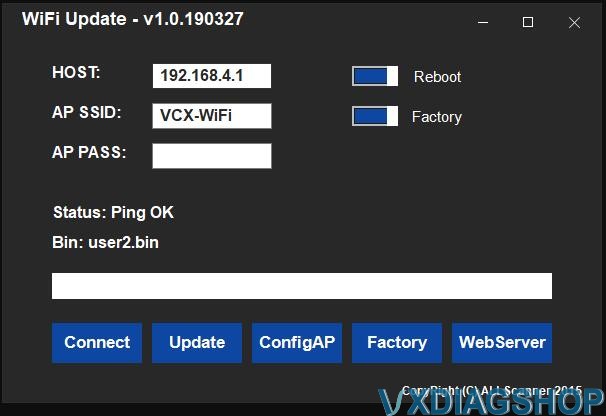
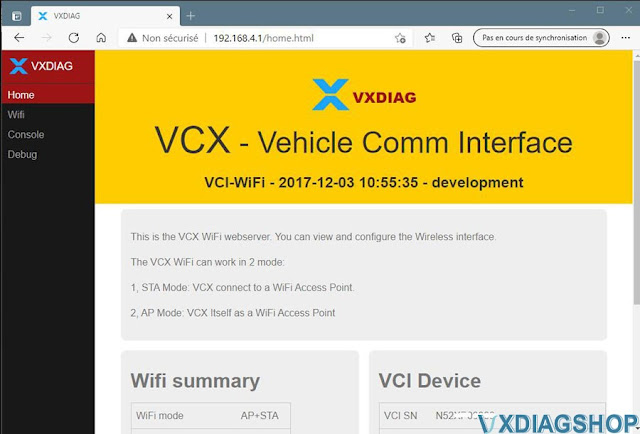
This web server provides access to advanced WiFi settings (station or access point mode, access point name, password, etc.). :
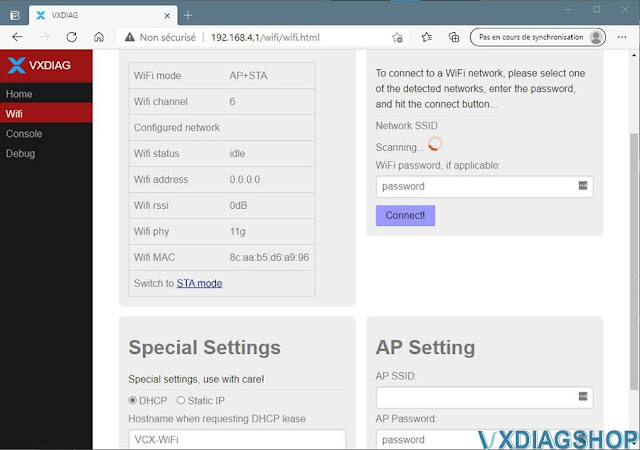
In summary, the basic mode provides its own Wifi network, and therefore no Internet access from your PC (it makes a private network between the box and your PC).
In advanced mode (“station”) which I have not tested, the interface can connect to an existing WiFi network like a lambda device, and therefore you retain Internet access.
Let’s come to the point.
On the site it is clearly mentioned that the adapter comes with the TS v15 and up supplied with.
I try anyway with my “old” TS v12. Bingo!
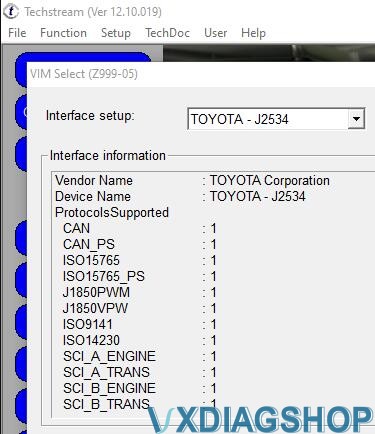
And you can clearly see the difference with my old wired box with 20$ (all lines at zero):
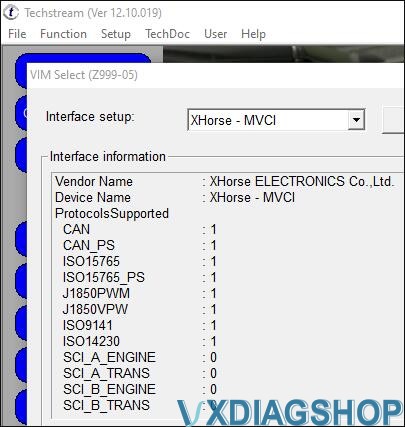
I didn’t have to configure anything in Techstream, the VXDiag installer apparently took care of it on its own. A good point!

Neither one nor two, heading to the RX!
The vcx nano Toyota connects without problem if we disregard the visit to the physiotherapist to find the connector.
BTW: no need to turn on anything, it works directly without pressing the magic button (look closely at the bottom of the box, the lights are on):
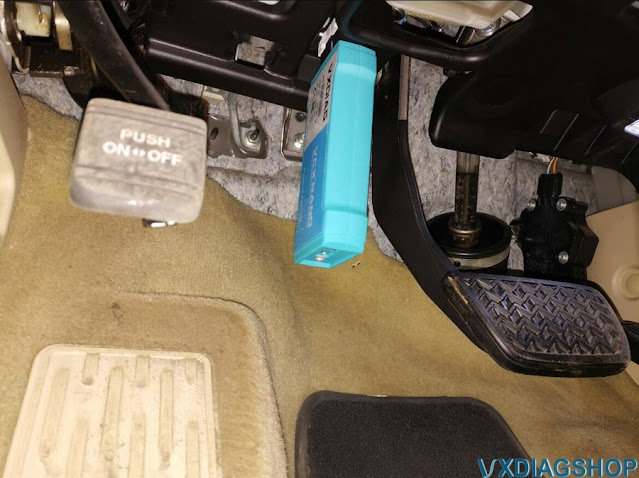
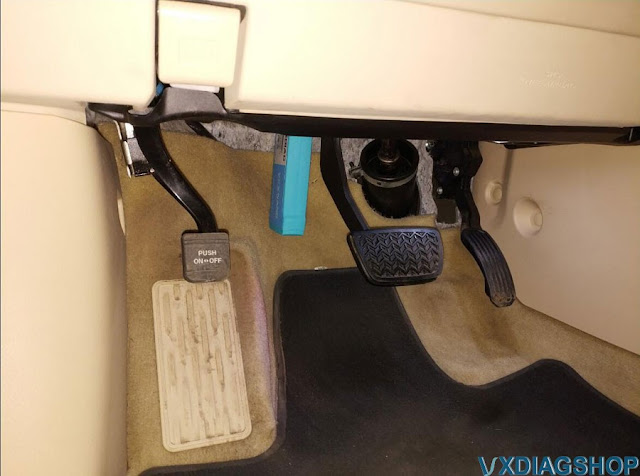
The reception is perfect, a good ten meters to the front of the vehicle, several dozen to the rear and the sides!
My good old TS v12 works very well, I take the opportunity to “read the counters”, change a beep level, test the lighting.
I decide to do a quick test.
Ah! Everything is explained! In fact, the patch of their v15 is a launcher, which checks that we are using their VCI!
And suddenly he doesn’t accept my old X-Horse at all (which I’m going to keep for a bit as a precaution).
Well, we have to grant them that the TS v16 works perfectly, but I’m dubious seeing the 2 days of license expiration time.
Windows rollback, here is my TS v12 again which will accept everything for another 3960 days.
In short: an excellent investment!
Lots of possibilities, advanced WiFi settings for the most demanding, and above all… access to TechStream from my lounge chair!
All this for a reasonable price.
https://www.vxdiagshop.com/service/vxdiag-vcx-nano-techstream-review-on-lexus-rz450h-2010.html
How to Transfer VXDIAG License to A New VCX?
As titled, we have customer consulting is it possible to transfer car software license to a new vxdiag device?
Yes, you can transfer license between vcx plus (the big device) and vcx se series except for vcx nano. Because vcx nano is a single brand scanner.
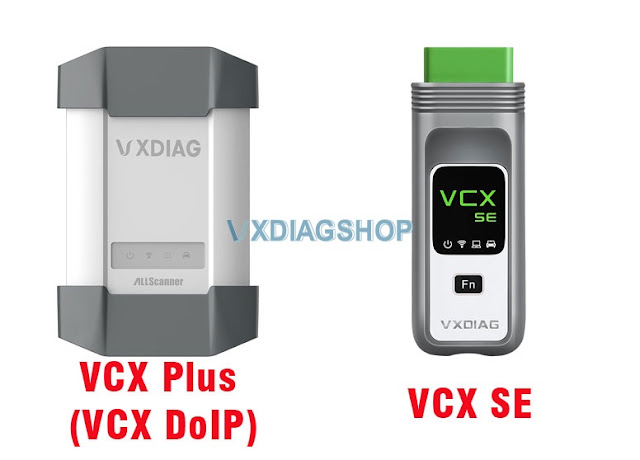
You can transfer vcx plus license to a vcx se device. vice versa.
Why/When need to transfer license?
- If your old vcx is damaged, just get a brand new vcx, then transfer your license to the new vci.
For example, if you get the vcx plus for Subaru, the hardware is damaged, you can buy a vcx se/vcx plus unit, transfer Subaru license to the new device, download Subaru software for free. Now you will have a new Subaru scanner.
Brand New VCX SE Hardware Only (USB, WiFi, Type C, LAN connection)
- If you need more than one device at the same time or prefer the smaller vcx se, you can transfer the license.
For example, you get the vxdiag vcx plus Honda, JLR and Toyota 3 in 1 device, you can transfer JLR license to a new vcx and download SDD for free. Now you have a new JLR scanner.
What is required to transfer license?
Provide the serial number of both devices to us. We will have your license transferred.
NOTE:
VXDIAG allows one-way transfer only.
After transferring software license to a new vcx, you can not transfer that license to the old device again.
How to Solve Cannot Run VXDIAG VCX SE ISTA-P Software?
Problem:
I had a problem running VXDIAG VCX SE BMW ISTA/P 68.0.800. Software started but does not continue, it quit and nothing. Any idea how to fix it?
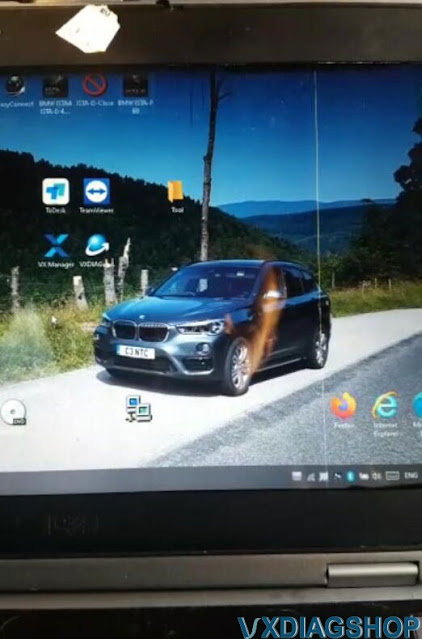
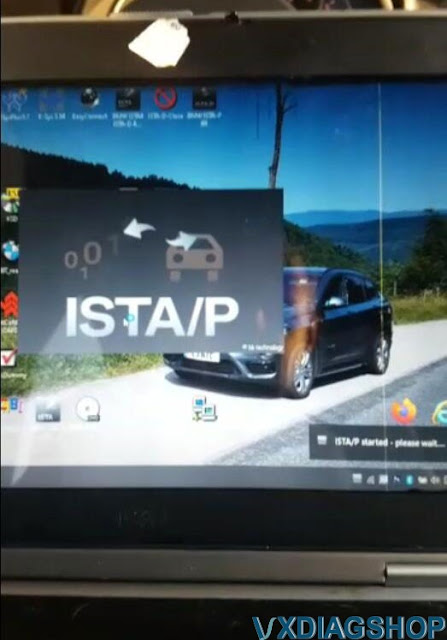
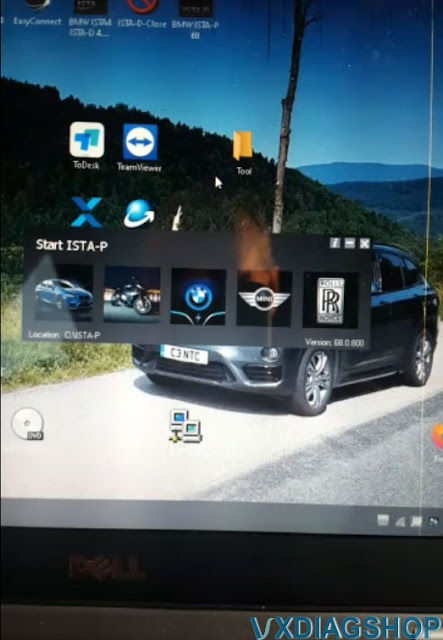
Solution:
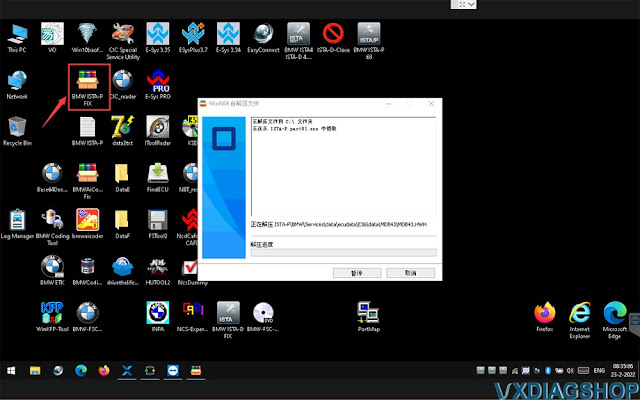
Run BMW ISTA-P FIX program on the desktop
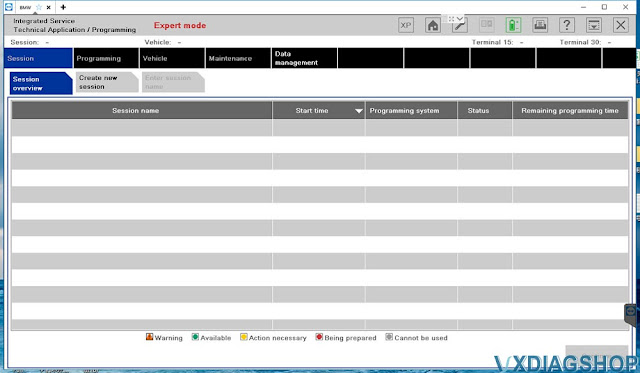
Run ISTA/P again. It will be ok.
VXDIAG VCX SE 6154 8.2.0 No EU Cars Solution
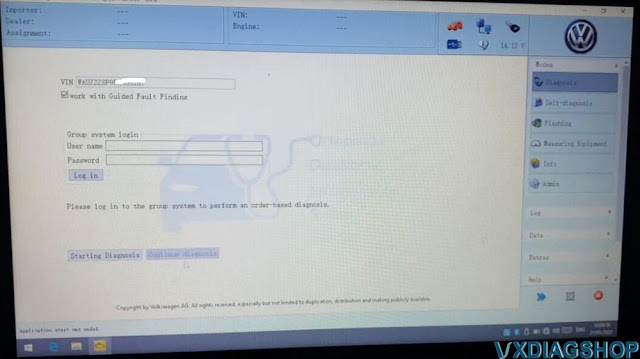
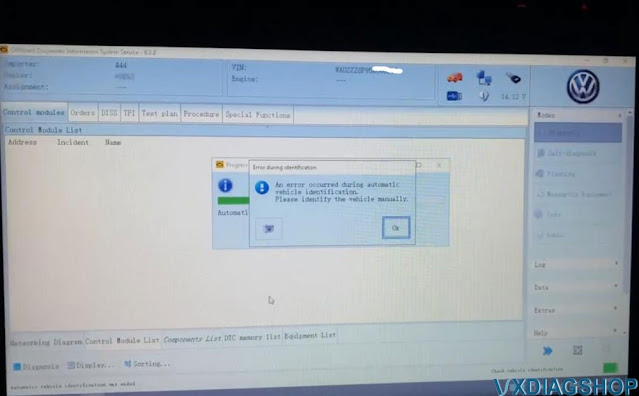
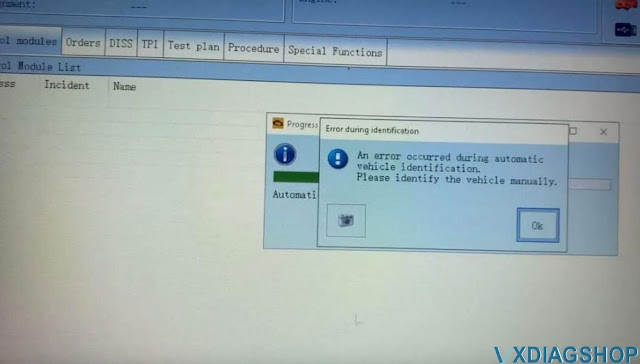
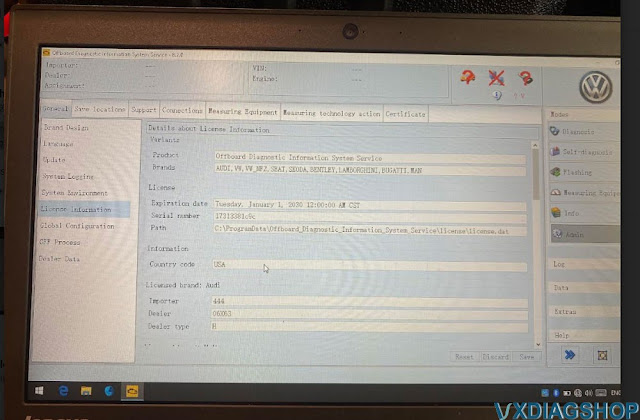
The vxdia vcx se 6154 O-D-I-S 8.2.0 software part only seems to have American cars in its sorting. aN error occurred during automatic vehicle identification.
Is it possible to add European models too?
Error images attached:
Solution:
VXDIAG VAG 8.2.0 ‘ALL’ software folder contains these files:
all, Audi, Bentley, Bugatti, Lamborghini, MAN, Seat, Shanghai VW, Skoda, VW, VWC, yiqi VW programs
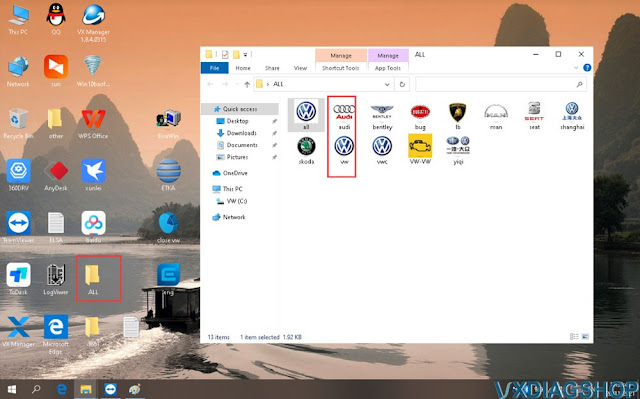
If need to troubleshoot European VAG models, you run VW, Audi, Skoda programs separately instead of ‘all’
Run ‘all’ software if you want to diagnose VAG cars from other regions. ‘all’ program contains major vag models.
https://www.vxdiagshop.com/wholesale/vxdiag-vcx-6154-software-hdd.html