Benz CBF Daimler database file to DTS Monaco
Here is the instruction to show you how to import Benz CBF Daimler database file to DTS Monaco engineering software.
How to add vehicle project database in DTS Monaco?
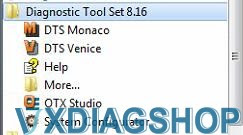
Run DTS Monaco software
VXDIAG Benz C6 and VCX SE DTS software do not require special settings nor activation, run the software and go.
Select ' Administrate and manage DTS Projects", Choose "Project administration", then right-click to create "New project"
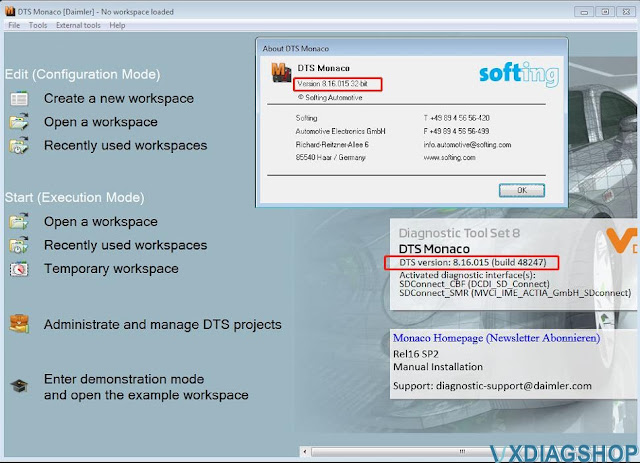
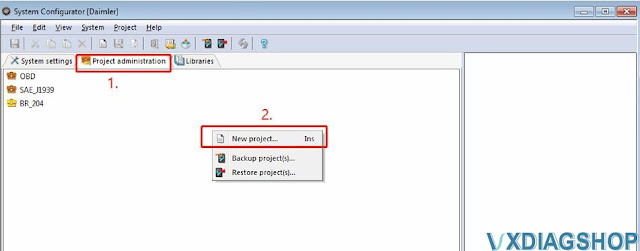
You will have now 4 possibilities for database import
-ODX/PDX file
-DTS 8 project (*.prj or *.xprj)
-Daimler database files (*.CBFs)
-Modular optimzed databases(*.SMR-D)
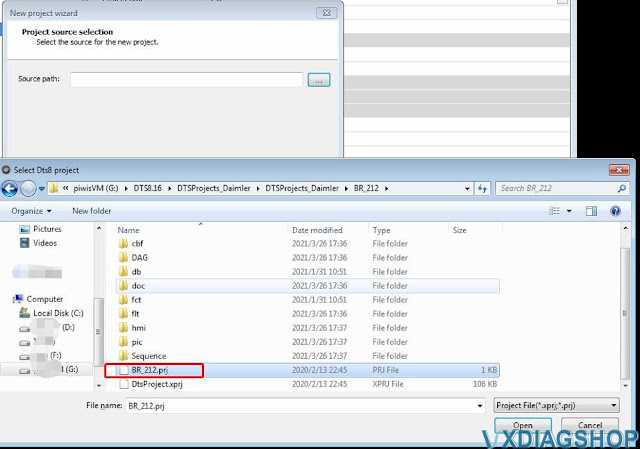
Select DTS8 project (import)
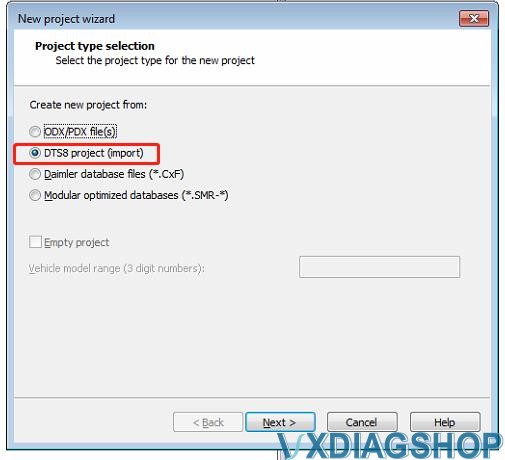
The DTS Projects should be completely available/organized/bought from somebody
Select the source for the new project
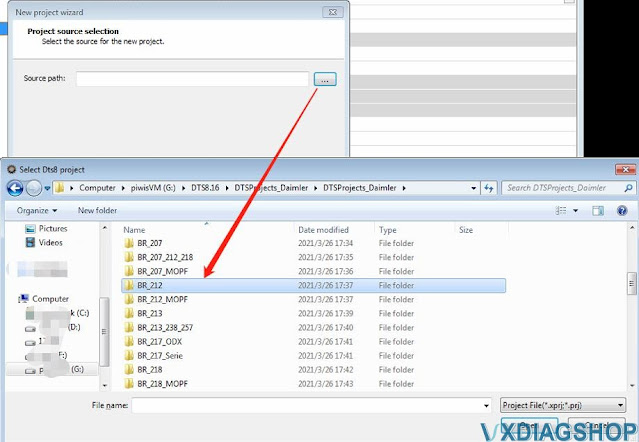
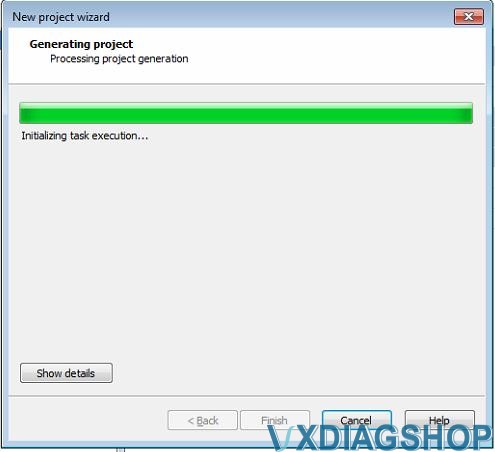
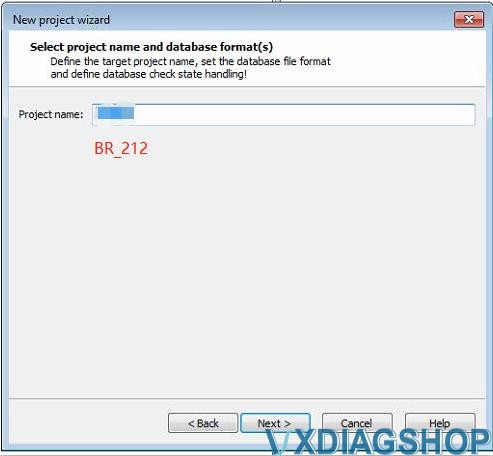
Choose carline name
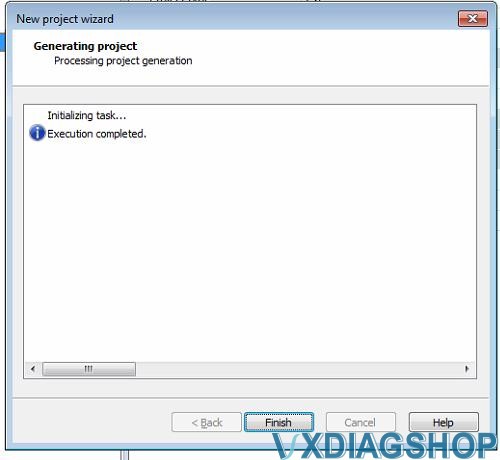
Click at the newly created project/
Check the number of imported CBF files
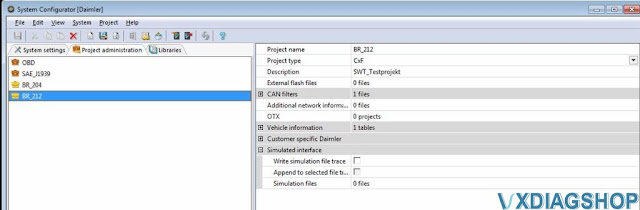
A bad set of mnc files looks like this
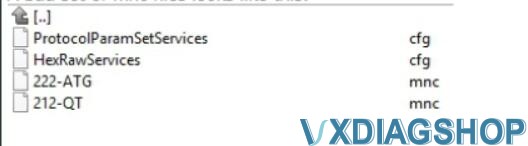
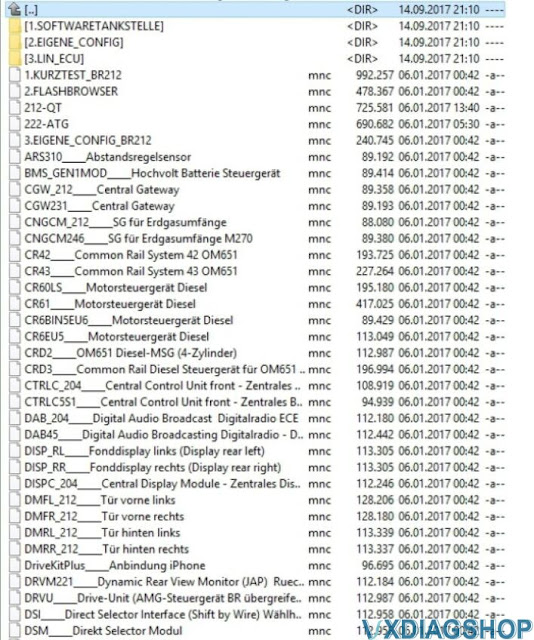
A very good set of mnc files looks like this:
It help to connect to the specific ECUs.
Or it helps open complete working areas like "Kurztest" or "flashbrowser" or "eigene Config"
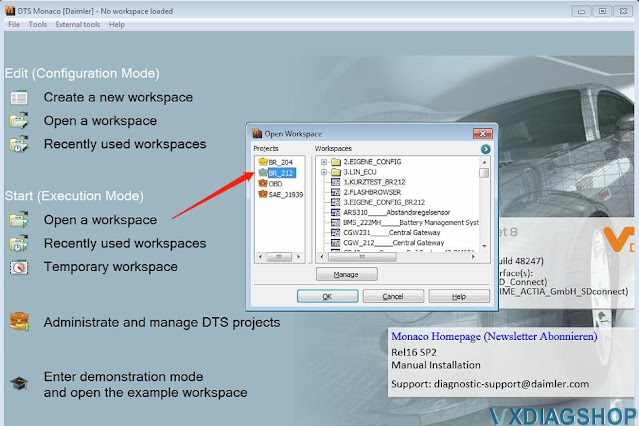
Open a workspace
https://www.vxdiagshop.com/service/import-benz-dts-monaco-cbf-database-file.html
VXDIAG VCX NANO GM VCI MDI, MDI2 or J2534?
Question:
I am a newbie to vxdiag vcx nano gm gds2. Which device vci type should I select, MDI or MDI2?
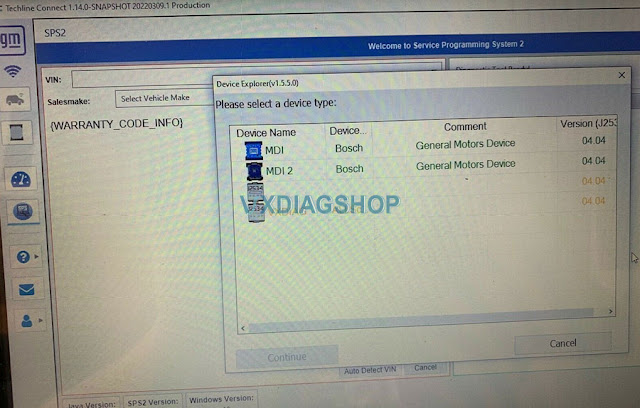
VXDIAGShop solution:
GDS2 will report error 'no selected default device detected' if selecting the wrong device type.
For diagnosis purpose. Select device type as MDI2.
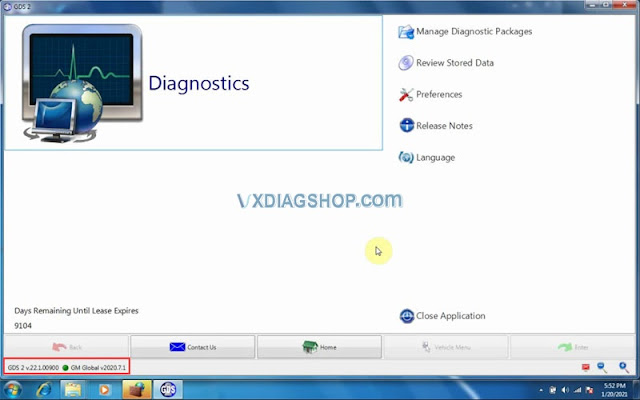
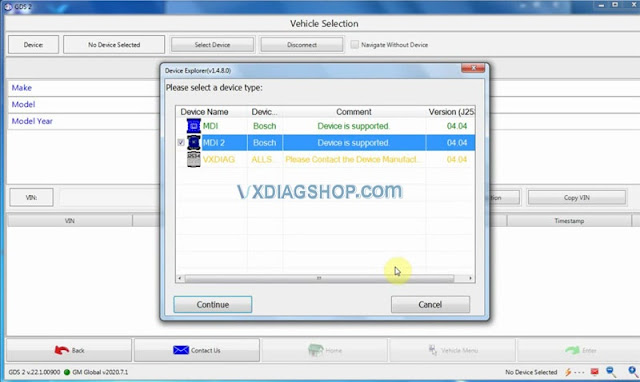
For SPS2 online programming, you selectVXDIAG Allscanner J2534passthru
Check How to set up vxdiag vcx nano gm for Techline Connect SPS2?
VXDIAG VCX SE Firmware tool Old After VX Manager 1.8.7?
Problem:
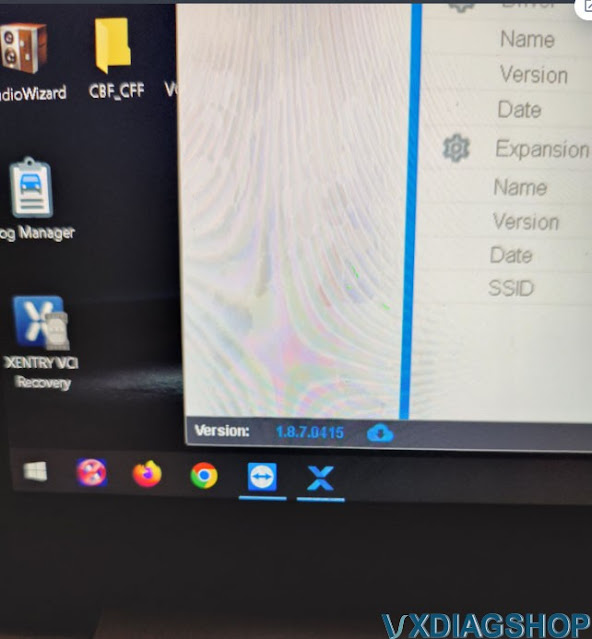
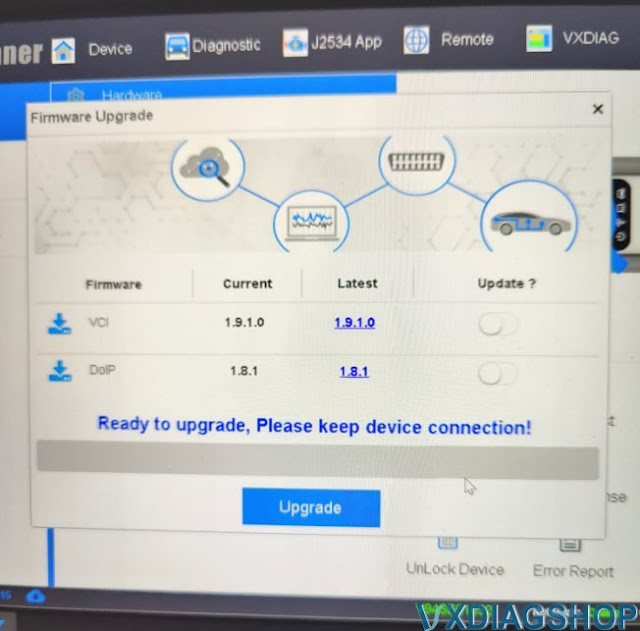
I got thevxdiag vcx se benz with full brands. I need help from your technician with my Xentry vci. Vx Manager wanted to update to new software ver: 1.8.7.0415! which I approved. After that, I don't get any contact with Vci or with Doip Switch. It says the firmware is too old! It also needs new firmware. The vcx se works fine before updating the vx manager. Can you help me with this?
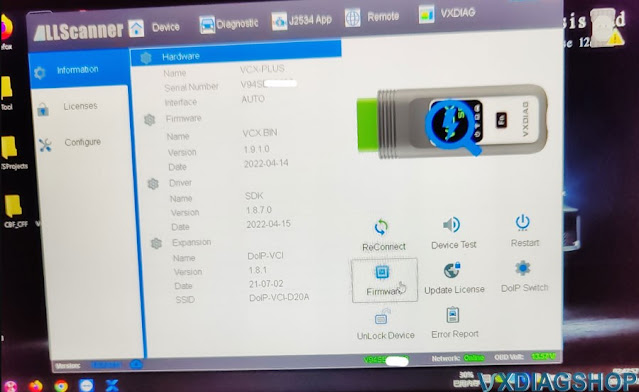
VxdiagshopSolution:
Here is the working solution after we checked via Teamviewer.
Your VCI and DoIP firmware is the latest version, and doesn't need an update.
Disconnectvcx se benzand reconnect again.
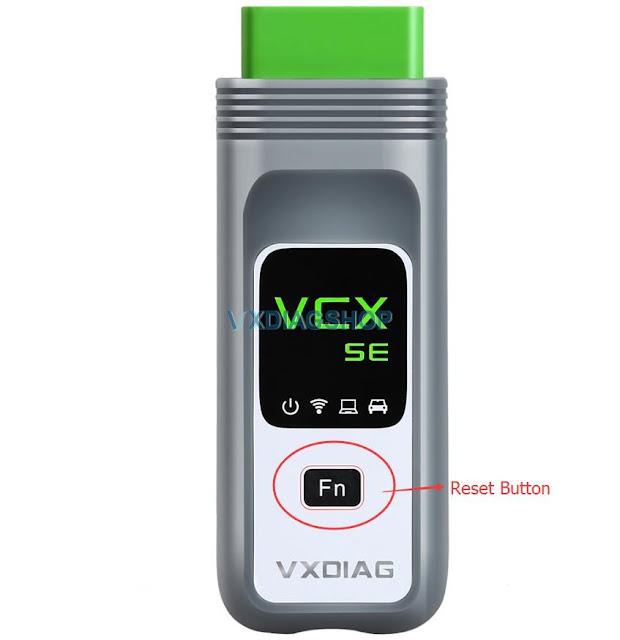
If not working, do a vcx se firmware reset.
Disconnect vcx se from laptop, press FN reset button, then connect to OBD, release FN button after 20 seconds, then connect to PC via USB or WLAN.
VXDIAG Ford IDS License Offline Activation Solution
Problem:
Failed to startvxdiag vcx nano ford IDSV122. It asks for IDS software license offline activation.
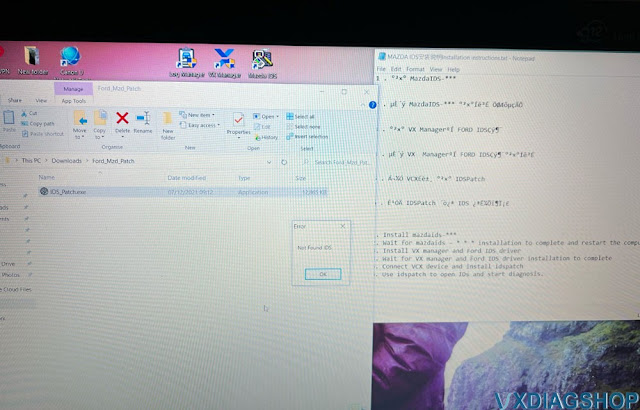
Failed to start from patch as well, error not found IDS. How to fix
it?
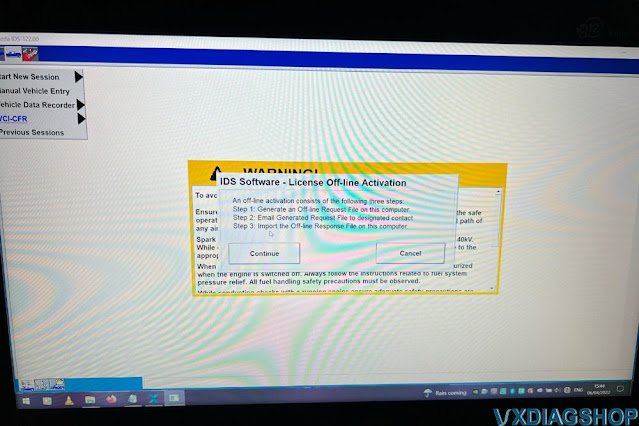
Solution:
V122 is too old.
Download latest version IDS V125 for vxdiag ford.
Follow installation steps on Notepad or our blog.
Run ids from patch, it works no problem.
http://blog.vxdiagshop.com/2022/04/07/free-download-vxdiag-ford-and-mazda-ids-v125-and-patch/
Upgrade VXDIAG VX Manager to V1.8.7 (with free download)
Current Version:1.8.7.0415
UPDATE:2022-04-15
Update New platform SDK v1.8.7.0
Add WCH USB device driver
Fix DoIP
firmware update failure
Fix VCI firmware update does not prompt
Free download VX Manager 1.8.7
http://www.vxdiag.net/managecenter/download/vxdiag.zip
Mega download
https://mega.nz/file/DcR1FYZB#9lEFR55vEUHd_wBR3ZDw7SBzqQwWC3Eooe199EI4rw0
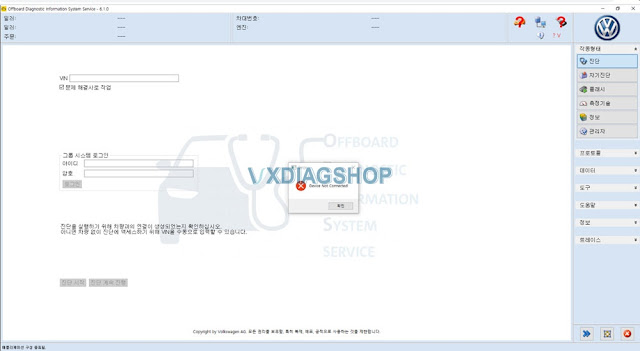
The new version also fixes vxdiag vcx nano/vcx se odis 6.xx, 7.xx, 8.xx device not connected problem.
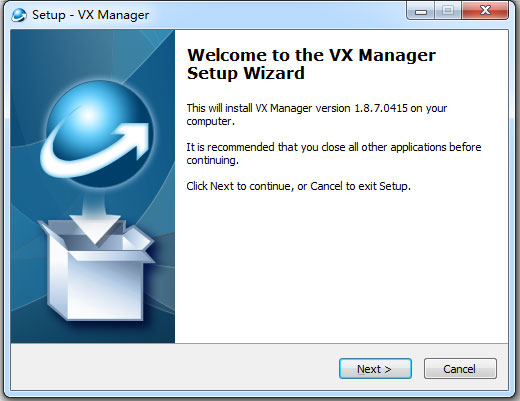
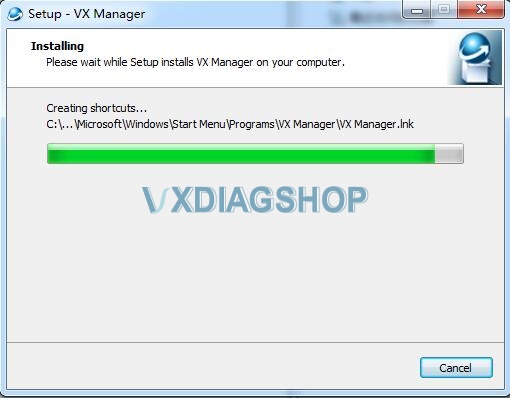
How to Install VX Manager driver?