How to change language in VXDIAG VCX SE ODIS 9.1.0?
Problem:
Just got the VXDIAG VCX SE 6154 ODIS 9.1.0 downloaded but failed to change language. Error DS9006E MirrorServer2
Infrastructure. Online connection. MirrorServer2: Administration rights are required for the update. The installation language cannot be deselected.
.jpg)
Solution:
The ODIS 9.1.0 mega download link comes with Chinese language pack only. Users cannot change the language.
If need to change software to other language, choose 9.1.0 Engineering V14.0.0 Software HDD 500G
Available language: English Japanese Portuguese Romanian Korean Dutch Polish Turkish Spanish French Italian Croatian Danish German Swedish Finnish Slovenian Czech Russian Greek Chinese
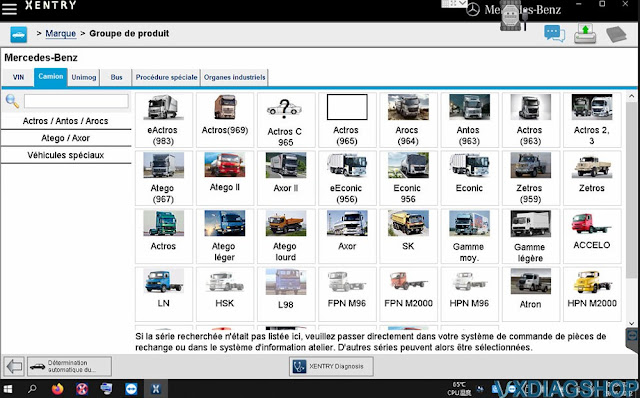
VXDIAG Benz Xentry Truck Data is Wrong Solution
Problem: I had a wrong data error when running 2022.3 vxdiag vcx se benz xentry truck program on the desktop. Any solution?
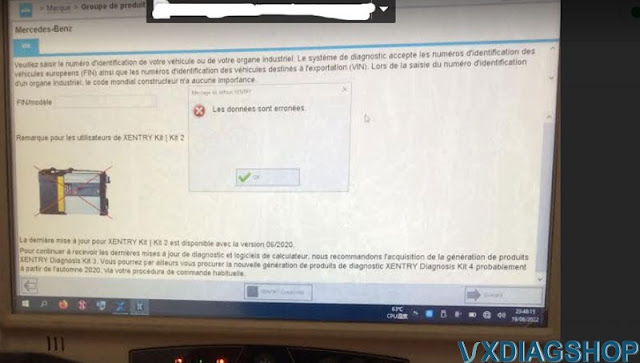
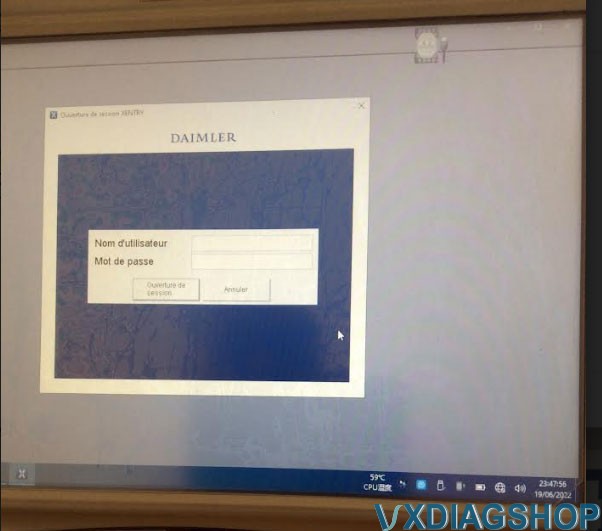
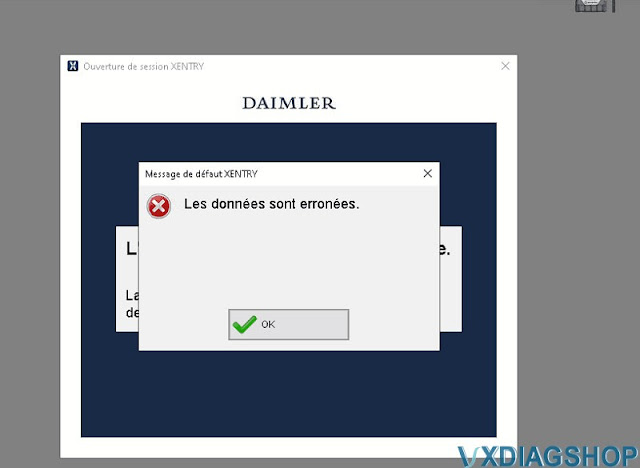
VXDIAGSHOP Solution:
RunFIXprogram on the desktop
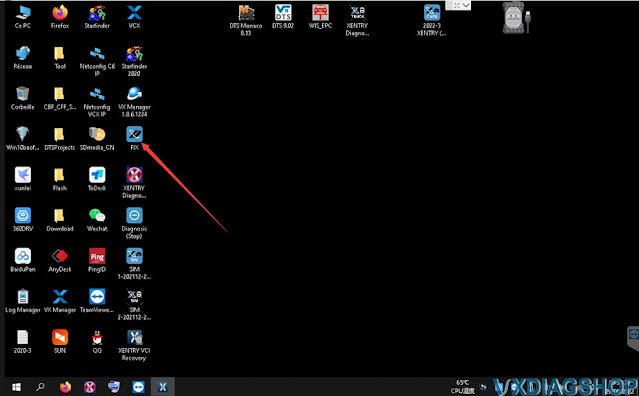
Open Xentry Diagnosis (Truck)software again
Xentry truck and car software are separate. If need to diagnose cars, run Xentry Diagnosis (cars) and vice versa.

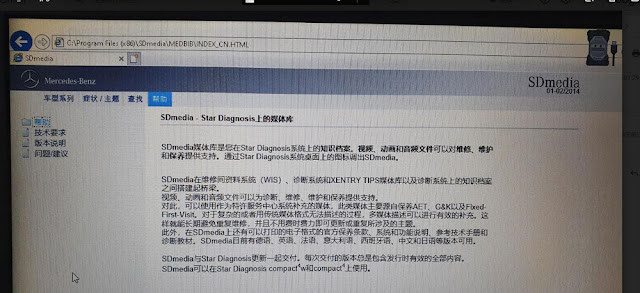
How to Change SDMedia Language of VXDIAG Benz?
Here is a little write-up on how to change vxdiag benz SDMedia 2014 software language.
Mercedes Benz SDmedia is a multimedia guide that contains information about the repair and maintenance of vehicles of the firm, with visual clips that facilitate the process of solving problems, and is in addition to the program Mercedes-Benz DAS/Xentry.
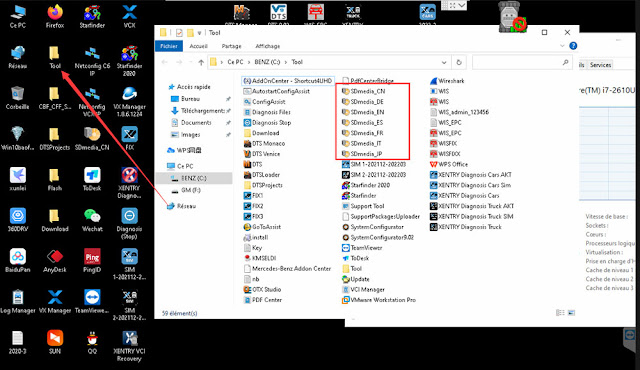
RunToolfolder on the desktop
In the Tool folder, you'll find various index.html files which determine the
display language.
index_CN.html = Chinese
index_DE.html =
German
index_EN.html = English
index_ES.html = Spanish
index_FR.html =
French
index_IT.html = Italian
index_JP.html = Japanese
Make a double-click on your language according file to start SDMedia 01.2014.
SDMedia multi-language: Chinese, German, English, Spanish, French, Italian, Japanese
https://www.vxdiagshop.com/service/change-vxdiag-benz-sdmedia-2014-language.html
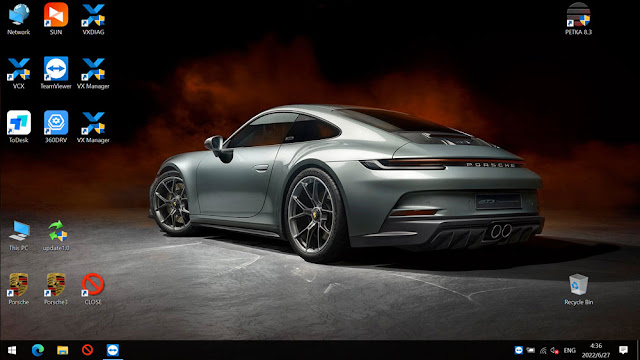
VXDIAG Porsche Software V40.750 Test Report
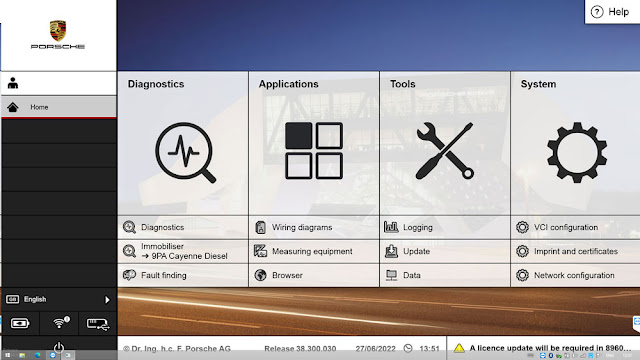
VXDIAG VCX Porsche PW3 tester released to V40.750.50 on June 27th, 2022.
Dual System
V40.750.50 (V/E/P modes) Windows 10 Pro operating system
V38.300 (V/E/P modes) Windows 8.1 operating system
PETKA 8.3
Compatible devices: Vxdiag VCX DoIP Porsche,VXDIAG VCX SE DoIP Porsche
Support all from 2005-2022:
911(997)
(991)
Boxster/Cayman (987)
Cayenne up to MY 2010
Cayenne from MY
2011
Panamera
It is the only Software supports (latest version), especially the latest models:
Paramera (971) 2018-
Caynenne (92A) 2018-
Macan (95B) 2018-
911
(991) 2018-
and other old models
PC requirements: SATA Hard disc Port, At least 4GB RAM, I5 CPU, Screen Resolution 1920*1080 pixel
Porsche Tester V40.750.50
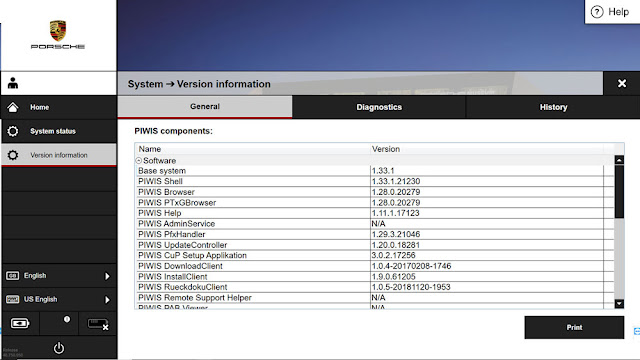
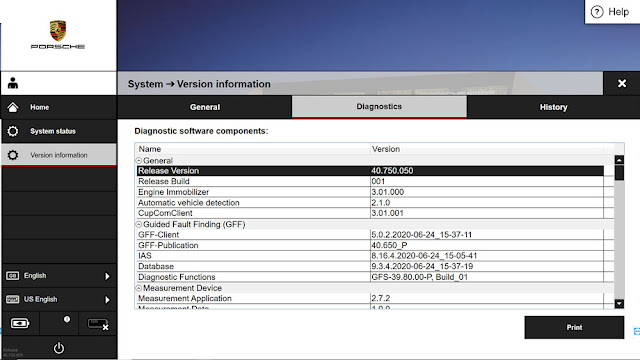
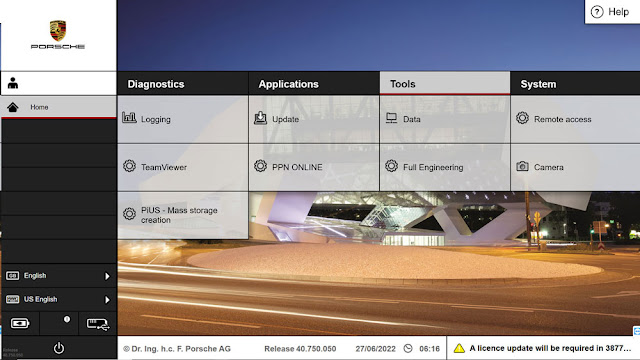
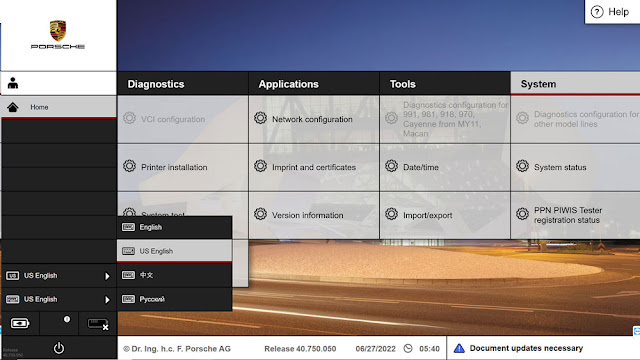
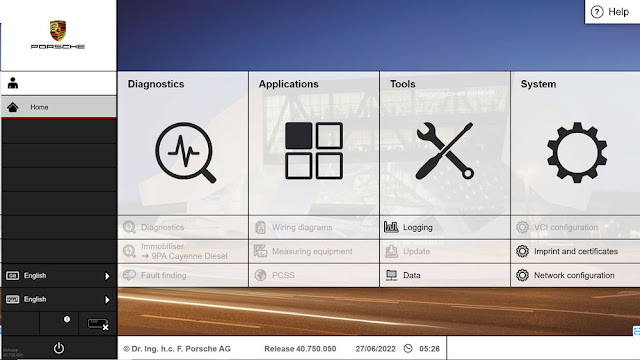
Porsche Tester V38.300
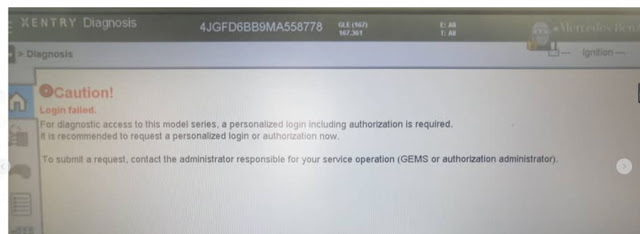
VXDIAG Benz Xentry failed to connect to car: Login Failed
Question: I hooked up the vxdiag vcx se benz xentry 03/2022 on my Mercedes benz 2021 GLE W167. vcx se failed to connect to car. Xentry reported error login failed.
'Login Failed
For diagnostic access to this model series, a personalized
login including authorization is required.
It is recommended to request a
personalized login or authorization now.'
Any idea how to fix?
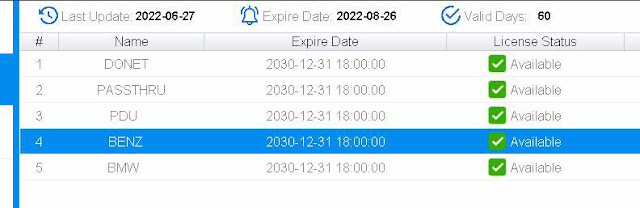
Daimler change the game with xentry accounts now.
DSB, EVA, Logistikbus, SPPS, VeDoc, WIS / ASRA, XENTRY TIPS Writer applications are afftected.
Every diagnosis user must independently request the Standard Diagnosis rights via https://umas.daimler.com/umas and run through the one-off identification process. It may also be necessary for the market-specific ISP support to create the user in GEMS if they do not yet have a user ID.
To diagnose Mercedes Benz W167 W213, you need xentry diagnosis authorization which we don't provide.