Honda CVT DCT gear Calibration with HDS
Here is the step-by-step guide of Honda CVT DCT gear Start Clutch calibration procedure using the Honda diagnostic system HDS and VXDIAG VCX Plus device. VXDIAG HDS works well Honda, recalibrate and update modules software without any problems.
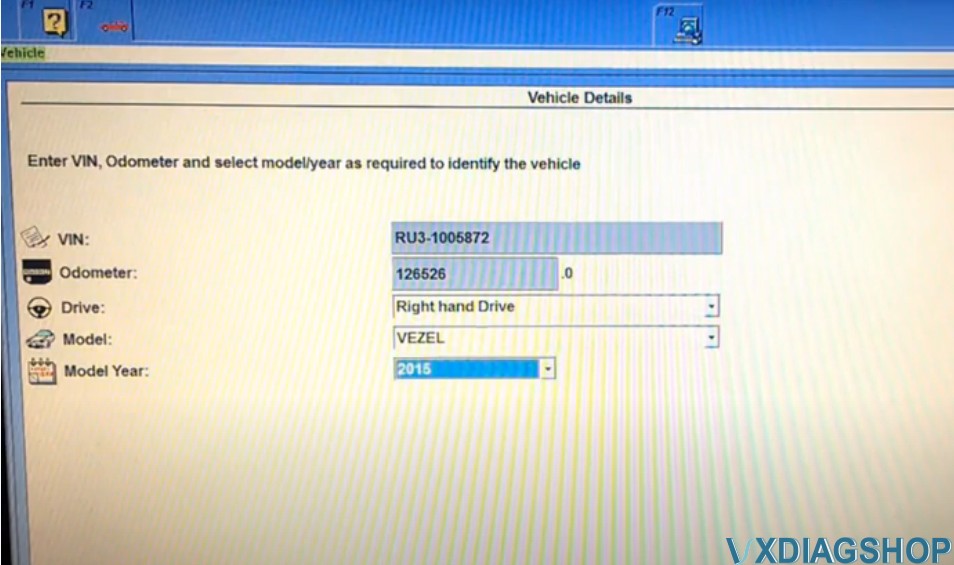
Run HDS software, complete vheicle informaton
i,e a 2015 VEZEL
Select Honda Systems – AT – Adjustment Menu – Clutch Assembly by Pressure
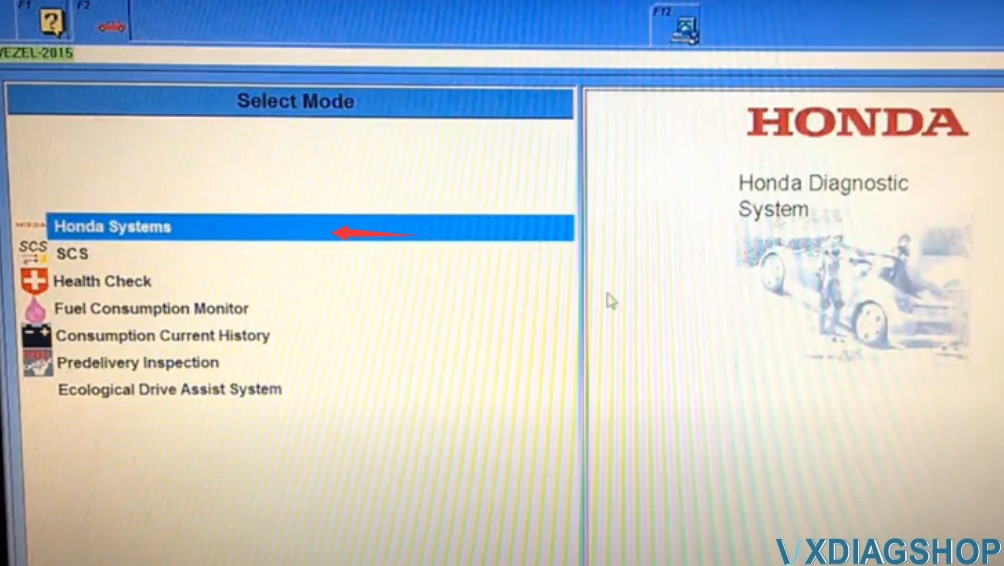


Stop the engine and stop the vehicle
Select parts you have already replaced: Clutch Assembly by Pressure
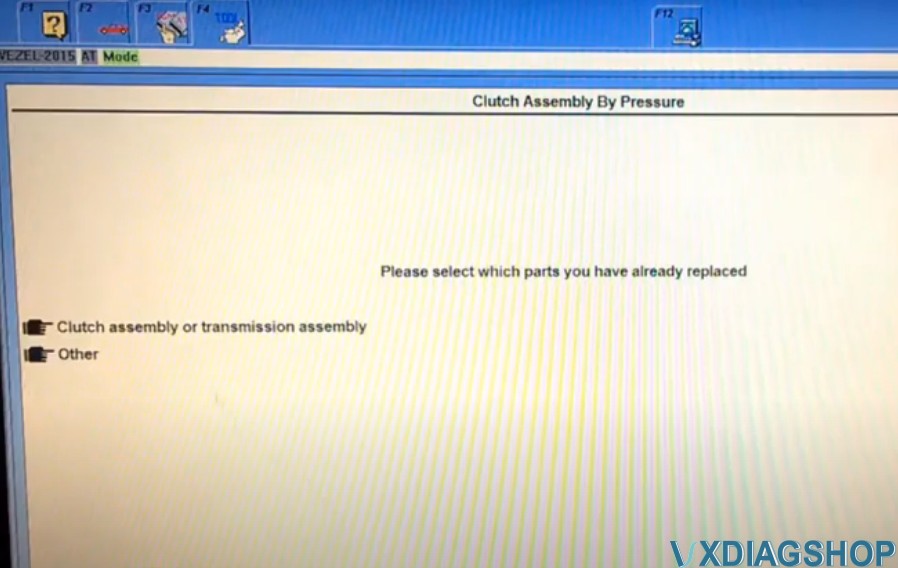
Confirm the parts has been replaced.
Turn the ignition switch off
Turn the ignition switch on
Turn the ignition switch off
Turn the ignition switch on
Turn the ignition switch off in 30sec
Turn the ignition switch on

Operation success. Detect an DTC P2788, clear the DTC.
Go to back to Adjustment Menu, select Clutch Filling Check

The test takes up to 20 minutes, connect the vehicle to a battery booster. Stop the engine and vehicle, parking brake is ON.
Turn the ignition switch off in 30sec
Turn the ignition switch on
Clutch Filling Check operation has been completed
Go to back to Adjustment Menu, select EOL Reference Search
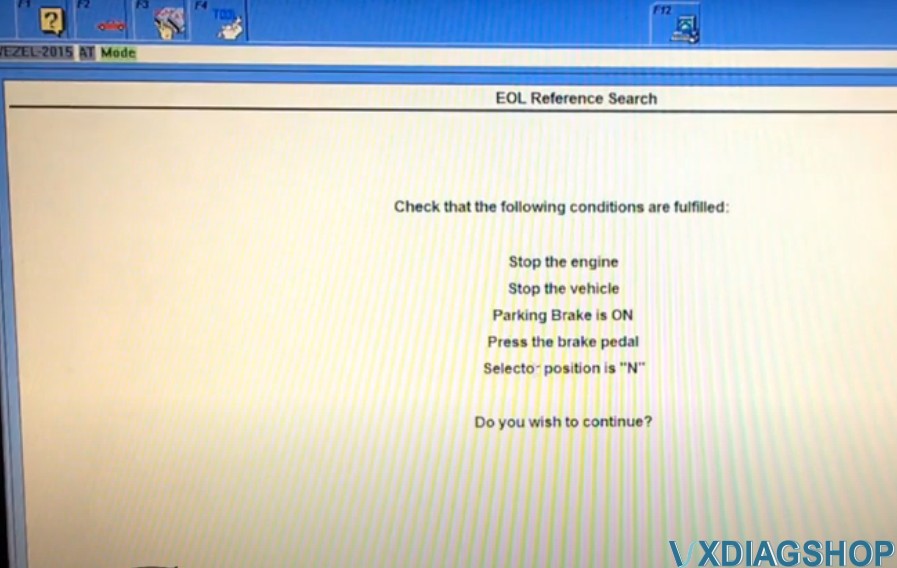
Stop the engine, stop the vehicle, the parking brake is ON, press the Brake pedal
Turn the ignition switch off in 30sec
Turn the ignition switch on
Operation success
Select EOL Learn Gear
Stop the engine, stop the vehicle, the parking brake is ON, press the Brake pedal
Turn the ignition switch off in 30sec
Turn the ignition switch on
Operation success
Select Clutch Clamp Force Characteristic

Stop the engine, stop the vehicle
Turn the ignition switch off in 30sec
Turn the ignition switch on
Operation success
Select EOL Learn Synchronizing in Sequence
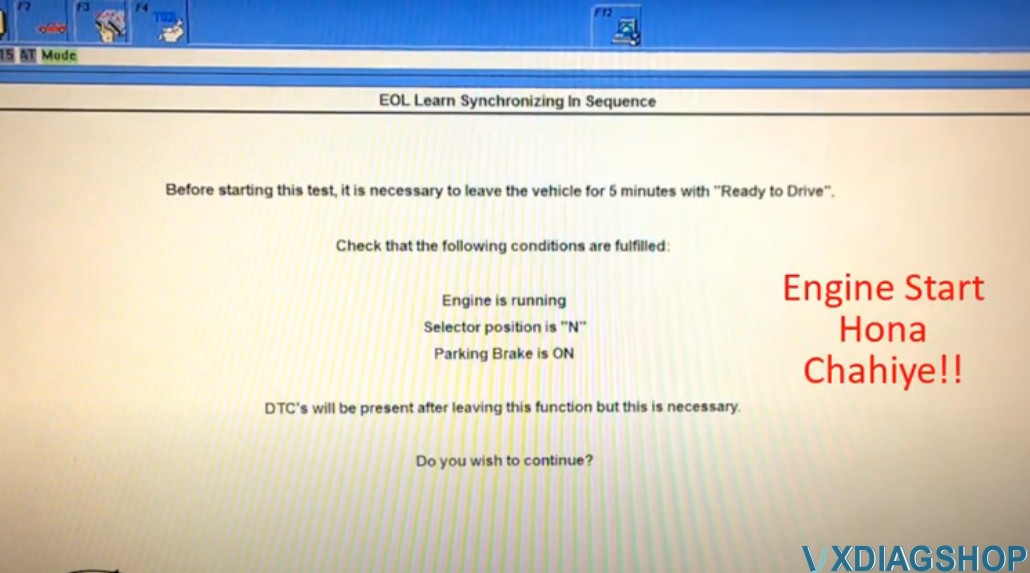
Make sure engine is running, selector position is N, parking brake is ON
Leave the vehicle for 5 minutes with engine running
The vehicle is now ready to run the test
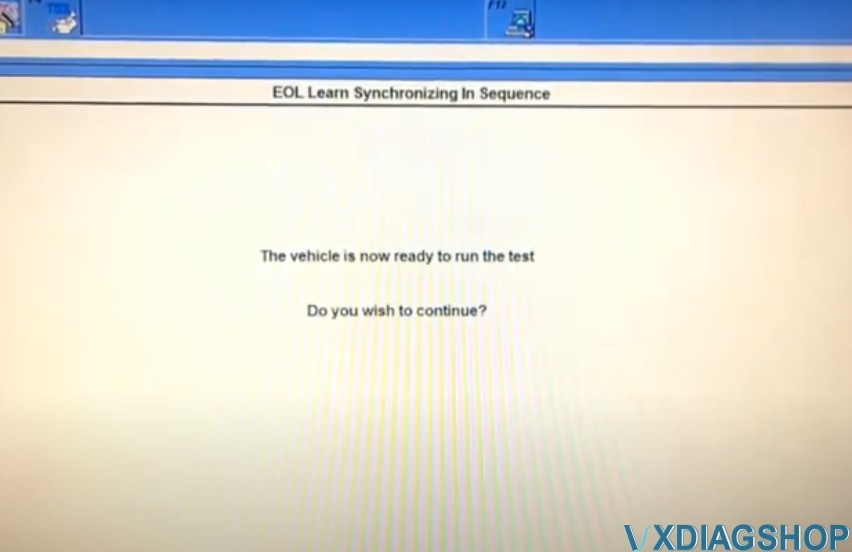
Make sure engine is running, selector position is N, paring brake is ON, press the Brake pedal
Turn the ignition switch off in 30sec
Turn the ignition switch on
Operation success, delect DTC P287C


Select Shift Clutch Quality Test
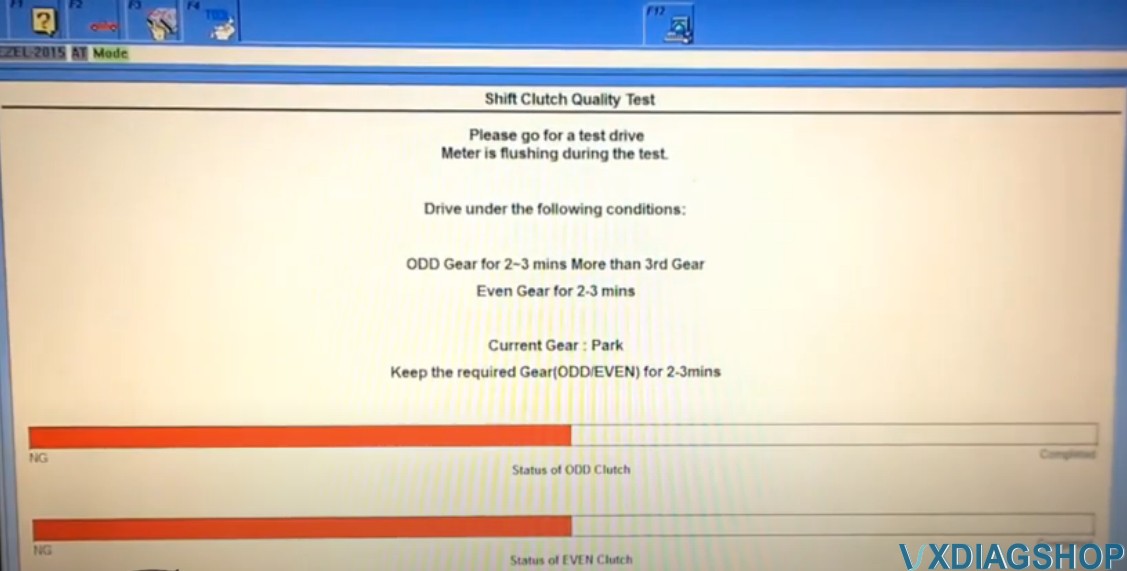
A test drive of about 10 mins is required during this process.
HDS will beep and judder will be smooth when the process is completed
Make sure engine is running.
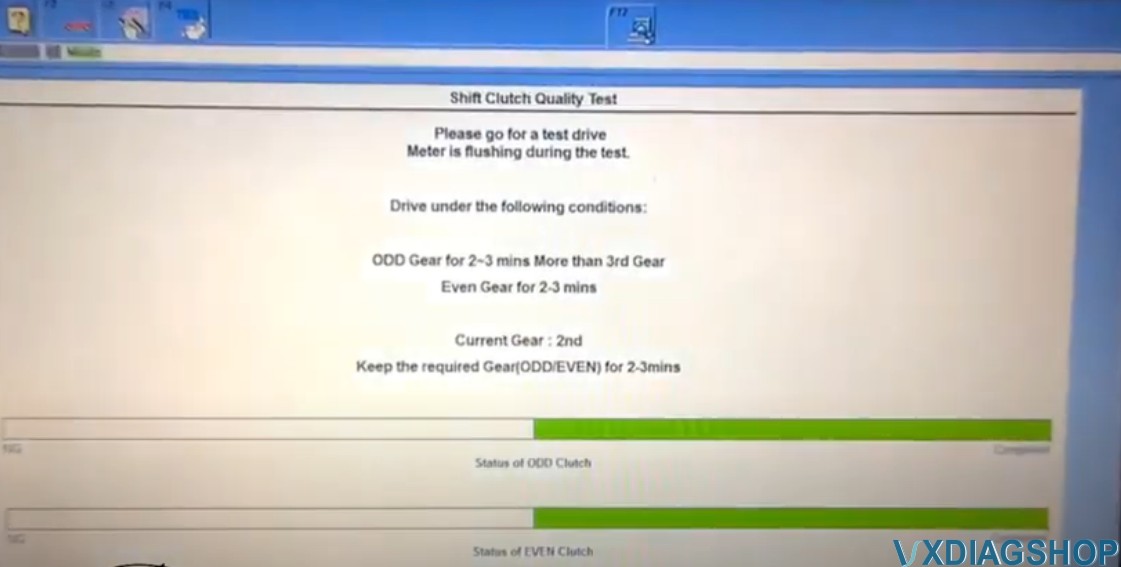
Turn the ignition switch off in 30sec
Turn the ignition switch on
Operation success
Select Open The Refill Orifice
Stop the engine, stop the vehicle, there are no DTCs on this system, parking switch is ON.
Turn the ignition switch off in 30sec
Turn the ignition switch on
Operation success
VXDIAG Toyota Test with Techstream 16.00.017
I decided to have a laptop-based diagnosis solution for the Yaris 2016 SE. I was told there is an OBDII –> USB cable/dongle called VxDiag VCX Nano for Toyota that works very well and is reasonably cheap if you already have an old laptop you can dedicate to a diagnostic laptop.
So i get my cable ordered and it has now arrived from the vxdiag site.
I have installed V16.00.017 of Techstream along with V1.8.1.1012 of the VX Manager drivers. For others doing the same, you need to ensure you get the latest version of VX Manager (which is not necessarily the same as the supplied CD), for the license hacks to work, otherwise you are likely to see expired licenses and a request to update them. The interface purports to be J2534 compatible, which is apparently needed to perform reprogramming as opposed to cheaper interfaces which are for diagnostics only. This one can do both.
The vehicle model is identified as NSP15# and the Engine as 1NRFE. (The vehicle is in fact an NSP150-AHXRV) so I’m okay with that.
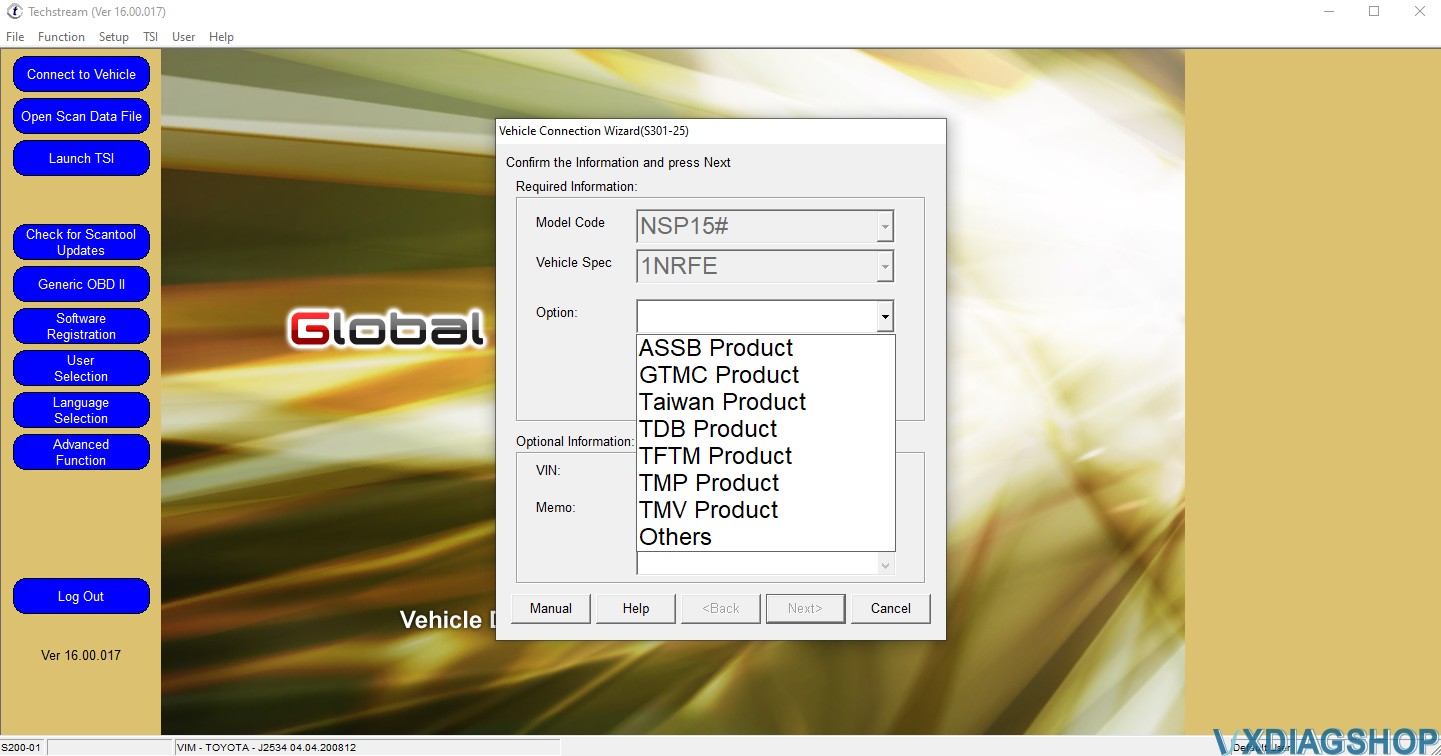
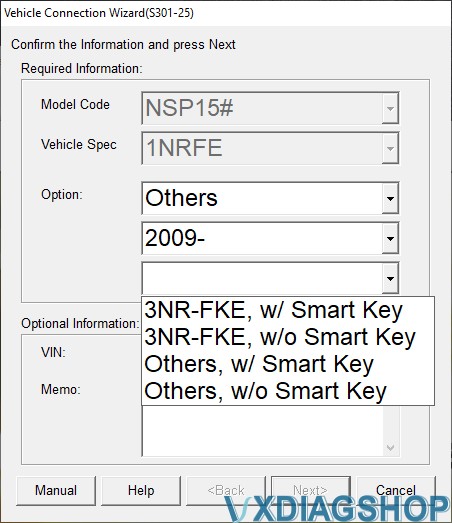
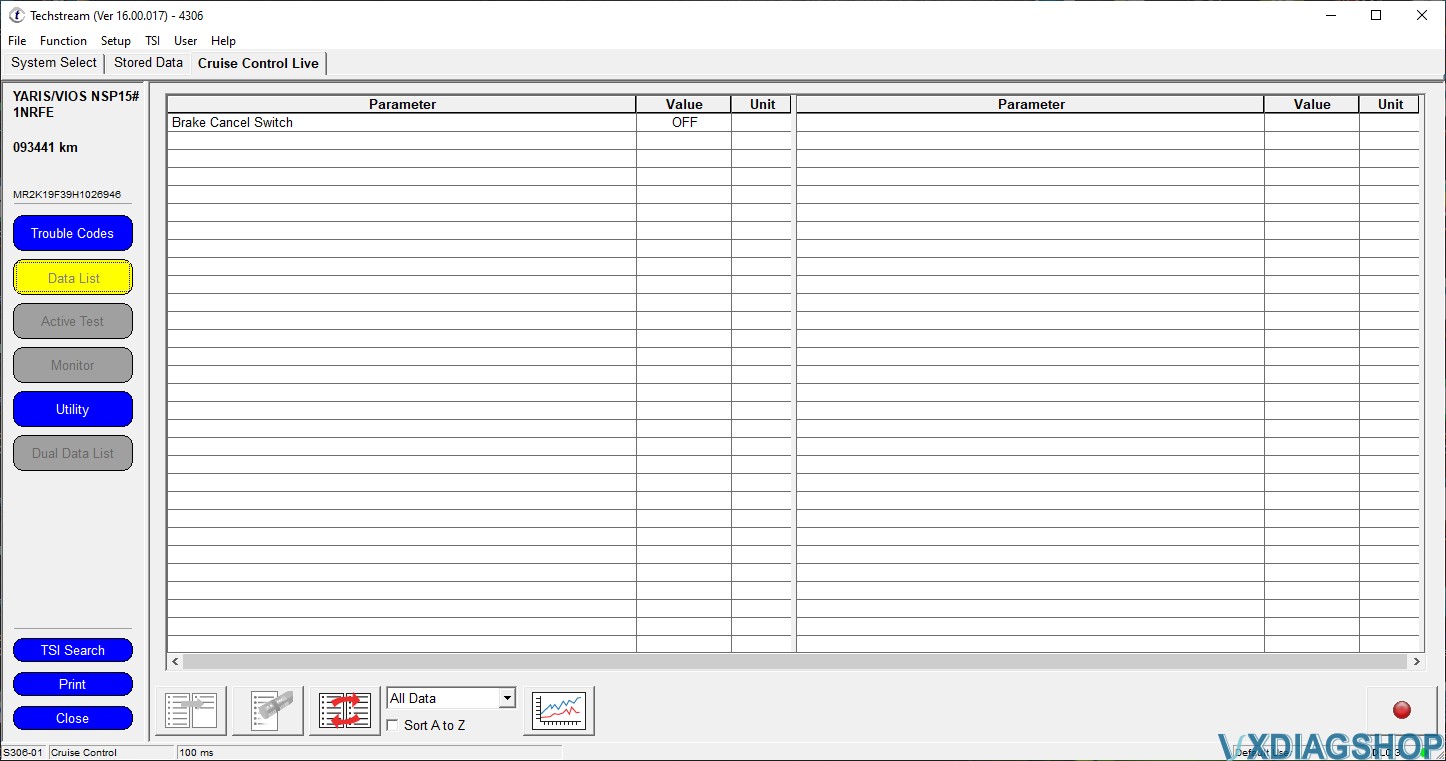
under the “System” Menu shown in TS1, the Cruise Control is highlighted. The colour code suggested that an asterisk means the module cannot be found – and to my delight there was no asterisk. Entering the Cruise Control Live menu in TS2 and clicking the “Data List” button (Yellow) shows the Brake Cancel Switch (currently OFF). Pressing the brake pedal turns it ON. However there is no mention of the Cruise Control Stalk (which is most definately wired back to the ECU Socket).
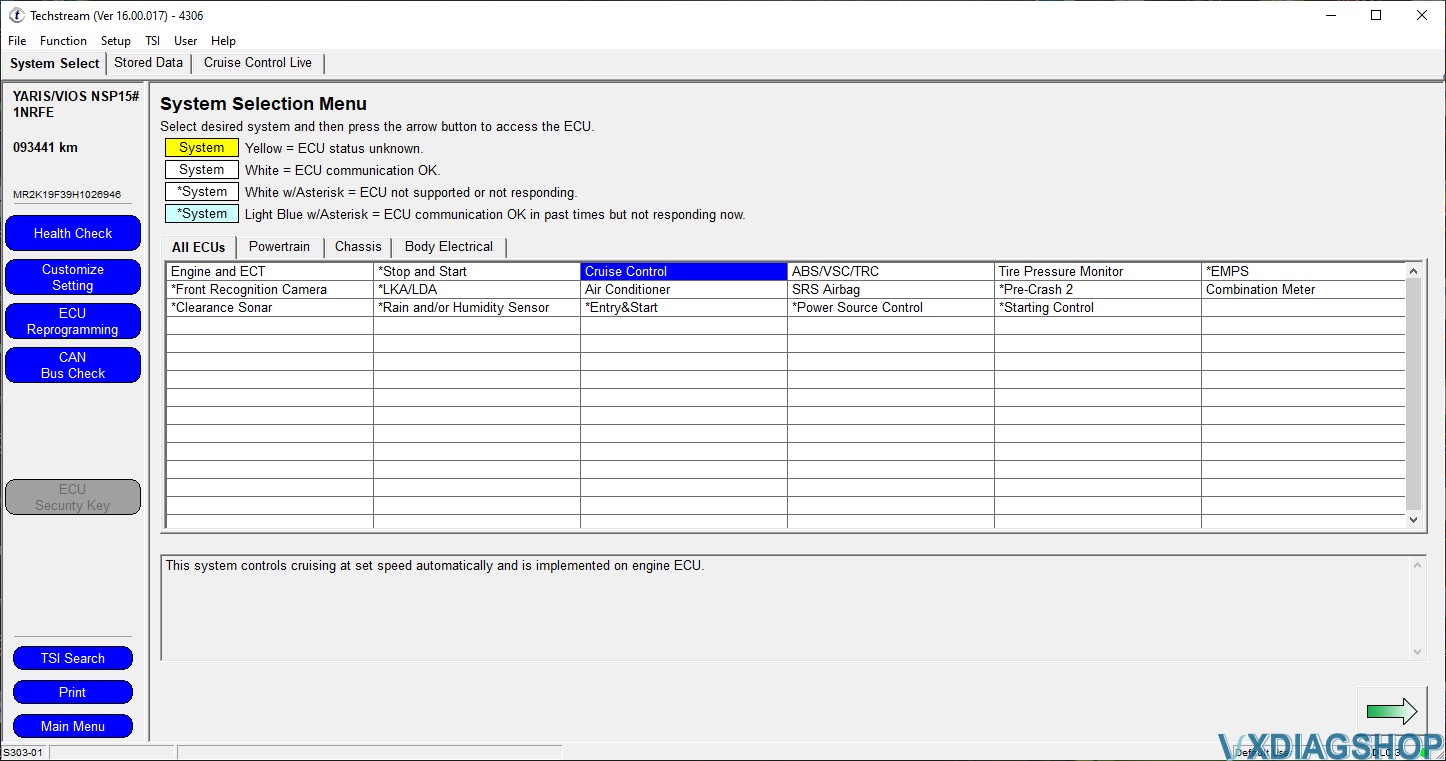


There are options to open TIS, but these all take me to the .jp Toyota site requesting a login. Will I need a subscription to go any further. According to the TIS site https://techinfo.toyota.com/techInfoPortal/appmanager/t3/ti?_pageLabel=ti_whats_tis&_nfpb=true I could buy a cheap professional subscription for 2 days which includes a proper license for Techstream.
I didn’t go any further. So far the scanner is capable of reading all computers, can access the freeze frame data (FFD) and if it can access live data is a very good feature too.
http://blog.vxdiagshop.com/2021/08/13/vxdiag-toyota-techstream-v16-review-on-a-yaris/
VXDIAG Toyota Techstream Update to V16.20.003
V16.00.023 Toyota Techstream software is verified working without issue with VXDIAG VCX NANO Toyota scanner.
Version: Toyota Techstream V16.20.023 (08/2021)
Language: Chinese, Spanish, German, French, English, Italian, Japanese
Operating System: Win7 or above
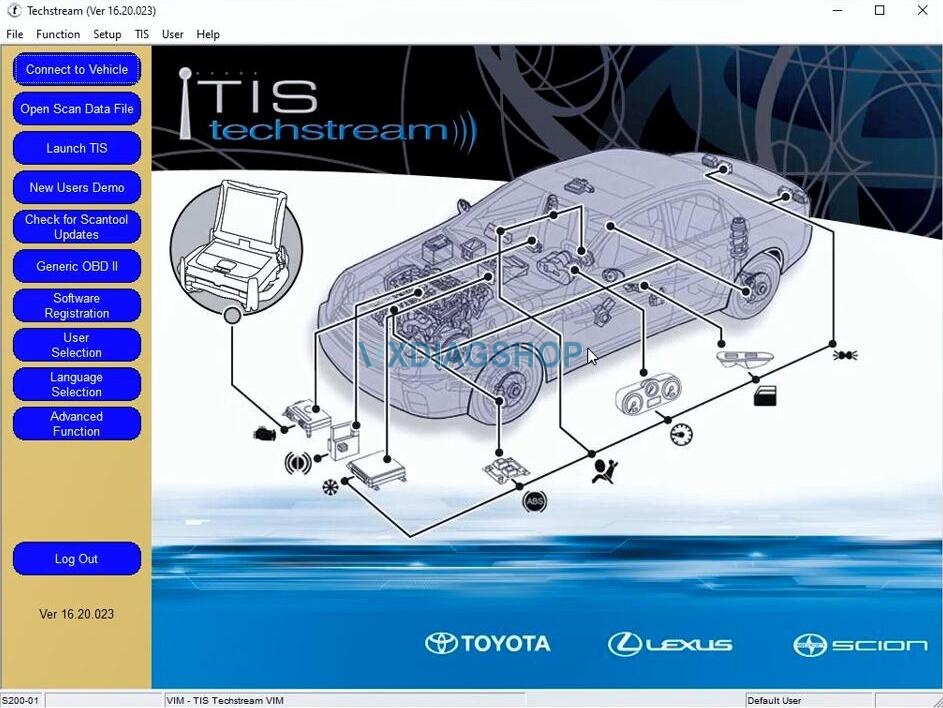
Free Download Toyota Techstream V16.20.023
Free Download Techstream Patch
Password: NO PASS!!! With Patch does not require activation.
How to Install VXDIAG Techstream V16.20.023?
Install Techstream setup
Install VX Manager
Crack Techstream V16
Run software
For detail installation, it is similar to V15.
https://www.vxdiagshop.com/service/install-vxdiag-toyota-techstream-v15-00-026.html
VX Manager Does not Recognize VXDIAG Techstream Solution
Here’s one of our customers’ working expensive on vxdiag vcx nano for Toyota on Windows 10.
Error 1:
I just received my vxdiag vcx nano toyota scanner with Tehstream v15. I installed the software on Windows10. It seems like it doesn’t work now.
The vx doesn’t recognize the scanner (error No Device). It beeps, red light on, blue flashing.
Solution:
Close vx manager. Then disconnect the device from laptop and power supply, after 10 seconds, connect all again.
Close other software programs as well, the device only communicates with one program.
Open VX Manager to check again.
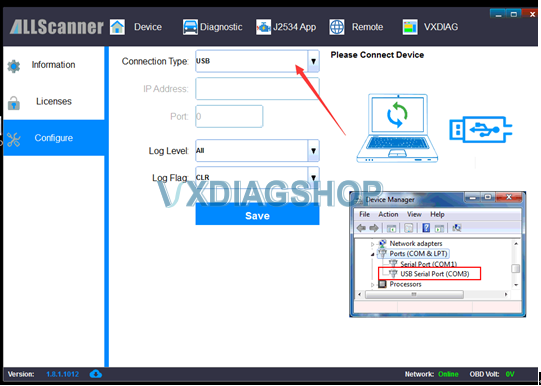
If still cannot see vcx nano device, go to “Configure” set connection mode to USB and make sure USB port is set to COM3.
Error 2:
It recognizes the device. But I cannot run techstraem.
Solution:
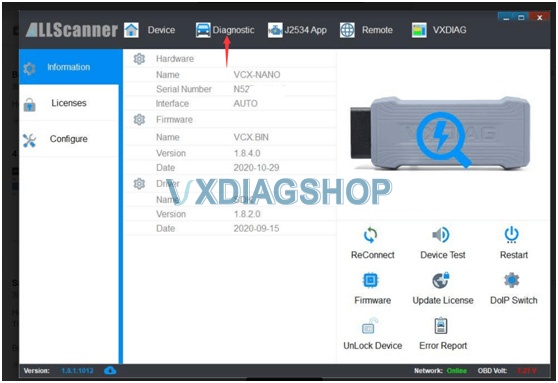
Update firmware and license in VX Manager. then click “Diagnostic” tab to install toyota driver
after finish close vx manager
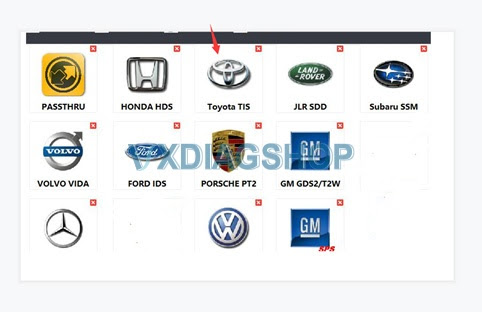
Error 3:
I have installed the toyota driver and techstream file and it’s asking for an activation key.
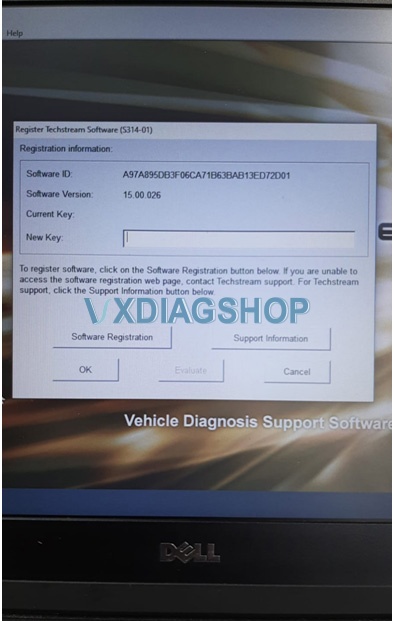
Solution:
Don’t run Techstream directly. Run techstream via patch.
TechstreamPatch: https://mega.nz/#F!7VZzBQgZ!wO9Fjk0gfZF-tfv6zQAqzw
Feedback:
Now it works fine. You are very helpful.
VXDIAG VCX NANO What is Required to Install JLR SDD V160?
Here is the customer working experience of vxdiag vcx nano for jlr with the help of vxdiagshop.com customer service.
15:30 Aug. 7th, 2021
Question: Hello, I recently purchased your VXDAIG VCX NANO for the Land Rover V160. I don’t have a CD player is there a way to get the SDD software working without installing from your CD. Thank you in advance.
Answer:
vx manager: https://mega.nz/file/yMYD3IqD#ZZ0LpwRvOZi7Y7K7g2JPaEsvMqTrTXQ9rZHNYlzPqi0
JLR SDD http://diagnosticdelivery.jlrext.com/idscentral
SDD Patch https://mega.nz/#F!zBpSFarJ!phCGoR3RGYqOHYQa9kVBIw
16:26 Aug. 7th, 2021
Question: when I connect to VX Manager it says I need to update my license, when I try to do it I get this message
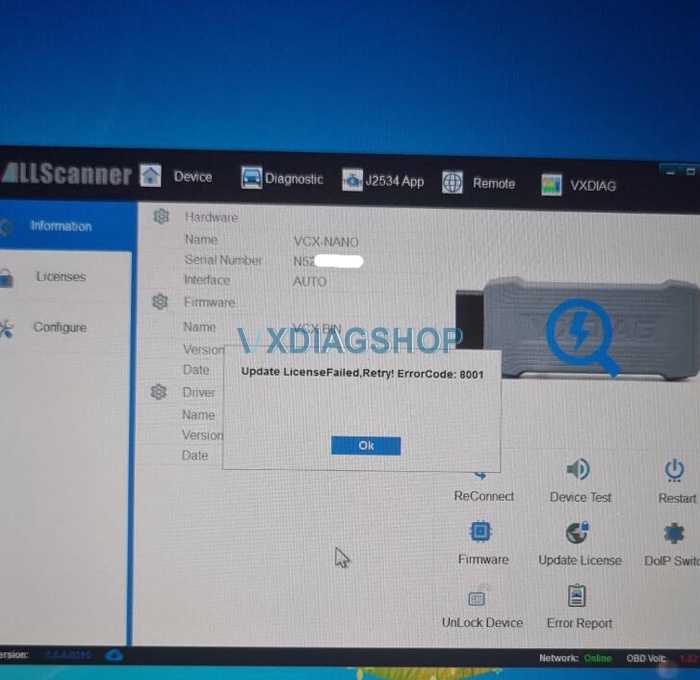
Answer:
For this problem, need to update firmware and license more times.
when you do firmware update, need to turn the VCI update status to ON.
16:27 Aug. 7th, 2021
Question: Thank you that worked. Should land rover Sdd automatically detect the obd reader?
Answer: Need to install jlr sdd driver from “diagnostic” menu, to match the vxdiag vcx nano jlr to sdd software.
16:31 Aug. 7th, 2021
I installed SDD from links that you send to earlier and install the right driver. That worked. Thank you for your help.