VXDIAG Subaru Run Time Error 76 Solution
Here comes the working solution to VXDIAG VCX SE Subaru or VCX Plus Subaru will not install, ‘Run time error 76, path not found’ problem.
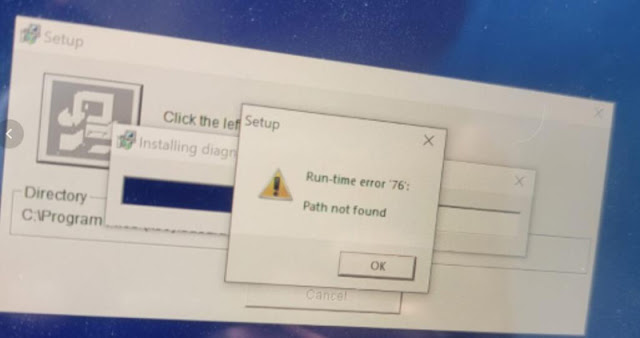
Solution:
Download Subaru SSM3 software here to replace the original file and install
it.
https://www.mediafire.com/file/3bej0givx9fx6hh/Subaru_SSM3.7z/file
How to Solve VXDIAG Ford IDS Cannot Change Other Language?
Problem:
I want to change vxdiag vcx nano Ford IDS V124.01 software to German, but i cannot find the German language. Only English and Chinese language are available. Any idea?
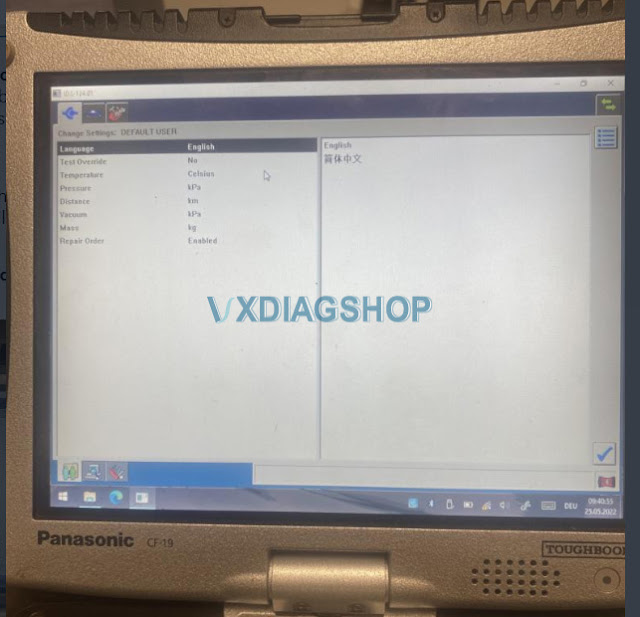
VXDIAGSHOP Solution:
Change computer system language to German and change time zone in Germany. Same operation for other languages.
If it is not working, reinstall IDS software, change system language/time and try again.
It should work no problem.
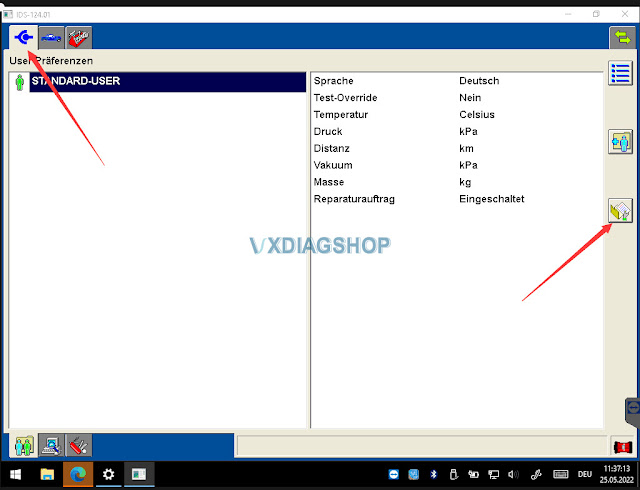
How to change IDS language?
Press the icon on the right, then press IDS software icon
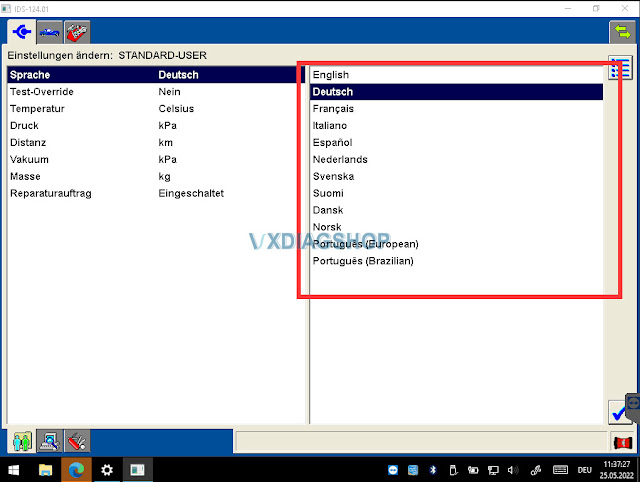
Select the language you desired and save setting.
Multi-language: English, German, French, Italian, Dutch, Spanish, Swedish, Finnish, Danish, Norwegian, Portuguese
VXDIAG VAG Unable to Determine Hardware ID Solution
Problem:
I had a problem running VW ODIS 9.1.0 software from vxdiag vcx se full 2TB HDD.
It says unable to determine the hardware id for the computer when I start ODIS from vx manager.

Solution:
Don’t start ODIS software from vx manager.
Start ODIS (VW 9.01) from the desktop shortcut.

VXDIAG Ford IDS Tested Working on Windows 11
New test reported: Vxdiag Ford IDS V125.01 was tested working on Windows 11 (Home edition). It was a Ford Edge 3.5L 2007.
Compatible devices: vxdiag vcx nano ford,vxdiag vcx se pro,vxdiag full etc
NOTE:
Update vx manager driver to latest version (1.8.8)
Don’t install Ford IDS and Mazda IDS on the same operating system, better don’t install GDS Techstream Tech2win etc programs with IDS.
Follow Ford IDS installation guide to set up IDS
Win11 Home edition is not very stable, Win10 is recommended. Win10 pro works 100%


How to Fix VXDIAG Xentry "No Access Authorization Code"?
As titled, here comes the working solution to vxdiag benz c6/vcx se benzxentry hdd or 2tb full hdd Xentry software ‘No access authorization code! Contact User Help Desk’ problem.

Quick Solution:
Open TOOLS folder on the desktop
Run configassist file, close the file, then run Xentry again.
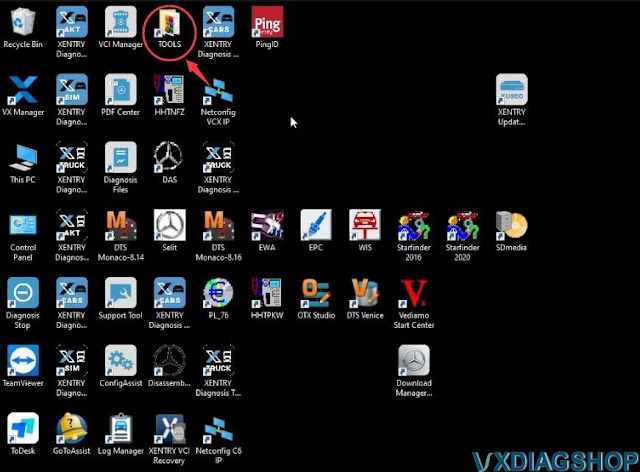
If it is not working and reports another ‘Unable to access service’ error, follow the steps below to start configassist file manually.

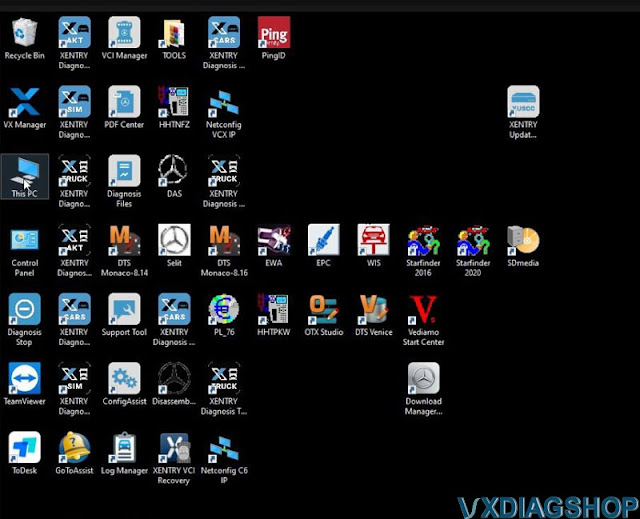
Run This PC
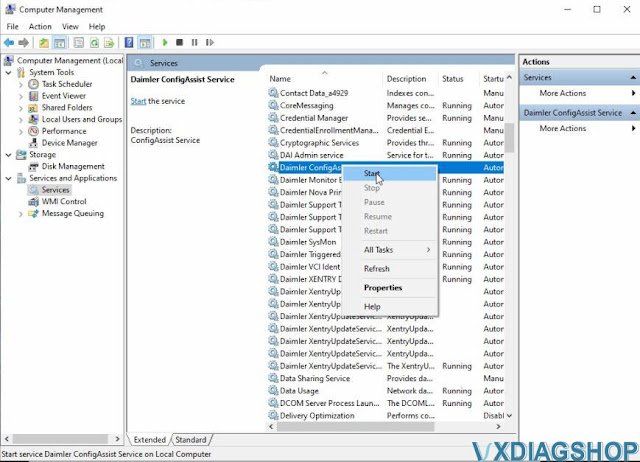
Right-click Manage-> Computer Management-> Services and
Applications
Locate and start Daimler ConfigAssist Service File.
Run Xentry again.



Any questions feel free to contact www.vxdiagshop.com customer service.