VXDIAG VCX NANO GM vs Foxwell GM Scanner
VXDIAG VCX NANO GM and Foxwell NT530 which is a better OBDII diagnostic scanner for GM models?
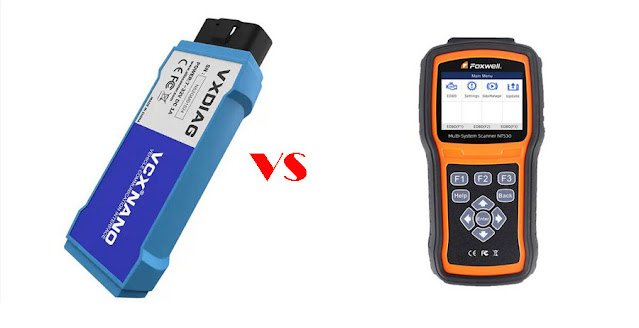
Here comes the user review:
Have both, and prefer the VXDIAG GM Nano, since it is able to run gds2 for the newer cars, and already comes with cable if you need to flash a module as well.
Bluntly, GM ditched the hand held Tech II's since they could not run GDS2 for newer cars from about 2010, and went to MDI units that could run all the needed software for all the cars with one device. So a VX GM nano is really a clone of a MDI when it boils down to it, but does come with cracked version of Tech2win and GDS2 that you can run for free. If you need to use AC delco TDS or TIS2000, will run then as well and in the same manner that the GM shops run their MDI's.
The NT530 is $178 from Amazon, costs more than vxdiag. It is a hand-held scanner. It works for both my C5 and my C7Z. It is great for reading and clearing codes. It also does some calibrations.
But it will never do programming.
I have the VX GM Nano loaded on a dedicated laptop with Windows 7, and it works perfectly. I've married a Nav unit to the car, bled brakes, had the service active handling and service abs traction alarm. The Nano pinpointed to the exact connector (pin #'s) and I was able to fix the fretting issue and the alarm was cleared.
If computer savy, or willing to learn, then vcx nano gm is about the best ticket.
VXDIAG VCX NANO or Mini VCI for Lexus 2007?
VXDIAG VCX NANO Toyota Techstream cable or Mini VCI cable to Read 2007 Lexus LWB Live Data?
Here comes our customer review.
For those that still want to try using Techstream, I bought my VXDIAG VCX NANO Toyota cable from vxdiagshop.com in December 2022. I use a windows 7 laptop dedicated to just Techstream (version 12.10.019). I don't worry about viruses and do not connect it to the internet.
I didn't use the software with this VCX Nano since I already had version 12 installed with the previous cable. That alibaba vendor provide me version 17 on a small cd but I couldn't get that version to connect with the car. The $25 cable did work with the Version 12 that I found through a google search at the time.
The $25 cable allow me to configure the settings in the car but couldn't give me real time engine data.
I picked version 12 because my research indicated that version seem to be most stable with the year of my car (2007).
I'm able to read engine data real time (2007 LWB) and perform engine actions too, Previous had purchased a cheap $25 mini vci cable form alibaba but could never get engine data to work.
In short- 'MiniVCI' is a clone of very old Xhorse MVCI (google it). Some of those will even show live data, but super slow, plus you can't e.g. do TPMS writing.
VCX NANO (USB, wifi, etc) -This worked good for me. If you got one working – please try TPMS (Writing sensor IDs.)!
VXDIAG Benz Xentry Failed to Code N62 Parking System?
Problem:
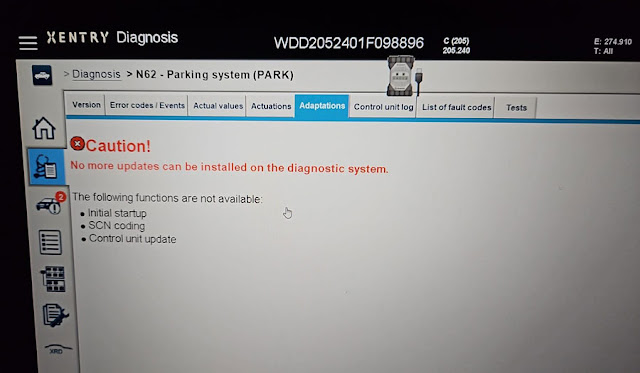
I had a problem with Mercedes N62 parking system. Need to do coding. But vxdiag vcx se Benz vci and xentry is not able to code the parking sensors.
No more updates can be installed on the diagnostic system.
Any idea?
Solution:
This function need online access with original account.
Our xentry is offline version and cannot do online scn coding.
How to use VXDIAG VCX SE Passthru with PIWIS3 VMware?
Question: Can i use VXDIAG VCX SE J2534 as a passthru device for Porsche PIWIS III software? What firmware version do i need?
Answer: Yes, many tested working no issue.
Here is a modified Porsche PIWIS 3 V38.500 vmware software for Passthru devices.
File including:
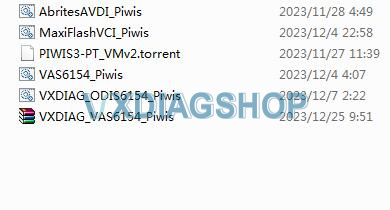
PIWIS3-PT VMware torrent
and passthru settings files for vas6154 clone, vxdiag vcx se, vas5054, maxiflash vci, avdi etc.
(You need to install drivers according to firmware).
Just load this on VMware Workstation Pro and launch Piwis3. Connect your VCX SE (or other VCI) and you should see the usb connection on bottom left of the screen.
To verify connection with VXDIAG VCX SE:
- Navigate to D:\PiwisApps\VCI\Actia_64\XS_D_PDU_API_64 and run ACTIA_D-PDU_API_Tester.exe
- Module Name and Resource drop downs should be populated if VXDIAG is detected.
- Hit Start to run all tests — All tests should succeed.

NOTE:
If using vas6154 clone, must have firmware 1.6.0 or 1.6.6. Newer firmwares will NOT work. If you have 1.6.0 device then you need to set the VM date to before 2020 and then PIWIS will work. 1.6.6 does not need to change the date.
If use vxdiag vcx se, you can update the firmware to latest version but needs to patch or buy VAG license from vxdiagshop (or use VXDIAG VCX SE 6154 with VAG license in default).
Review:
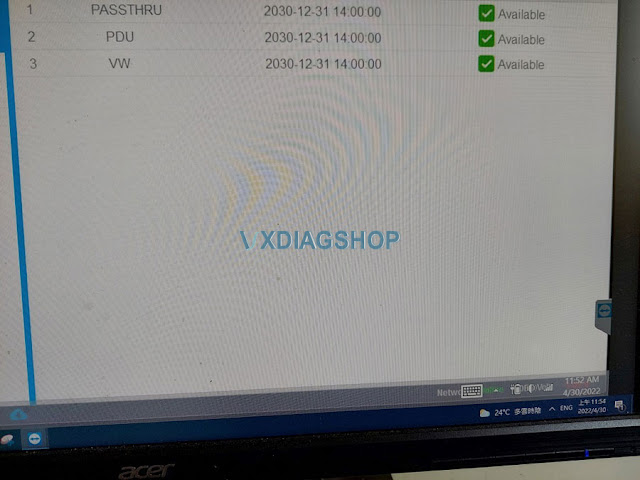
1. Worked like a charm with VxDiag vcx se 6154 Passthru! latest driver 1.8.9.
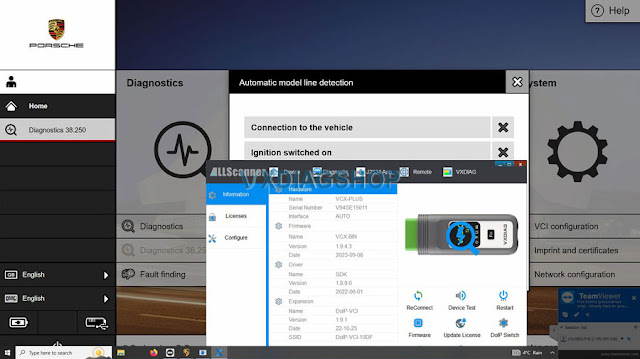
2. latest firmware works, need vag license from Allscanner. No need to downgrade firmware.
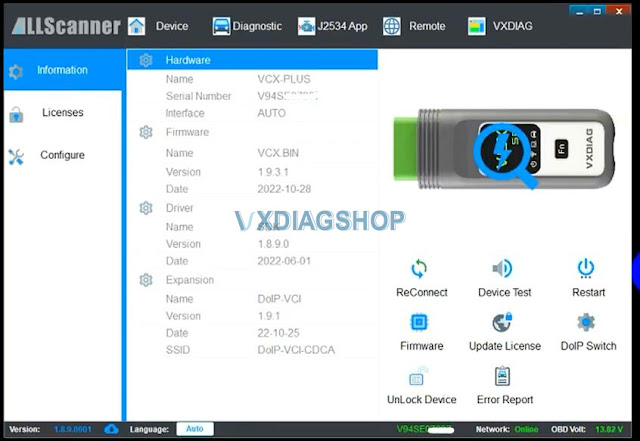
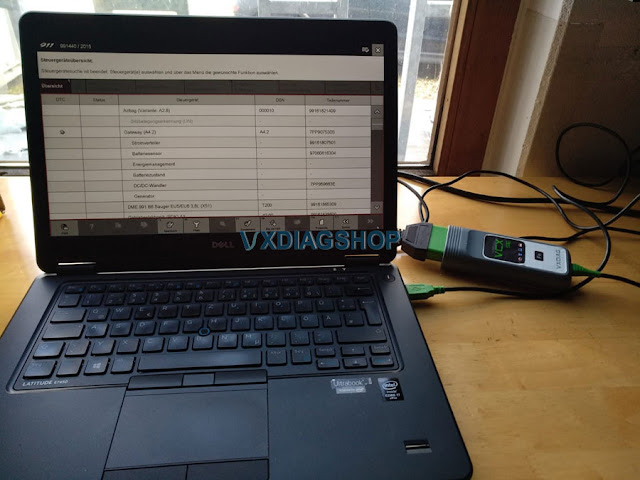
3.
also tested firmware 1.8.4, works fine. vcx se 6154.
GM DPS vs GDS2 Difference
What's the difference between GM GDS2 and DPS software?
DPS:
GM Development programming system, aka DPS, is an in-house software general motors technicians use to develop software for GM motor vehicle electronic modules. DPS functions similarly to the GM SPS client. By itself, DPS can only perform the basic functions of reading the ECU ID information. You must acquire the corresponding calibration files and custom DPS scripts to complete any DPS programming.
You must have a GM compatible OBD diagnostic interface for connecting DPS to your vehicle, such as the VXdiag VCX NANO GM, DrewTech Mongoose pro-GM2, or GM MDI-2 interface. Any diagnostic interface compatible with the GM GDS2 diagnostic software will work fine with DPS. You need access to the GM SPS service to gather calibration files for your GM vehicle electronic modules.
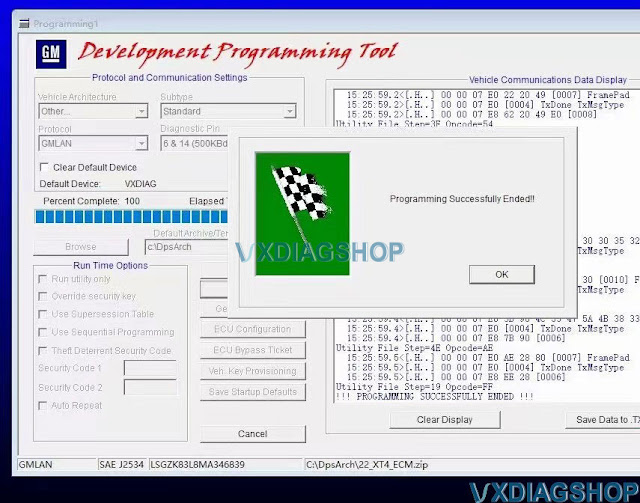
The things you can do with DPS.
- Manually program default or modified calibration files to GM vehicle modules without using the GM SPS service.
- Change the VIN in a used secondhand GM vehicle module using special DPS VIN change files.
- Change the PIN in a used secondhand GM vehicle module using special DPS PIN change files.
- Unlock/remove the theft lock from a used secondhand GM radio module by using special DPS Radio VIN change files.
- Change the mileage in GM vehicles by using my special mileage correction file.
- Reset and program various functions in GM electronic modules using Type4 application files.
GDS2:
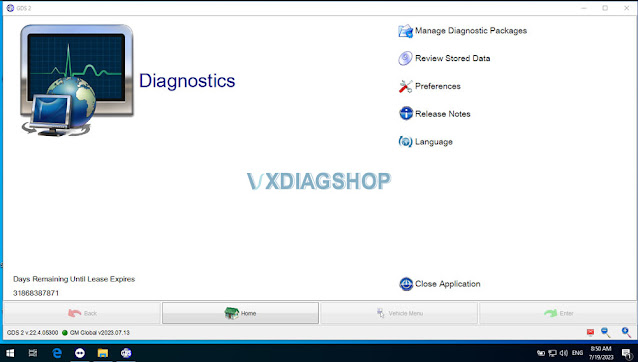
- Viewing data in units
- Graphing data
- Performing a quick DTC check
- Initiating a manual regeneration cycle of the DPF
- Programming the injector flow rates when new injectors are installed
Both GDS2 and DPS software can be downloaded free here