VXDIAG and Forscan 2.4.6 Update Ford Escape 2012 PCM
Just a quick note to advise that I was able to update the PCM calibration on MY2012 Ford Escape under Forscan 2.4.6 Beta using a recently purchased VXDIAG VCX Nano Ford configured as a J2534 pass thru device. While the ECU calibration update process was relatively smooth within Forscan, the more challenging process was to configure the VCX Nano to act as a J2534 pass-thru device.
The key, as noted elsewhere on the net, is to ONLY use the VXManager package to configure the VCX Nano as a J2534 pass-through device; and not use the AllScanner version of IDS at all. VX Manager can also be used to update the firmware on the VCX Nano in case a newer version is available. Once I had configured the VCX Nano as a J2534 pass-thru device within VXManager, it was straight-forward within Forscan to select the VCX Nano as the adapter/device to be used while updating the PCM calibration. Of note is that I connected my 2amp battery maintainer to the MY12 Ford Escape to ensure consistent voltage throughout my use of Forscan 2.4.6 Beta to perform the PCM update.
You can also use the vcx nano without having to run VX Manager (i.e. Use VCX Nano straight out of the box with Forscan). Can even leave adaptor choice on auto and it finds it.
I further updated the PCM from BRG to BRJ today using Ford FJDS with VCX Nano connected to MY12 Escape. I am assuming that the absence of similar option within Forscan to update the PCM from BRG to BRJ is simply the result of the development cycle for Forscan Beta. Below is configuration of the PCM on my MY12 Escape as things stand today:
PCM – Powertrain Control Module
Part number: AL8A-12A650-BRE
Calibration level: AL8A-12A650-BRE
Strategy : AL8A-14C204-BRJ
Hardware type: BL8A-12B684-BB
VXDIAG DTS Monaco Not Working After Turn on DoIP Switch?
Problem:
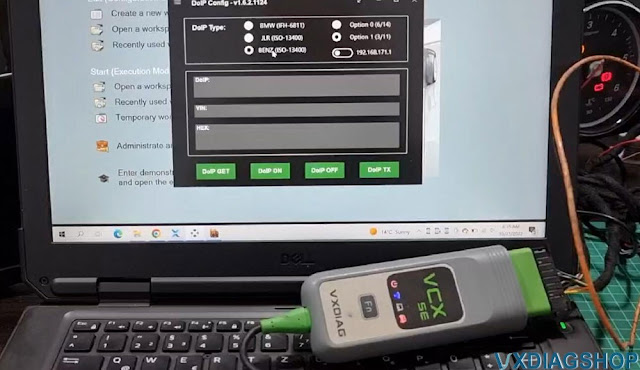
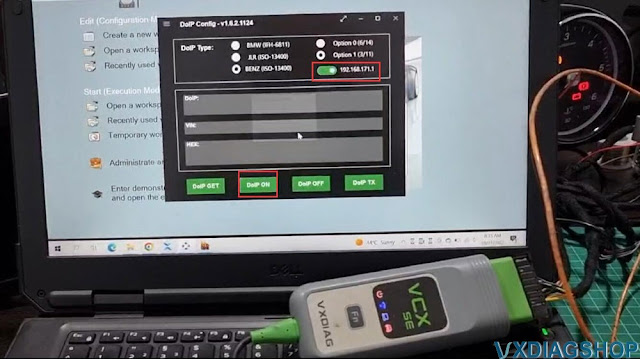
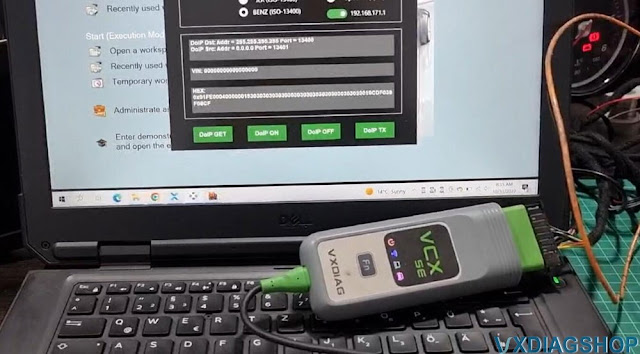
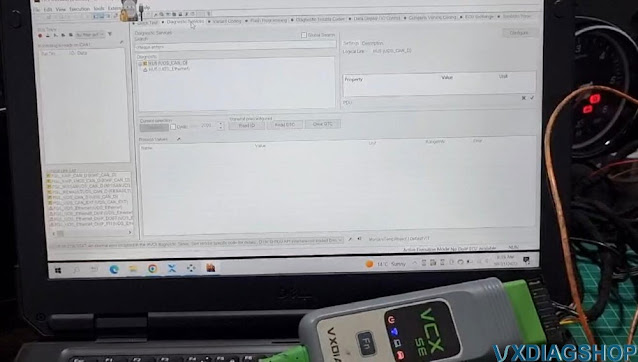
I got the latest vxdiag vcx se benz c6 driver updated and turn on the DoIP switch. DTS Monaco is not working, won't program HU5. DoIP switch disconnected after several minutes. Any solution?
Solution:
Don't need to turn on DoIP switch when running DTS Monaco engineering software.
DoIP switch is used when diagnosing DoIP models with Xentry program.
Test if the Doip switch will disconnect when run Xentry software, if yes, contact vxdiagshop.com technical support to check it on Teamviewer.
VXDIAG GM Holden Commodore (VF) Techline Programming
the vxdiagshop is back up with newer
software
https://www.vxdiagshop.com/info/vxdiag-diagnostic-software-download-4048.html
I am using microsoft edge browser on both windows 7 32 bit and windows 10 64 bit
Just wanted to say thanks this info helped me heaps,
The info lead to some
reading, but this helped heaps leading the way for me, thanks heaps man
I am driving a Holden CommodoreVF Calais V V8 Wagon. I installed the Techline
Connect on my pc for a VXDIAG
VCX Nano GM setup to my laptop, updated Java, stopped antivirus/defender/vpn
etc and managed to update my VF Calais Mylink no problem.
I like my vxdiag.
The radio update I treated as an intro for me, so I could familiarise myself
with the software and ensure glitches etc were sorted.
I intend on going in further with the software via Diagnostics to query my FCPM & associated equipment, recently had some weird MIL coming and going, I suspect just canbus connection issues, as recently the issue has disappeared since I unplugged and inspected the FCPM connection, but I suspect maybe a fuel pump or FCPM replacement coming.
How to Install VXDIAG VCX SE Subaru Honda Toyota 3 in 1?
There are many ways to add Subaru Honda and Toyota Japanese pack license to the VXDIAG VCX SE diagnostic interface.
1. VCX SE main unit + Subaru/Honda/Toyota license
2.VCX SE Honda + Subaru/Toyota license
3. VCX SE Subaru + free Honda/Toyota software (get 2 software for free, cheapest option)
How to set up VXDIAG VCX SE Subaru, Toyota, Honda 3 in
1?
Install latest VX Manager driver
Update Firmware and license
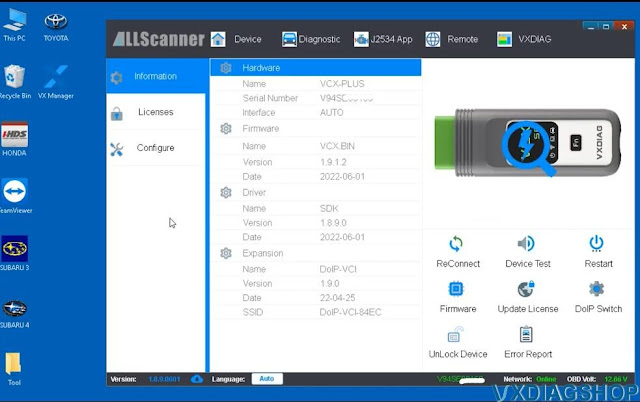
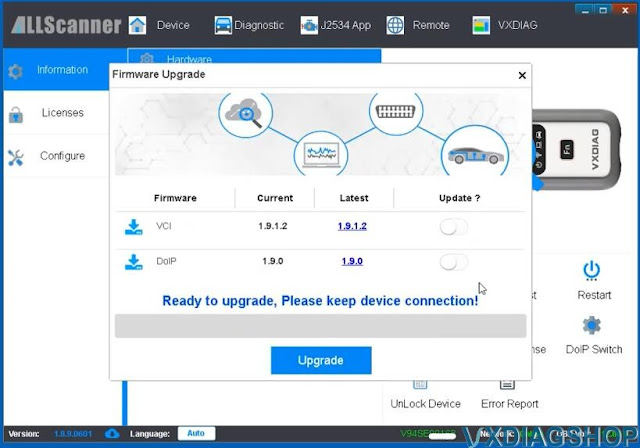
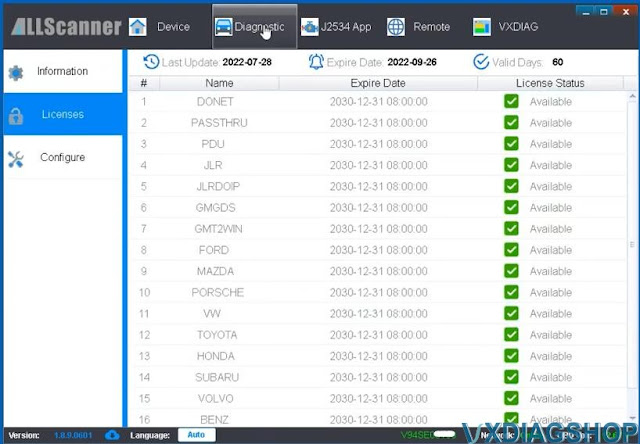
Always keep VCI, DoIP and license up-to-date
Go to Diagnostic Tab
Check Passthru, Toyota TIS, Honda HDS and Subaru SSM drivers are installed
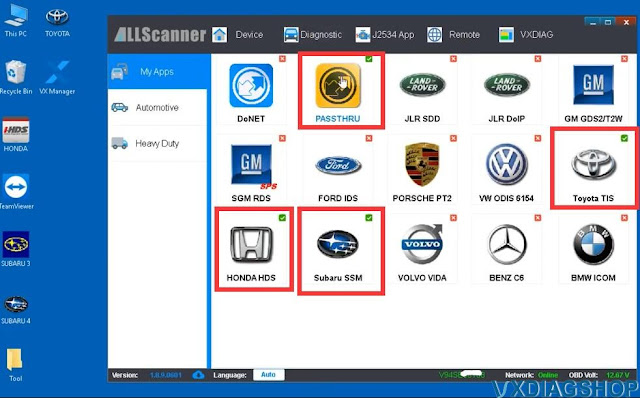
Then install each brand software
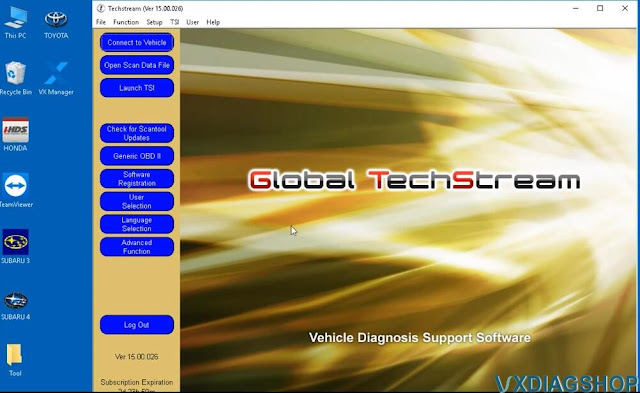
Install VXDIAG Toyota Techstream
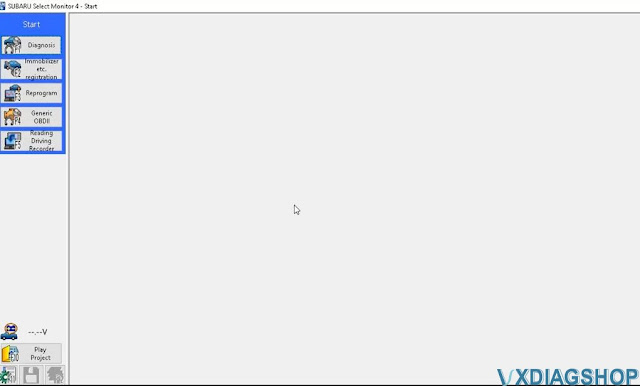
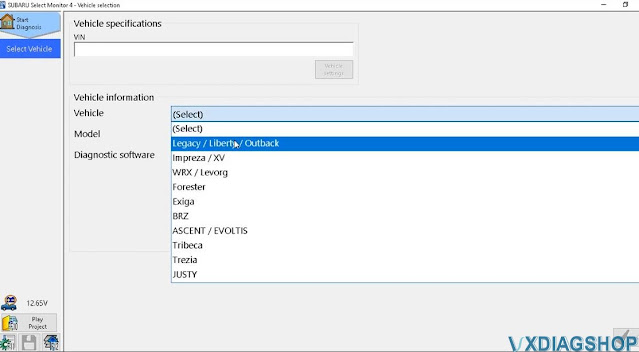
Install VXDIAG Subaru SSM3 and SSM4
Run Software
Run Toyota Techstream
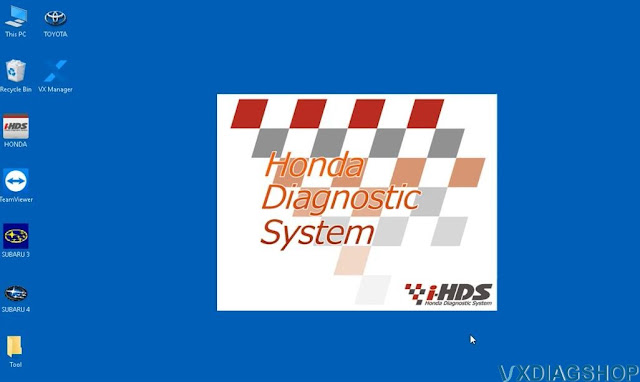
Honda iHDS
Subaru SSM3
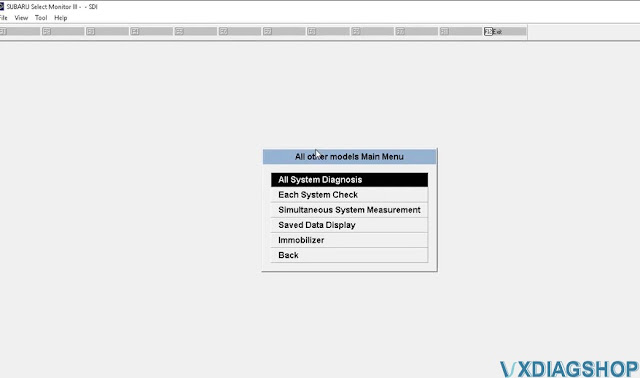
Subaru SSM4
How to Update VXDIAG Benz Driver for Xentry 2022.09?
2022.09 Xentry was tested woking fine with vxdiag vcx se Benz and Benz C6 VCI. 2022.09 Xentry requires newer VCI firmware 1.9.3.0.
2022.10.25 Xentry Diagnosis 09/2022 new version
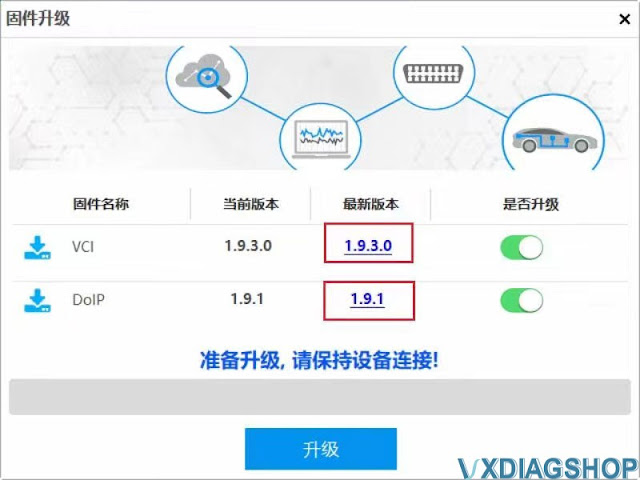
1. Update VCI firmware to 1.9.3.0
2. Update DoIP firmware to 1.9.1
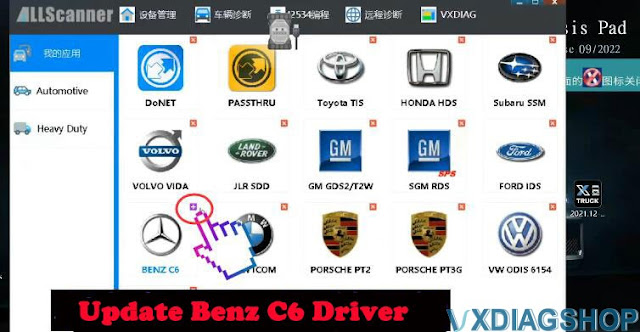
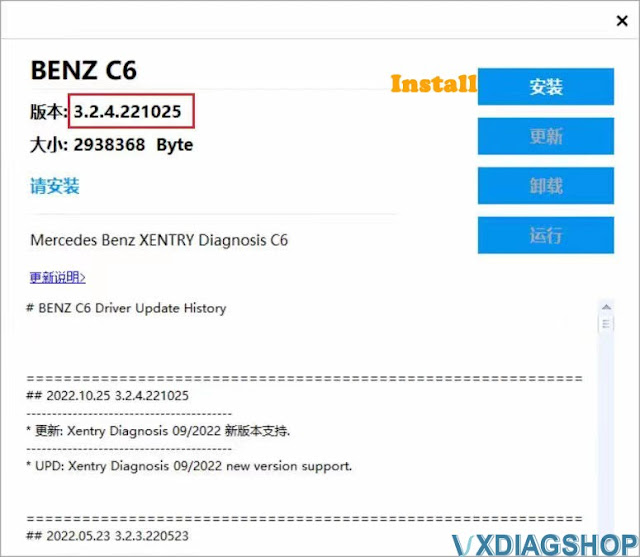
3. Update Benz driver to 3.2.4.221025
NOTE: If using 2022.06 and the previous Xentry, run XDVCI Update tool.
How to Update VXDIAG Benz Driver?
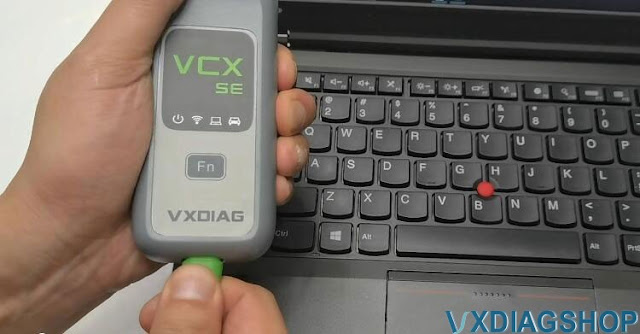
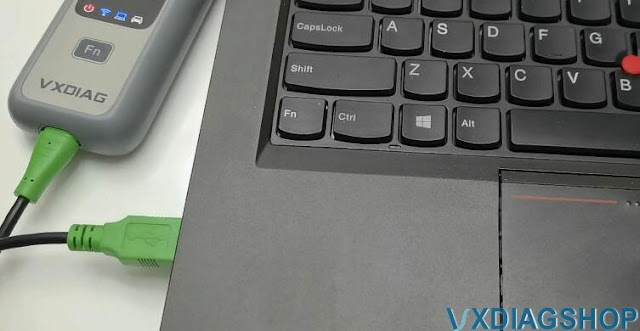
Connect vcx se or Benz C6 VCI with laptop
Run VX Manager
Update firmware- Update VCI and DoIP
Go to Diagnostic tab, Install and update Benz C6 driver