Can I Use VXDIAG VCX SE 6154 with PIWIS III?
Question: Possible to set up VAS 6154 clone (VXDiag VCX Nano) or the vcx se 6154 with Porsche PIWIS3 PT3G software?
Answer:
VAS6154 (VXDiag VCX Nano) OK, need downgrade
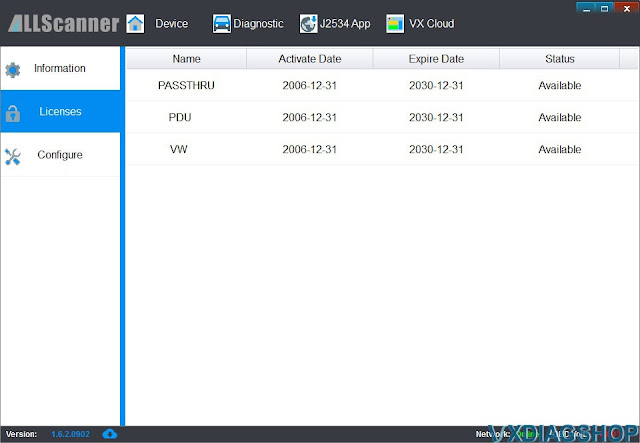
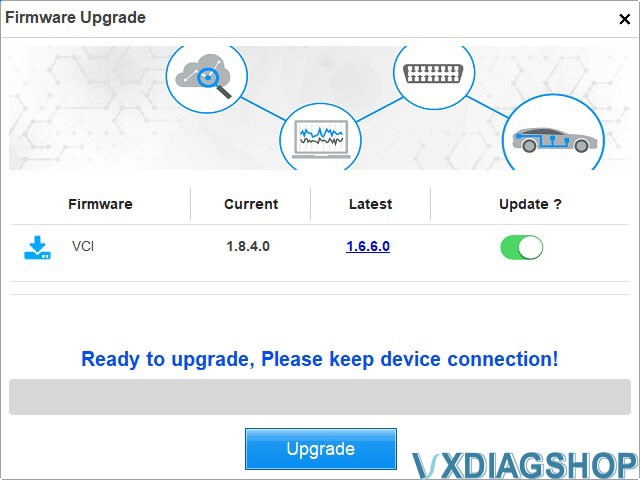
You can downgrade firmware for free with an older version vx manager (i.e from version 1.8x to 1.6). But after downgrade all licenses disappeared and you cannot work with device.
Some experts provide license installation for firmware 1.6x (downgrade vxdiag vcx nano also known as vas6154 clone to version 1.6) and software for license restore at any time (install license for work with PIWIS3 reworked for 6154 clone). You can use 6154 with any PIWIS3 installation, installing original drivers from VXmanager and can restore licenses at any time.
Before setting up. Check clone VAS 6154 firmware can be updated or not. Some clone VAS6154 firmware canot be updated.
VCX.bin firmware file for vas6154 clone if someone needed
How to downgrade the VXDIAG firmware to an old version:
1. Make a backup of your ManagerCenterC.ini file (where your prog is
installed).
2. Change one line in your original ini file
to
FirmwareURL="http://www.vxdiag.ugu.pl/xml.xml"
3. Open VX Manager and
"update" your firmware.
After positive update, make your backuped ini file as valid and try regular update.
NOTE: We are not holding the responsibility for the damage.
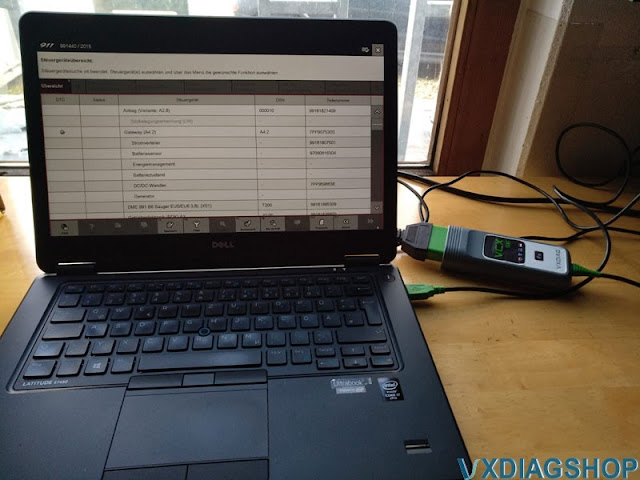
VXDIAG VCX SE 6154 with PIWIS3, need luck.
Some managed to do it. But not for free.
If need a vcx se with Porsche license, check
https://www.vxdiagshop.com/wholesale/vxdiag-vcx-se-pw3.html

VXDIAG Tech2win Opel 2009 No Cummunication Solution
Problem:
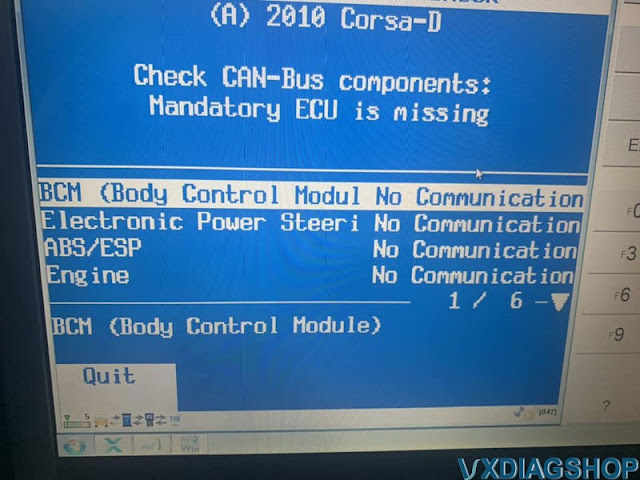
I have bought a vxdiag Vcx nano for Gm, i cannot set the communication to car with them. It says no communication with all modules. Car is a Opel Corsa D 1.3 diesel 2009. I'm running in windows 7 64bit Os if it's matters. All drivers and firmware are up to date.

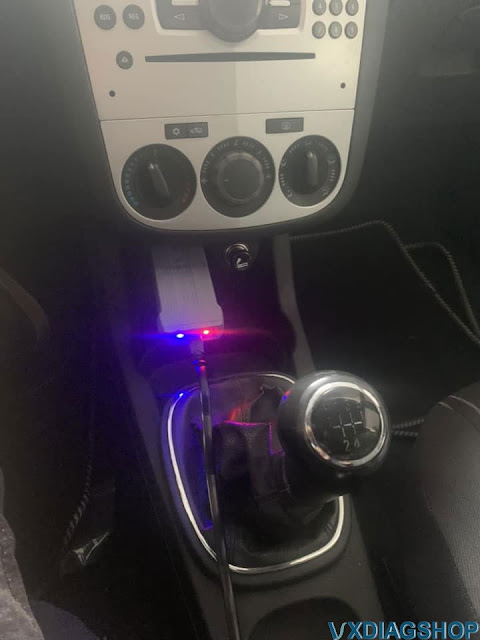
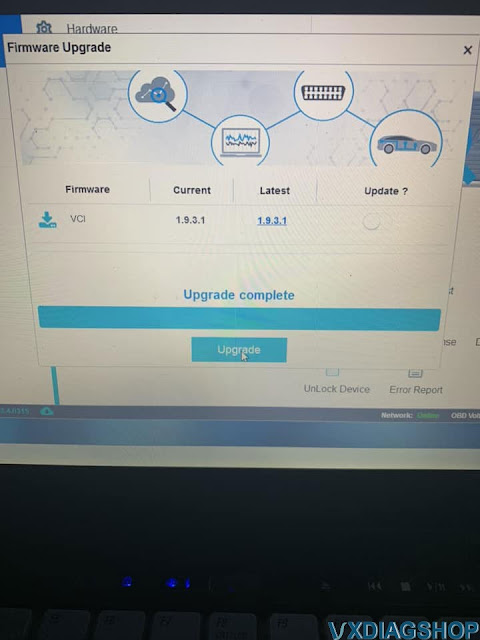
Answer:
vcx nano gm tech2win won't do Open or Saab. Missing proper bin files.
GDS2 will do newer Opel.
Free download Tech2win Bin File for GM Saab Holden Isuzu Opel
Free download other Tech2win Opel bin files here and find a proper version to test on your car.
*You are at your risk.
VXDIAG Ford VCM2 No License Solution
Problem:
I got the Ford VCM2 clone (using vxdiag vcx manager). I got the software installed but when run VX Manager, it detects the device, but no license.
When try to update the license, it says license is invalid, contact the dealer to confirm this is a valid device.
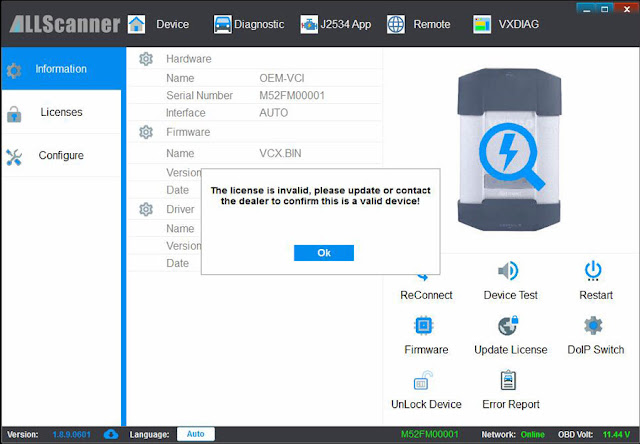

Solution:
00001 is the serial number of clone VCM2 using vxdiag solution.
You need to contact your seller to send back the unit to modify the device serial number to renew license.
How to Solve VXDIAG Benz Driver File Check Failed Error?
Problem:
I noticed there was a new Benz C6 driver for the vxdiag vcx se benz scanner. I got the xentry 06/2022. I installed the C6 driver today but it failed me.
Error: File check failed.
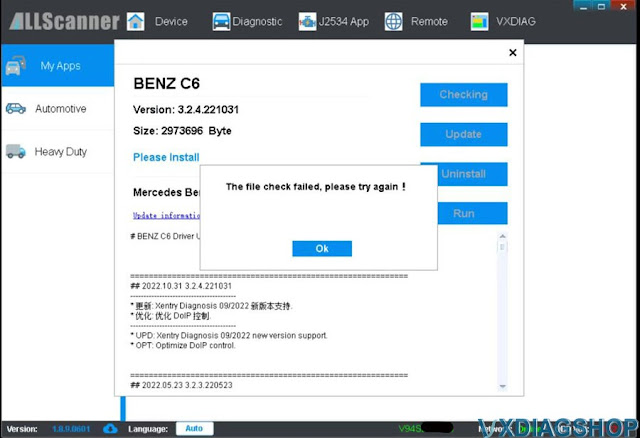
Solution:
The new version Benz C6 driver is updated to support the 09/2022 version Xentry.
If you xentry 06/2022 and previous versions, run XDVCI UPDATE program on the desktop
.jpg)
If still get the same error, close vx manager, and try again.
VXDIAG Subaru SSM4 Time for Updating Software Expired Solution
Problem:
I got the vxdiag vcx se Subaru SSM3/SSM4 scanner today but failed to install the SSM4 software on Windows 11.
Error" You cannot intall the software. Time limit for updating the software has expired.
Perform the license authentication.
Any solution?
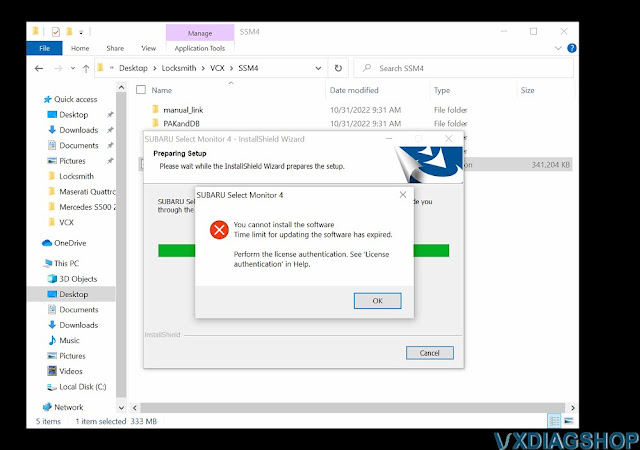
Solution:
Change your computer date/time.
For example: The SSM4.exe last date modified is 1/1/2022, you can change the time to any day in July 2022.
Computer date should not exceed six (6) months from the date (i.e date can not be set newer than 1/7/2022).
Don't need to restart computer. Direct install SSM4 after change time.