GM E38 SPS Programming with VXDIAG VCX NANO
Here is the new GM E67 and E38 SPS programming review from one of vxdiagshop.com's customers.
Just used the new Techline, $45 subscription, and a VXDIAG VCX Nano gm interface to flash my $27 EBay E67 from 2006 Malibu to a 2012 ZL1, simply using Manual VIN, on the bench. No other modules installed.
Then, connected it to the real 2010 Camaro E38, another $45, updated it's OS, and flash updated the ABS module, since I often see "Service Stablitrack" on startup. That was one of the updates the newer ABS OS fixed.
I have the vx manager software installed and running with the gm and pass
through options included.
I have also installed gdi and tech2 software.
I can get tech2 emulated software to run but I get a warning not to use sps – although from what you say, it should work.
If you want to use the nano with sps, you need to uninstall everything except the passthru driver for the nano. Then go to acdelcotds.com and choose sps programming, install techline connect and eventually if you get it all installed and updated you can use the nano for sps. It does work but can be a struggle to get sorted. Need windows 10, 4gb ram will work.
The VCX software itself (VCX Manager) is fine, installs no problems, at least for me. The problem comes when you try to install the Tech2Win and MDI software. But you dont need that part to run TechLine. TechLine connects to the VCX Directly.
I did make one mistake on that Ebay E67… because it was a much earlier ECU than what I told TechLine, I needed to use REPLACE, and I used Manual flash, which ended up corrupting the VIN since it was not from, which is not a show stopper, but once Techline flashes the ECU, it will not re-download the files to re-flash, as it thinks it's already flashed so it skips it on repeated attempts. So I need to use other tools to fix the VIN, which I do not have, but the VCX Nano itself works just fine,
Flashed my 2010 Camaro BCM to the updated OS, and also flashed the stock 2010 E38 in the same camaro to the newer OS, using Techline, both had no problems.
No problems with any of it, worked great.
VXDIAG Honda HDS V3.105.012 Free Download
New Honda HDS (Honda Diagnostic System) software version 3.105.012 has been tested and verified working with VXDIAG devices (VCX SE and VCX Plus series).
Honda HDS 3.015.012 + iHDS +ECU Rewrite [2023.05] Full Download
– Version 3.015.012
iHDS
J2534 Rewrite
Immobilizer Setup Tool
– Year/Release Date: 06.2023
– O.S.: Windows 7, Windows 8, Windows 10
– Language: English
– Support diagnostic interface: vxdiag vcx se series, vcx plus/vcx doip series.
Other devices free to test by your side.
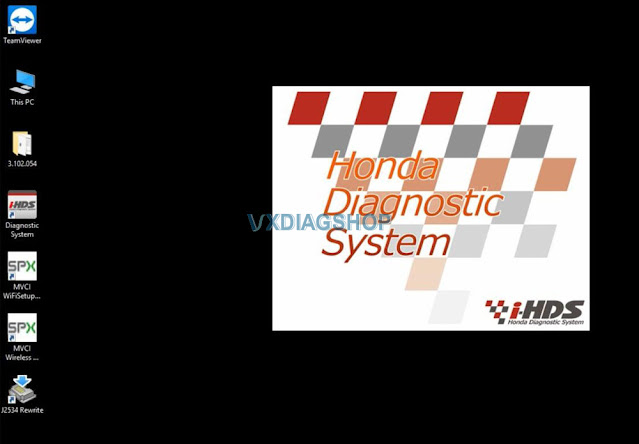
Honda HDS 3.105 Software Installation Procedure
Steps:
1. Install HDS setup
2. Install iHDS setup
3. Install J2534 Rewrite setup
4. Install ImmobilizerSetup Tool
5. Install VX Manager
6. Run iHDS
How to Solve VXDIAG GM "MDI Driver Not Installed" Error
Problem:
Need help with vxdiag vcx nano gm scanner. I failed to install MDI driver in vx manager, error "MDI Driver Not Installed".

Solution:
If failed to install MDI driver in device manager, download MDI.exe driver.
Paste and install MDI.exe on desktop.
Then install MDI driver in vx manager again.
VXDIAG Lexus LS500 Online Programming Review
We have customers consulting whether vxdiag can be used with Toyota techstream official account to perform online programming.
Here comes the user review. Credit to Nick Mayer.
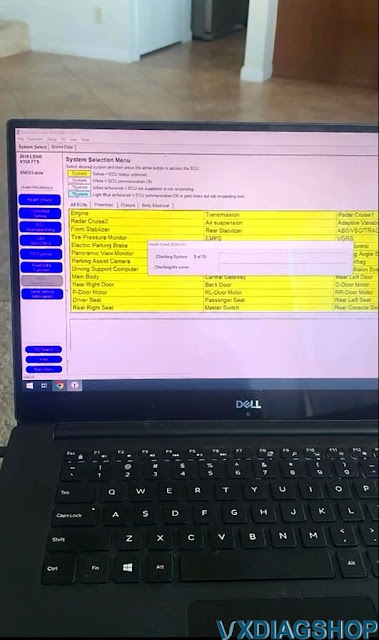
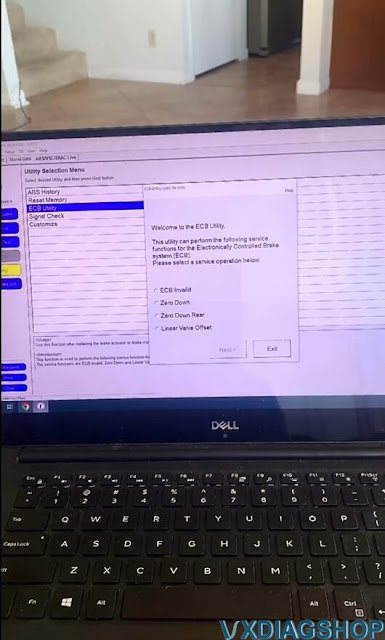
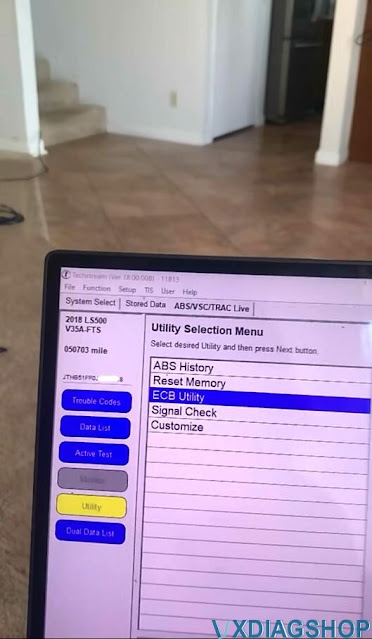
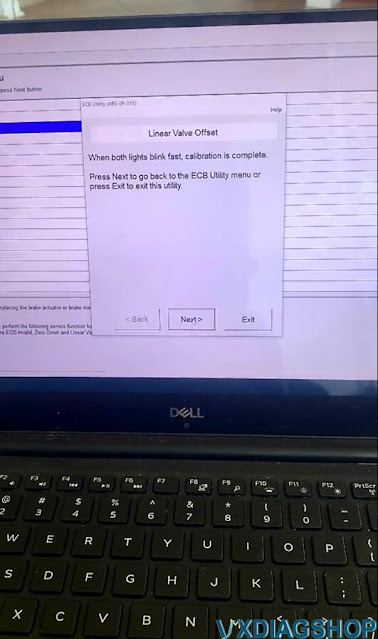
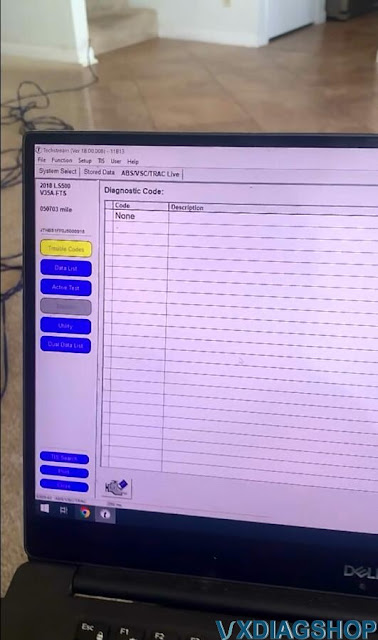
"I just used Toyota TIS official online account for 72 hours and update/program the whole car without problem with vxdiag vcx doip device (vxdiag vcx se will do the same). It's a Lexus LS500 MY2015.
techstream 18.00.008 after updating all modules doing resets and calibrations, abs linear value offset learning process. "
Some images are attached:




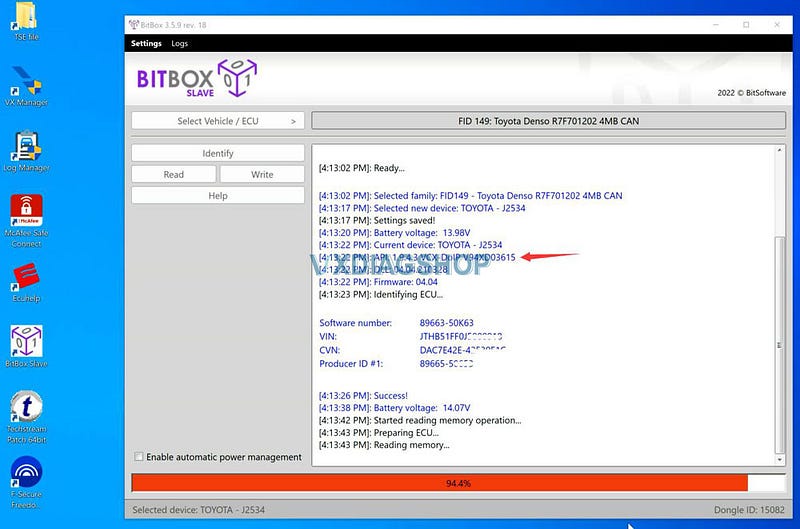
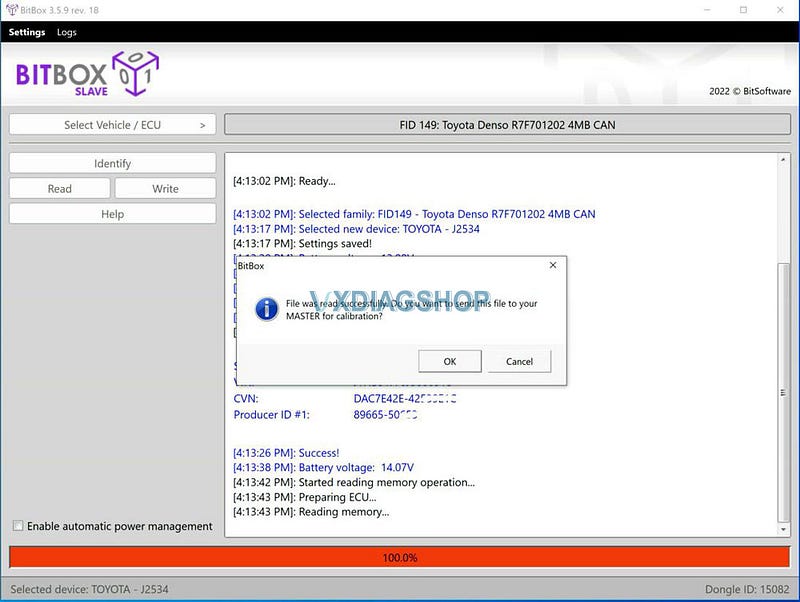
VXDIAG VCX Tested Working with Bitbox Software
VXDIAG VCX Plus & VCX SE was tested working with Bitbox ecu flasher software.
Tested by Nick Mayer.
"Today i made bitbox ecu tuning with vxdiag. It worked fine."
BitBox is fast growing software package that allows identification, reading and writing of internal flash memory of different automotive and industrial electronic control units (ECU) for various purposes. Software working with ECU via the CAN and K-line data interfaces using J2534 Pass-thru adapter or by Ethernet.
The device tested here is a VXDIAG VCX Plus DoIP device, VCX SE series work as well. They both work fine as passthru device.