VXDIAG VCX NANO GM Review on Malibu S10 Acadia
Here comes the VXDIAG VCX NANO GM August 2023 review from one of the vxdiagshop.com customers.
"Buy the software from their site, along with a thumb drive. Make sure you delete any related software before you install the software you bought. And any settings that you changed trying to get it to work. Windows home edition won't run virtual machines, if you know what Red Hat means windows pro upgrade is free and easy. To do this software build and know how to use this tool's software, you need to be an expert with computers and expert mechanic. If you are both…. This tool is insanely cool and cheap!!!! You can do anything with GM owned company vehicles 96 and up, Opel too.
** ALL FIREWALL and ANTIVIRUS must be off or it will not work ***
Works great for a wide array of GM vehicles giving you dealer level data and control. VXDIAG does a nice job of providing plenty of how to information to assist with the software install. I didn't have any issue and gave tested both Tech2 and GDS2 applications. Special functions and test operations all worked great and I was able to review so much data on each vehicle I connected it to. Tried with a 2006 Malibu, 2002 S10, and 2015 Acadia, and all worked well. I stuck with the USB model to ensure the most reliable connection. If you are not computer friendly then the setup may be a challenge, but most should be able to follow the directions with success.
this took me some time to successfully setup but now it is working flawlessly highly recommended.
How to Solve VXDIAG Subaru Failed to Launch Installer?
Problem:
I was trying to install Vxdiag vcx se Subaru SSM4 software, but failed, the software reported an error failed to launch installer.
Any solution?

Possible reason:
1. The antivirus program ate your files.
2. The installer is not completed or corrupted.
Solution:
Download and install Subaru SSM4 software again.
How to Solve VXDIAG Renault Clip Activation Error?
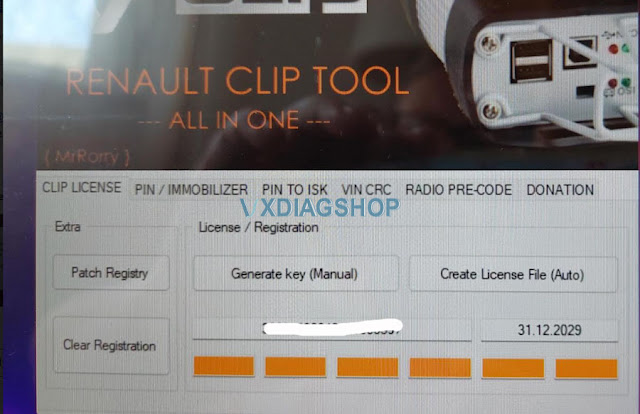
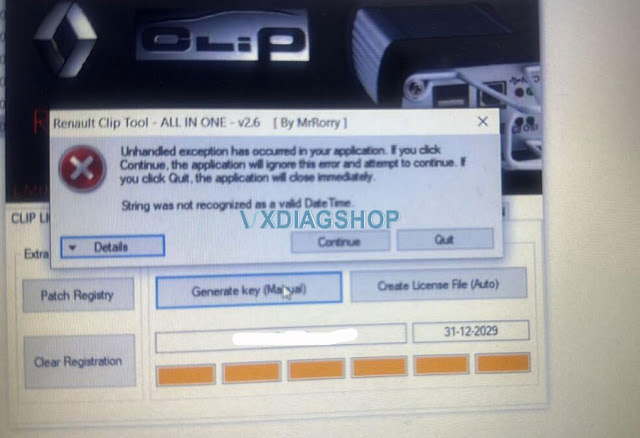
Some users reported that they failed to activate vxdiag vcx se or vcx nano Renault Clip via keygen, it fails at the last step of the registry. did not receive a valid registration code after putting ID, the keygen inside failed to generate the activation key, throwing an error "unhandled exception has occurred" instead.
Possible reason:
Your current operating system is missing patch for the keygen.
Possible solutions:
1. Copy and paste keygen to another laptop, send ID to keygen on another PC to generate activation key.
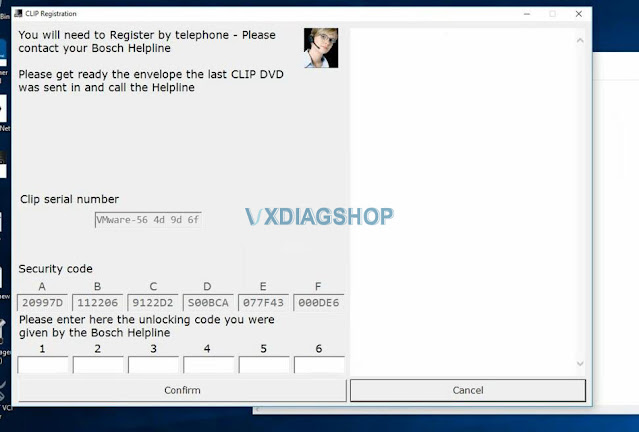
2. Copy and send ID to vxdiagshop.com engineer to generate activation key.
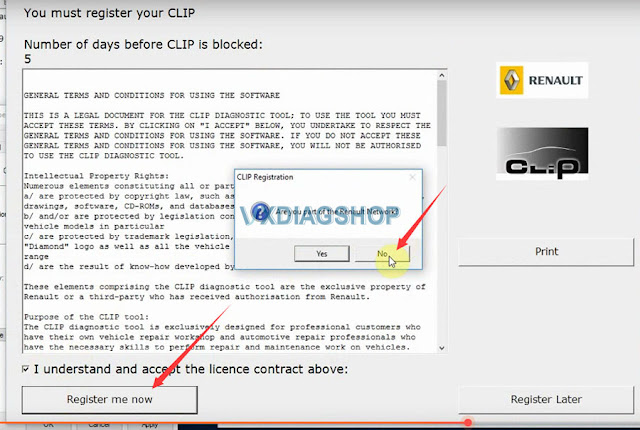
How to get ID?
Run CLIP on desktop
Accept license contract.
Press Register me now
CLIP will generate ID
How to Change VXDIAG BMW ElsaWin 6.0 Language?
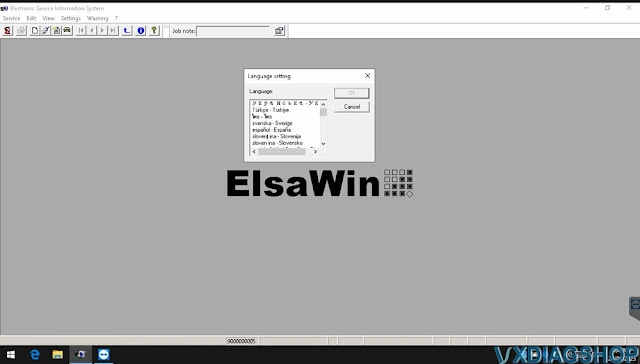
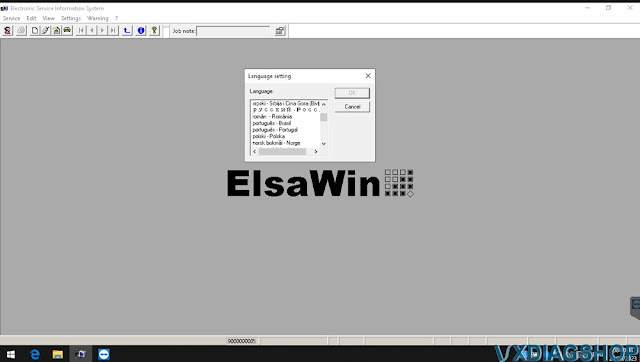
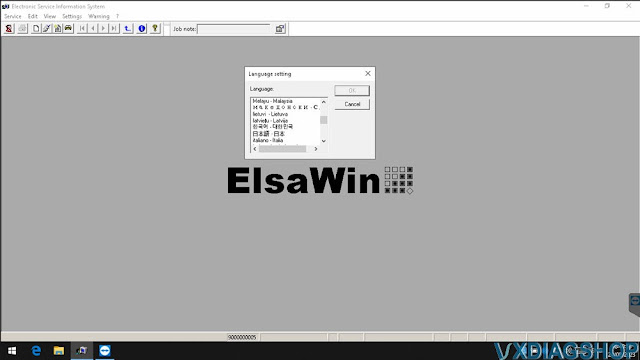
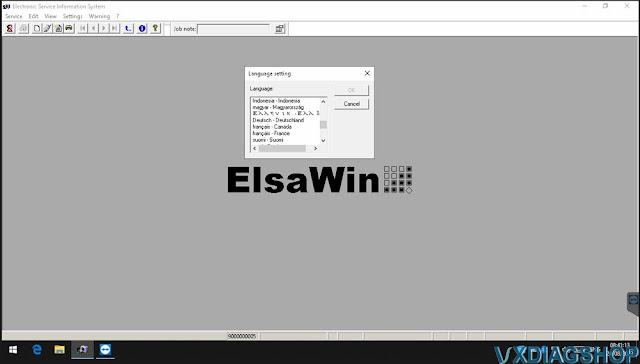
How to Change VXDIAG BMW ElsaWin 6.0 workshop service repair and circuit diagram lookup software language?
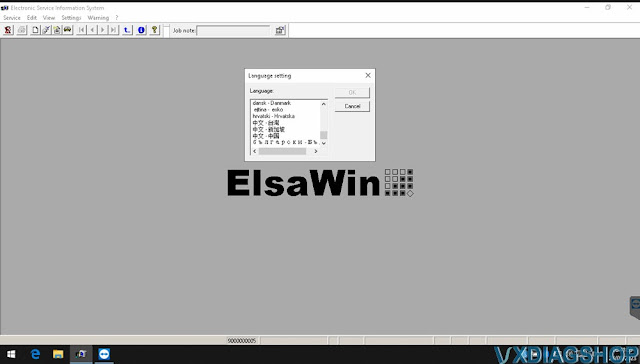
Run Elsawin (Electronic Service Information System) software, go to Settings->Language setting.
Select language you desired and save setting.
ELSAWIN available language:
English, Finish, Dutch, Danish, Hungarian, Croatian,Russian, Turkish, Thai, Swedish, Spanish, Slovenian, Norwegian, Polish, Portuguese, Malaysian, Korean, Japanese, Italian, Lithuanian, Latvian, Indonesian.
www.vxdiagshop.com
How to Change VXDIAG BMW ETKA 8.1 Language?
If VXDIAG BMW EKTA Parts Catalog software displays in Chinese, how to change language to English or other desired languages?
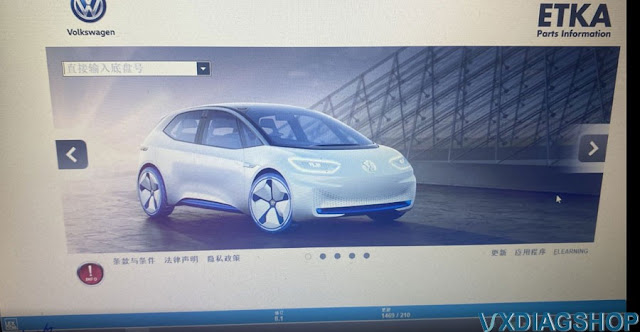
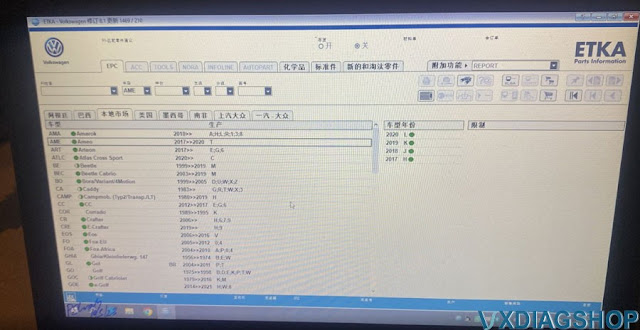
How to change EKTA 8.1 software language?
Press this icon marked red below
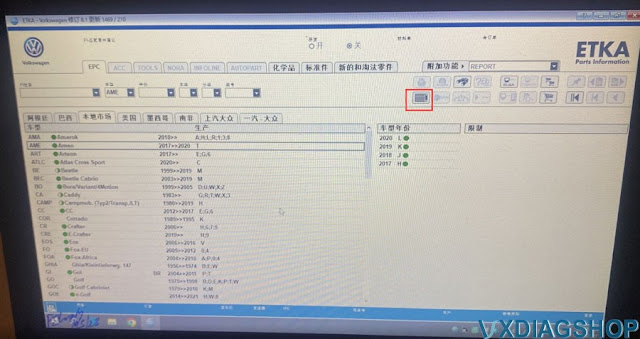
Select the language you desired
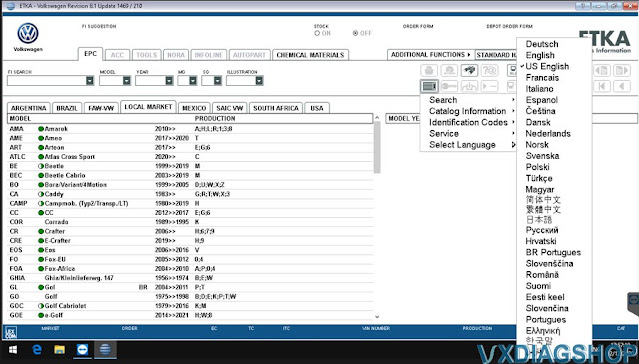
Available language: German, English, French, Italian, Spanish, Dutch, Danish, Polish, Turkish, Japanese, Russian, Japanese, Greek, Portuguese, Romanian, Korean, Arabic, Slovenian, Czech, Norwegian, Swedish, Hungarian, Croatian, Finnish, Estonian, Slovak