Can I Transfer VXDIAG VCX SE License to VCX FD?
Question:
Can I transfer all my licenses from VXDIAG VCX SE to this new VCX FD VCI and can I buy this VCI without any licenses?
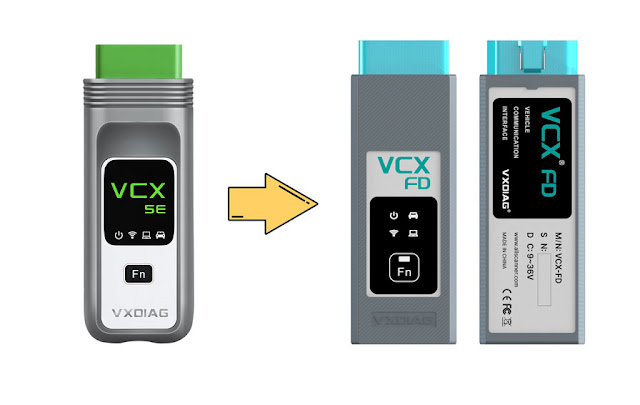
You are allowed to transfer license from vcx se to vcx FD vci. But have to wait 6 months.
Currently, only Ford/Mazda and GM software are integrated into the VCX FD.
VXDIAG engineers are working on it.
When they integrate all software
licenses to the VCX FD interface, you can transfer license by providing serial
number of both VCX SE and VCX FD.
VXDIAG SSM4 Program 2017 Subaru BRZ Key Fob
VXDIAG Subaru SSM4 review: programming/copying Subaru BRZ key for cheap.
User report:
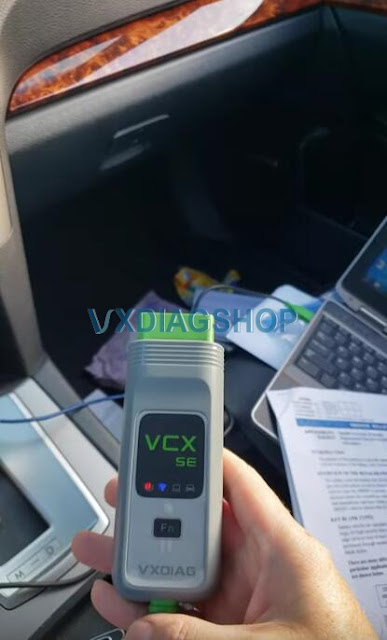
In my experience, I was able to program a new Key fob for my 2017 BRZ using SSM4 and getting a CLEAN [virgin] key fob from eBay.
Again, it has to be a key fob that is ready to be programmed. Any used key fob already programmed with an existing vehicle WILL not work until it's dis-virgin as long as the key fob FCC ID matches your existing one.
In my case the FCC for my key fob is HYQ14AHC. you can find that at the back of the key fob.
So any Subaru key fob works as long as it matches the FC ID – it's interchangeable between Subaru vehicles.
All you need is a copy of :
1. SSM4 (depending on the copy you get you might need additional software to be able to use it )
2. VXDIAG VCX SE Subaru scanner (or of the J2534 certified dongle)
3. and of course a virgin keyless entry FOB matching your existing FCC ID fob'
Program GM E37 ECM with VXDIAG VCX NANO GM & SPS2
This is a 2008 Chevy Malibu with ACDelco E38 ECM. There was no communication with the PCM.

We are going to replace the ECM.
Plug in your donor ECM and reprogram it
using VXDIAG
VCX NANO GM and GM SPS2.

Update vcx nano firmware and license to latest version before connecting the device with vehicle.

You do have to have the vx manger closed because the manager will kind of
take control of your VCI and then another program will not be able to
run.
You can't have two different things accessing your VCI at the same
time.
Turn on ignition switch.
Go ahead and connect up to the laptop and open
SPS2.
We got Techline Connect login, go ahead and enter the VIN number
manually so we're going to be reprogramming this.
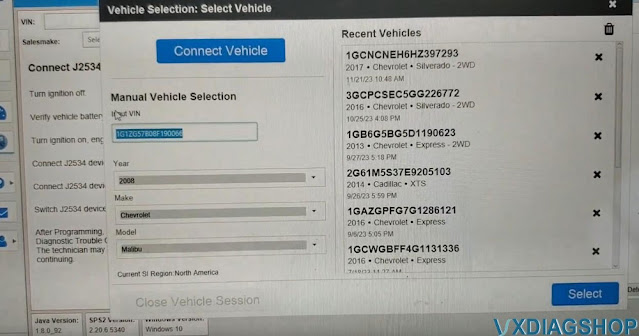
It went ahead and filled in the model and the year, just hit select and it asks the VCI. We are going to select our VCI which in this case is the VXDIAG.
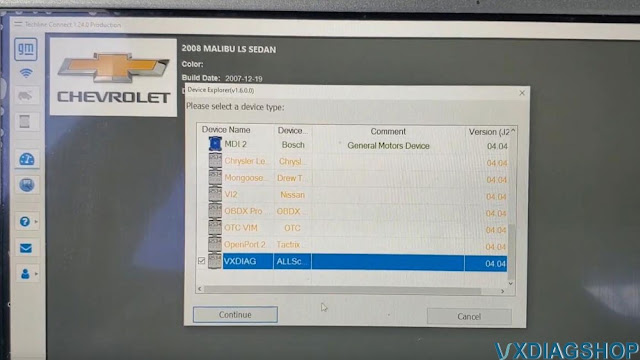
I can see it is actually trying to communicate down there that flashing.
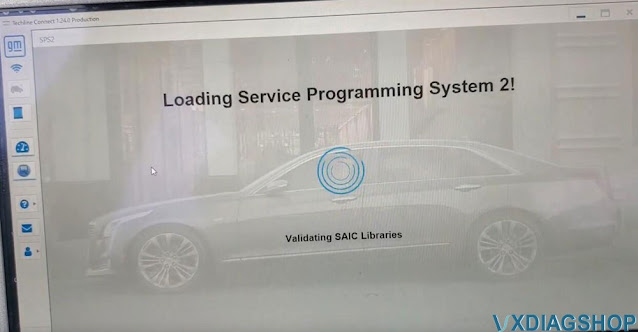
It gives us a conflict VIN because we've got a used module inserted and connected to the vehicle.
We press SPS.
This is a non-global vehicle so you should be able to program a used module without any problem.
Select Reprogram.
Select ECM-Engine Control Module
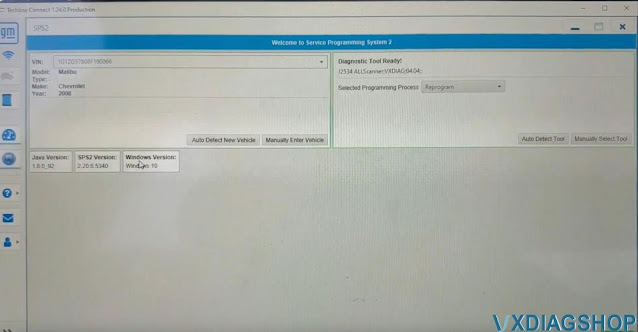
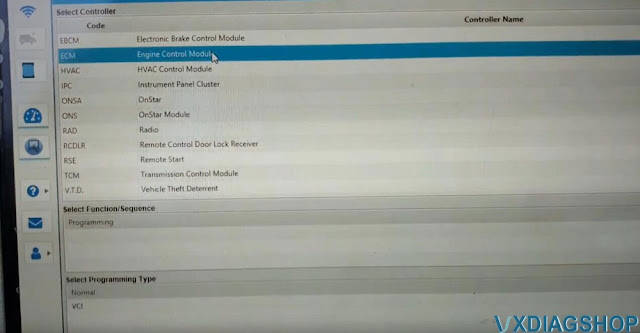
We're going to tell it to override because it's detecting this was the VIN number that's inside the PCM.
So we're going to tell it to override and use the VIN number that we actually entered which is the correct VIN number of this vehicle.

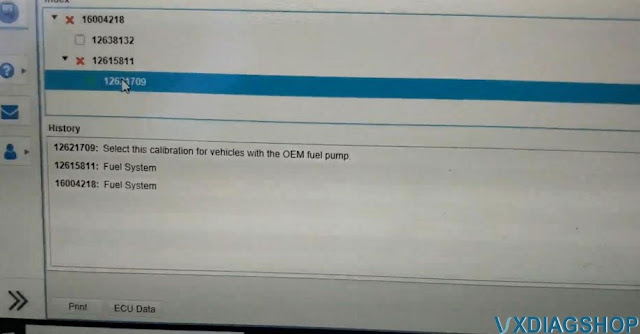
We need to select the fuel system tab. You need to actually manually select if it is not lit up.
There was a fuel pump upgrade for some vehicle that looks like that were used as taxis in the Las Vegas area that had a different modified fuel pump.
This vehicle is going to most likely be the OEM so we're going to leave that as the OEM and hit next and then we're going to tell the start programming.
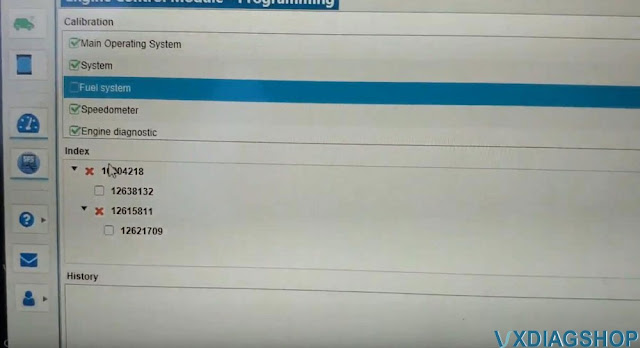
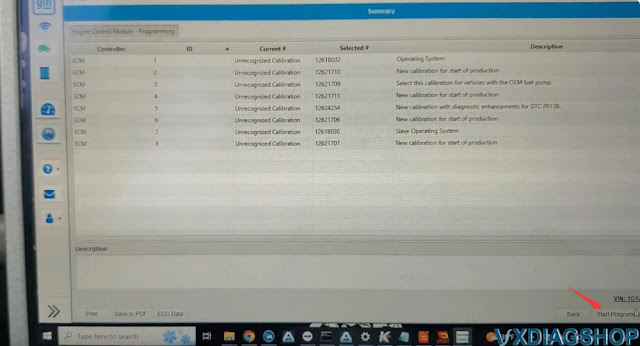
It's going to download the files from the server and then it's going to start actually write to the vehicle.
The programming process takes about 18 minutes to finish.
Wait until programming is completed.
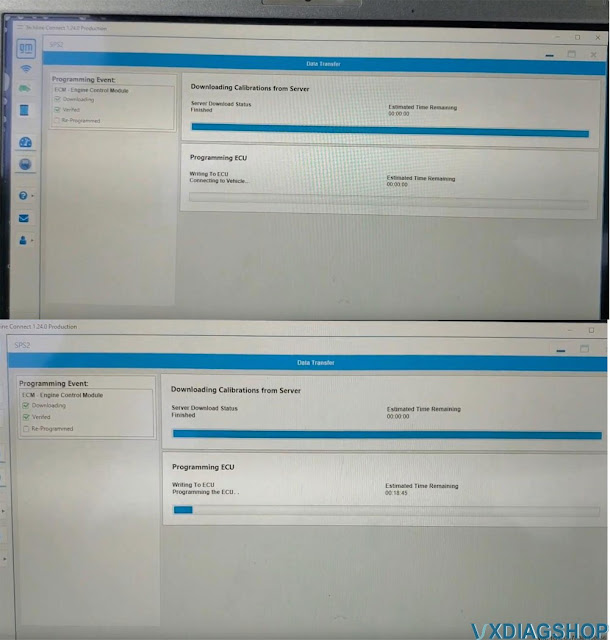
It was completed.
We've got to select Vehicle Theft Deterent and select Learn.

The procedure is for theft deterrent learn powertrain system so that means we replace the engine computer.
It makes you like a 10 to 12 minutes wait depends on the model.
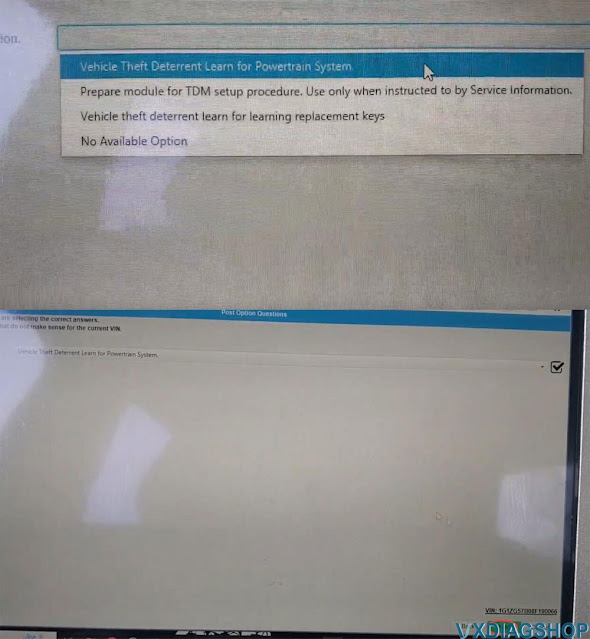
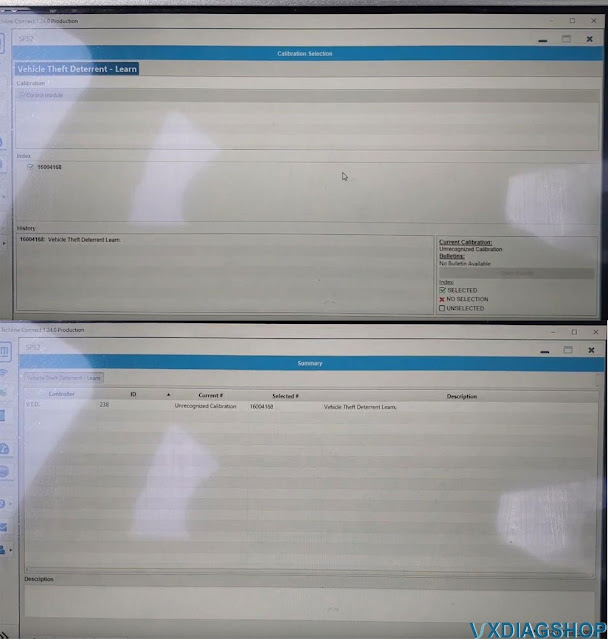
Start programming.
Wait until it is finished.
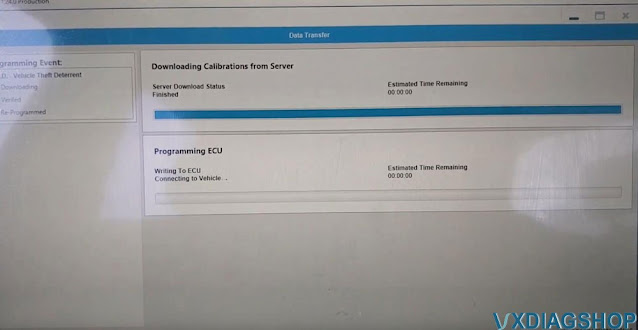
Theft DET turn learning was done.
Now key on cranks and starts. But we got the air cleaner and all that kind of stuff disconnected up there but that was a success.
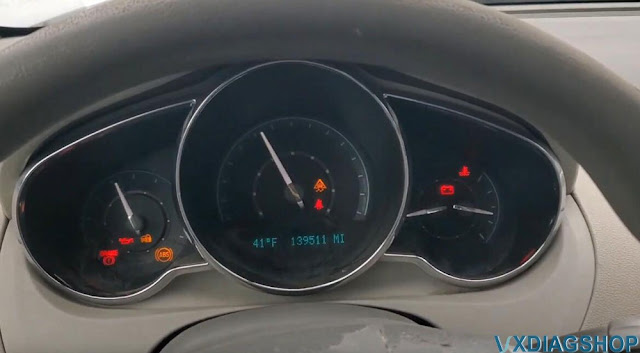
Done.
VXDIAG GM No License on Win10 Home System Solution
Problem:
My laptop did not see the VXDIAG VCX NANO GM license in VX Manager. Cannot see gm gds2 driver either. Update firmware and renew license still the same. It is a Windows 10 Home system.
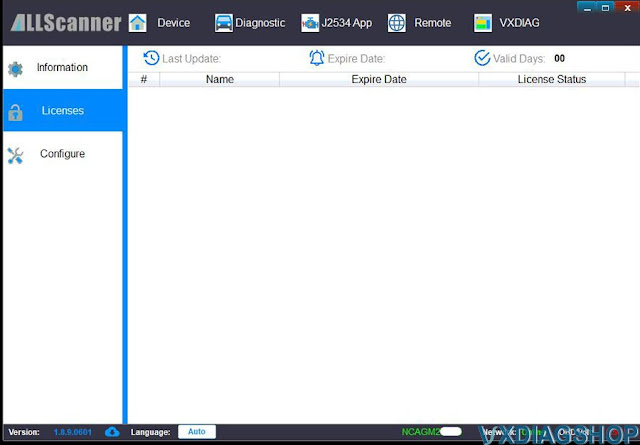
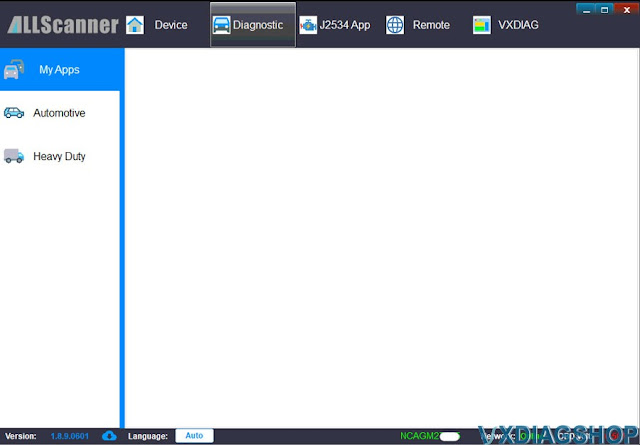

Solution:
VXDIAG software loads bad on Windows Home edition system.
Don't install vx manager and vxdiag software on Windows Home system.
Change another laptop and try again.
VXDIAG VCX CAN FD GM vs VNCI MDI2 Scanner
What is the difference between new VXDIAG VCX GM CAN FD and VNCI MDI2 diagnostic scanner?
| Item | VXDIAG
VCX FD GM
|
VNCI MDI2
|
| Brand | Allscanner VXDIAG | VNCI |
| Software | GDS2, DPS, RDS, Tech2win | GDS2, DPS, Tech2win |
| Driver | VX Manager | Compatible with original driver |
| License | License for GM | No |
| CAN FD protocol | Yes | Yes |
| DoIP protocol | Yes | Yes |
| Firmware update | Update online via VX Manager | Update online via VNCI Manager |
| Software update | Update by link | Update by link |
| Connection | USB Type C, WiFi and WLAN | USB, WiFi and WLAN |
| Vehicle coverage | 2005-2024 | 1996-2023 |
| Full system diagnostic | Yes | Yes |
| Online programming | Yes, need techline connect SPS2 online account | Yes, need techline connect SPS2 online account |
| Extension | available to add 16 brands software to the unit (JLR SDD/Pathfinder, Honda, Toyota, Subaru, Volvo, PSA, Renault, Nissan, Benz, BMW, VAG, JLR SDD/pathfinder, Porsche PIWIS II/III | Single brand |
| J2534 Passthru | Yes | Yes |
| Operating system | Win7/Win10 | Win7/Win8/Win10 |
| Price | $199 | $219 |


In sum:
Both devices support CAN FD and DoIP protocols.
Both devices support USB, WiFi and WLAN connection.
Both devices support GDS2, Tech2win, DPS software.
Both devices support online programming with sps2 online account.
The advantage of VNCI is that it is compatible with original driver, but it is single brand device. It is for GM only.
VCX CAN FD GM requires vx manager driver but you can add 16 car brand software to the same unit.