Does VXDIAG Ford IDS Support Russian?
Problem:
Hi, i cannot change vxdiag vcx nano Ford IDS language to Russian. I am using IDS v117 and Windows 7 Russian version operating system.
I try to change language to Russian, but it still display in English? Any idea how to solve it?
Solution:
If you are using our IDS software (can be downloaded free on www.vxdiagshop.com “Download” menu), it does not support Russian language.
VXDIAG Ford IDS supports following languages:
English
French
Italian
Spanish
Dutch
Danish
Portuguese
Chinese
Swedish
Norwegian
Finnish
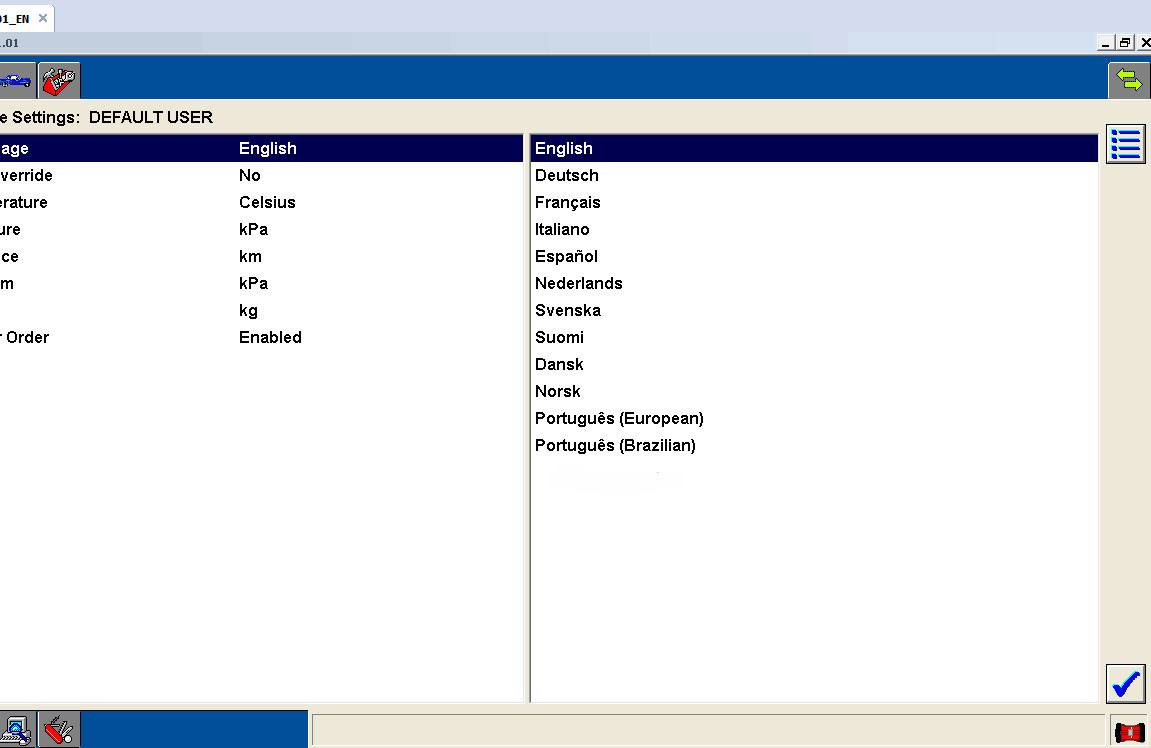
If you using other IDS software, you are at your risk.
VXDIAG Volvo Cannot Find VIDA Patch Error Solution?
Error:Failed to install VIDA software patch for vxdiag vcx nano volvo.
It saied "Windows cannot find VIDA_Home patch/filldb.cmd". Make sure you typed the name correctly, and then try again."
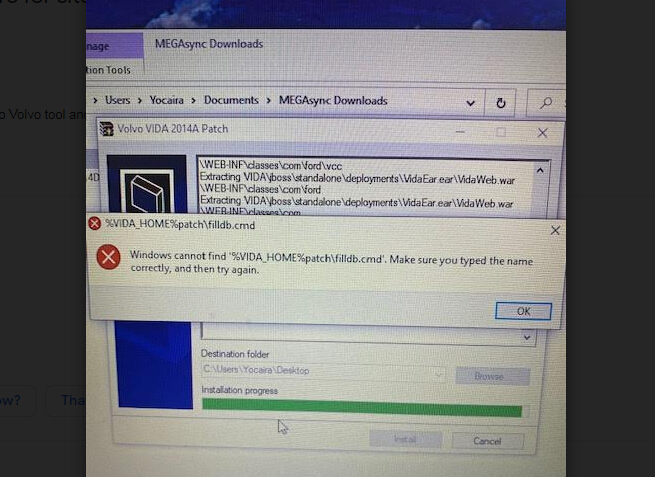
Vxdiagshop.com solution:
1. Disable anti-virus program before installing software.
2.Download and install VIDA software again.
Free Download VXDIAG Volvo VIDA 2014D software
http://blog.vxdiagshop.com/2019/03/15/free-download-volvo-vida-2014d-for-vxdiag-vcx-nano/
VXDIAG Porsche PIWIS Tester III Unpack
VXDIAG Porsche PIWIS Tester III is the new third-generation diagnostic tool specially developed for Porsche cars (until 2020 year), which Piwis II is unable to do.
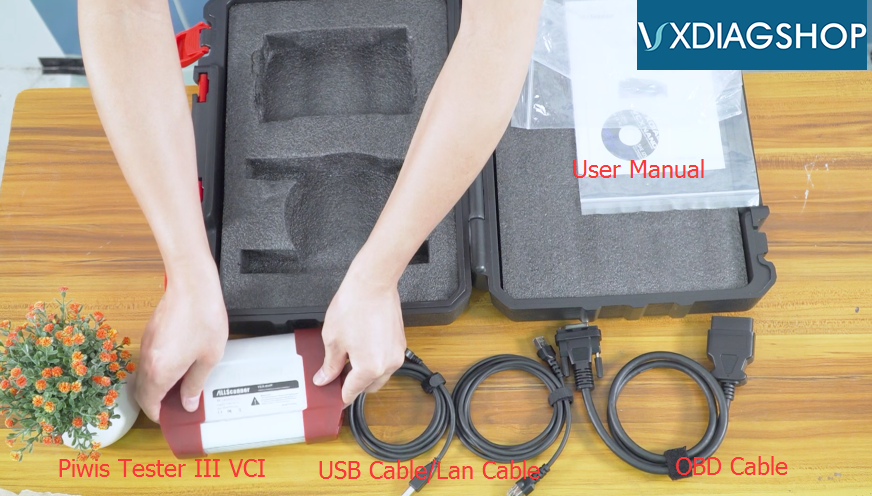
Here’re some physical photos of Vxdiag Piwis 3. Let’s take a look first!
Package Box
Plastic Case


User Manual
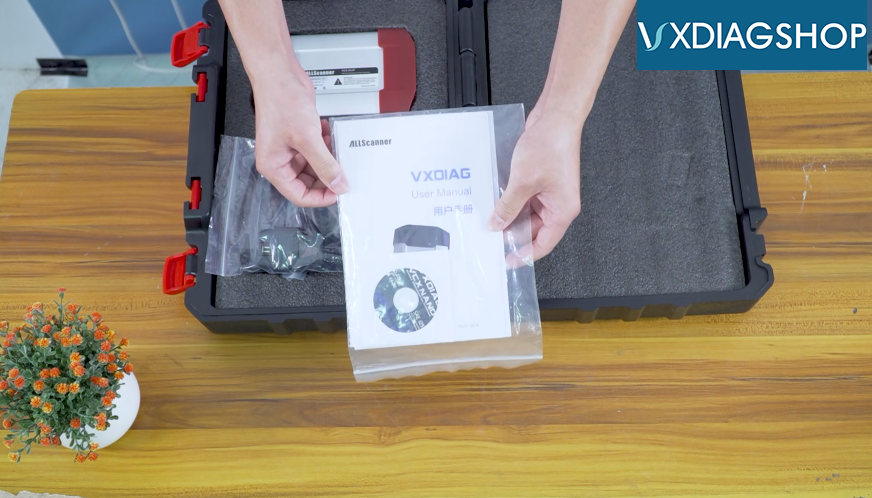
OBD Cable

USB Cable/Lan Cable

Piwis Tester III VCI


That’s all.
VXDIAG VCX-DoIP Porsche Piwis III Vehicle Coverage:
All Porsche from 1998-2020:
Porsche 911(997) (991)
Boxster/Cayman (987)
Cayenne up to MY 2010
Cayenne from MY 2011
Panamera
Especially the latest models:
Paramera (971) 2018
Caynenne (92A) 2018
Macan (95B) 2018
911 (991) 2018
VXDIAG Ford Transit 16 "Selection Not Available" Solution
Problem:I have the vxdiag vcx nano Ford wifi interface connected with my Ford Transit 2016 reg 2.2L diesel. The IDS won't let me select a module, saying "Selection Not Available".
I am using the IDS V114.01. Any idea how to solve it?


Vxdiagshop.com Solution:
IDS version is too low for this model.
Download and install vxdiag ids v117.
Free Download Ford Mazda IDS V117 for VXDIAG VCX NANO
How to solve VXDIAG GM GDS2 ERROR Code 6?
Error 1:I have installed the GDS2 for vxdiag vcx nano gm on Windows 7. When try to launched GDS2 software, an error code 6 popup .

Error 2:
No connection to the internet is currently available. GDS2 will run in offline mode.

Possible reason:
Incorrect installation of GDS2 software.

Because there should be 1 GDS2 software shortcut on desktop, while you have 2 GDS2 software shortcuts.

Check: How to install VXDIAG GM GDS2 software on Windows 7 ?
Video guide:
https://youtu.be/TXZg0tlJ-Mw
www.vxdiagshop.com