VXDIAG Benz SDMedia Software List
Question:
How can i change SDMedia language of vxdiag benz c6?
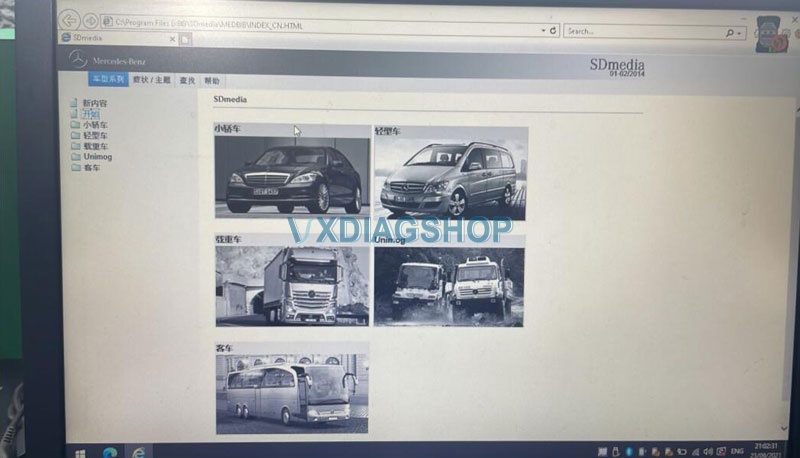
Answer:
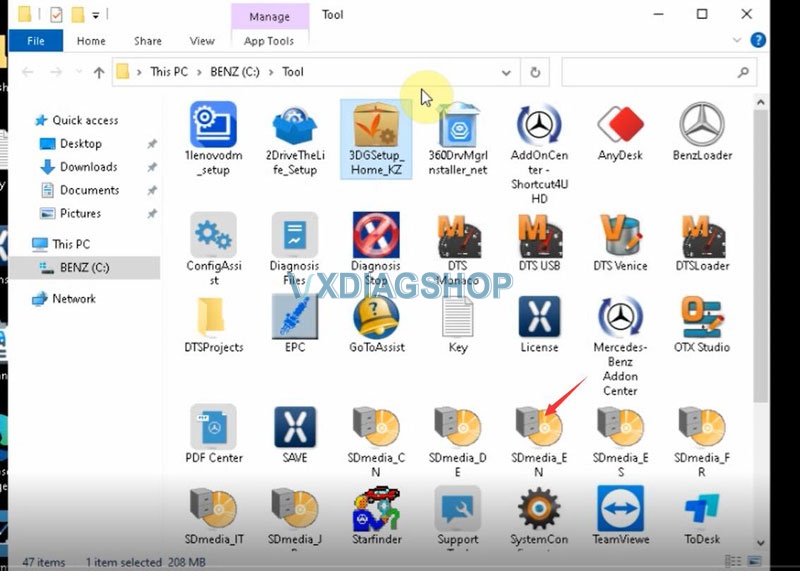
Go to Tool folder of Benz hard drive
Select and run SDmedia_EN to change language to English
SDMedia language optional: English, Chinese, German, Spanish, French, Italian, Japanese
Read also:
How to change VXDIAG Benz Xentry and DAS language?
How to change VXDIAG Benz WIS and EPC language?
VXDIAG Benz C6 Cannot Turn off Flight Mode Solution
The problem goes like this:
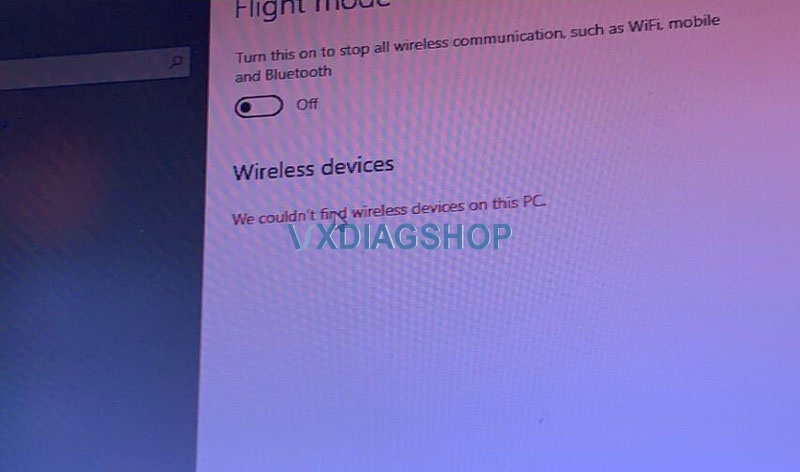
” My vxdiag benz c6 connects no problem via LAN cable. But it failed to connect via WiFi and does not allow me to disable Flight mode either. Windows 10 cannot find Wifi devices on this PC. Any idea how to fix it?”
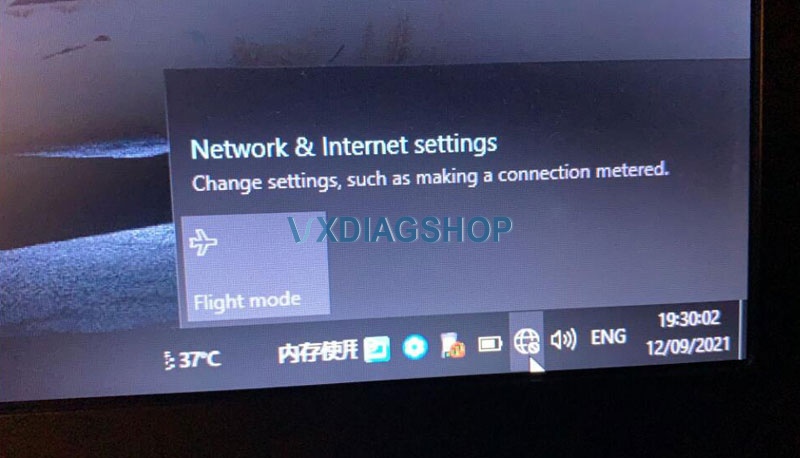
Solution:
The problem was caused by missing a WiFi driver.
Our Xentry HDD does come with the Driver Genius. Sometimes it is not compatible with your operating system due to various configurations.
Connect network via LAN cable. Send Teamviewer ID and password to us.
Our engineer will help update the WiFi driver.
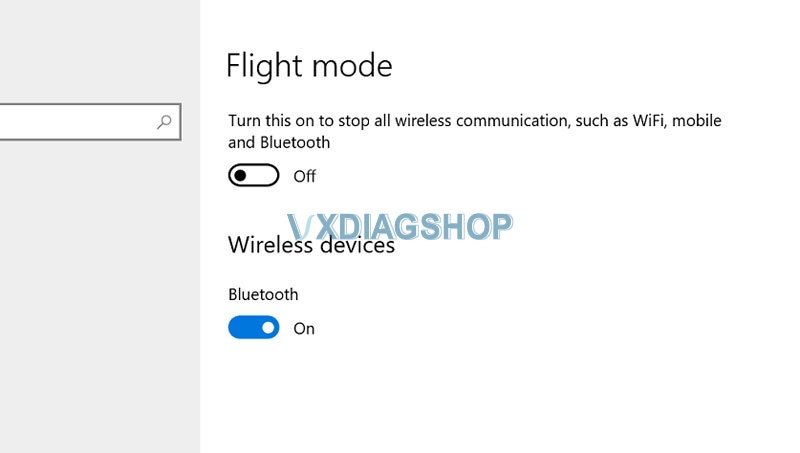
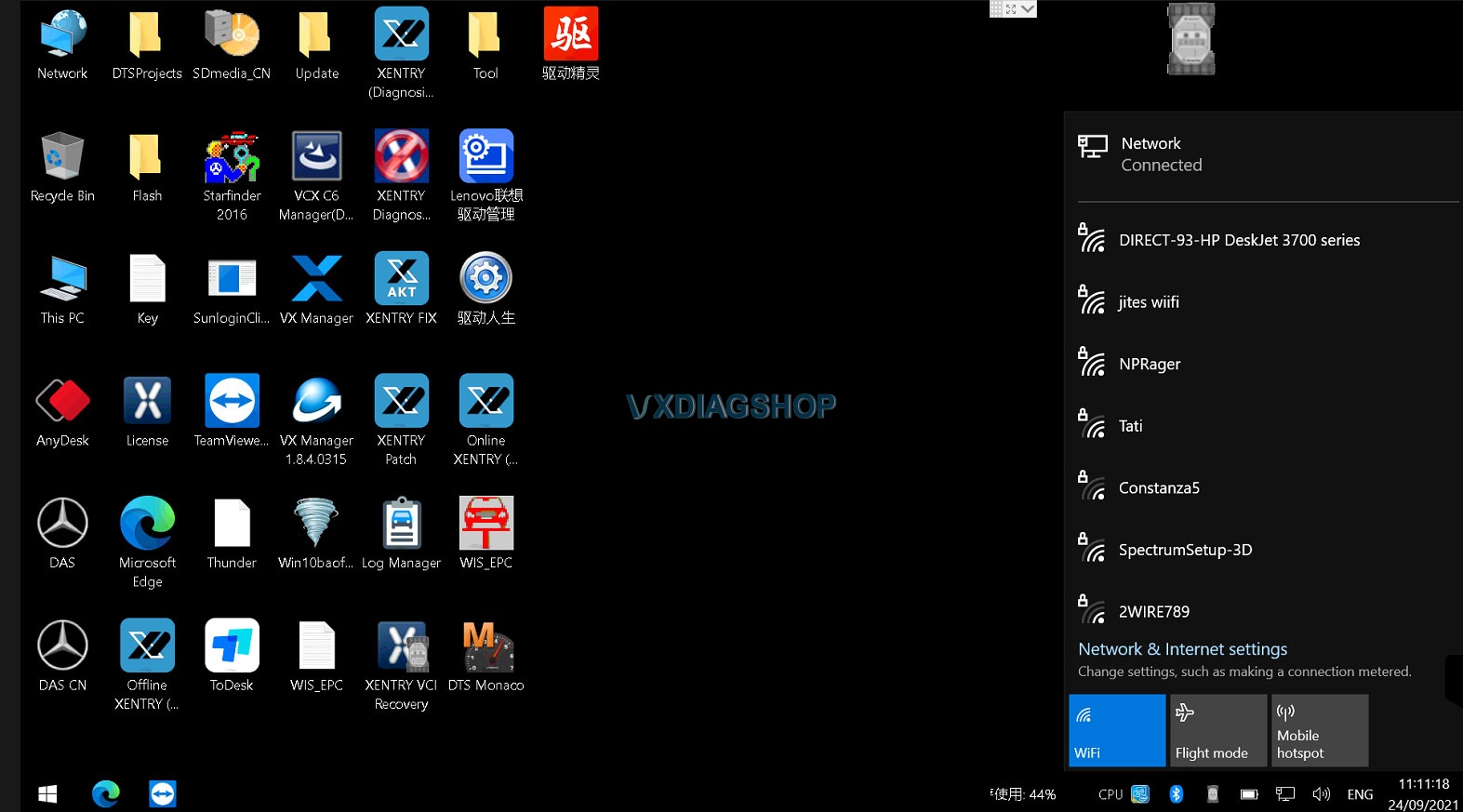
WiFi wireless connection is working fine now.
Contact us:
VXDIAG Benz C6 Cannot Turn off Flight Mode Solution
The problem goes like this:
” My vxdiag benz c6 connects no problem via LAN cable. But it failed to connect via WiFi and does not allow me to disable Flight mode either. Windows 10 cannot find Wifi devices on this PC. Any idea how to fix it?”
Solution:
The problem was caused by missing a WiFi driver.
Our Xentry HDD does come with the Driver Genius. Sometimes it is not compatible with your operating system due to various configurations.
Connect network via LAN cable. Send Teamviewer ID and password to us.
Our engineer will help update the WiFi driver.
WiFi wireless connection is working fine now.
Contact us:
VXDIAG VCX NANO Review on Kia J2534 OEM Software
In the previous post, we have a customer successfully test vxdiag vcx nano Ford as a passthru device. Today we tested it on a real car.
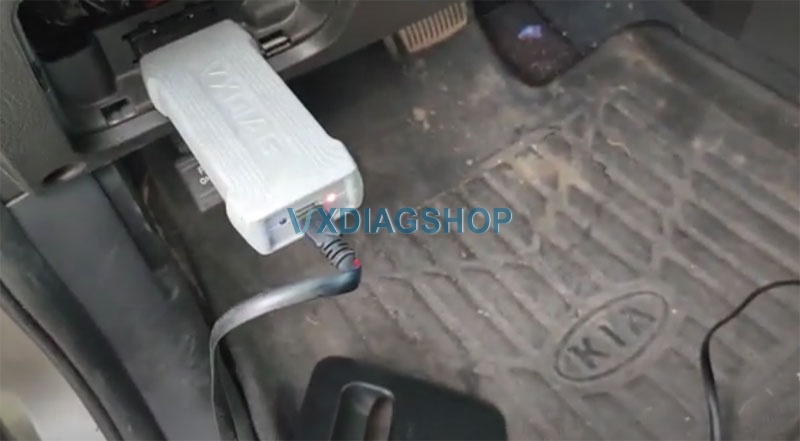
Get vxdiag plugged into the OBD port
Turn on ignition switch
Don’t need any type of update always make sure that you have a battery tender or maintainer onto your vehicle so that the battery does not go dead
Then you run KMA program (Kia J2534 Programming Area)

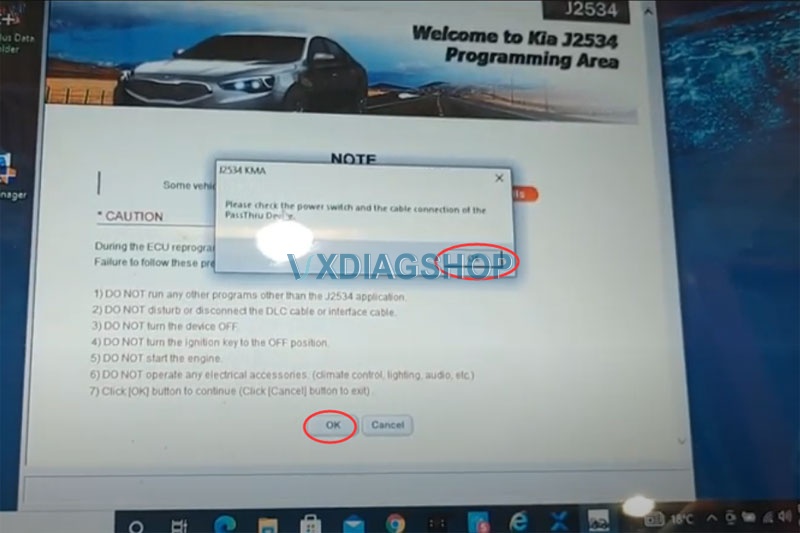

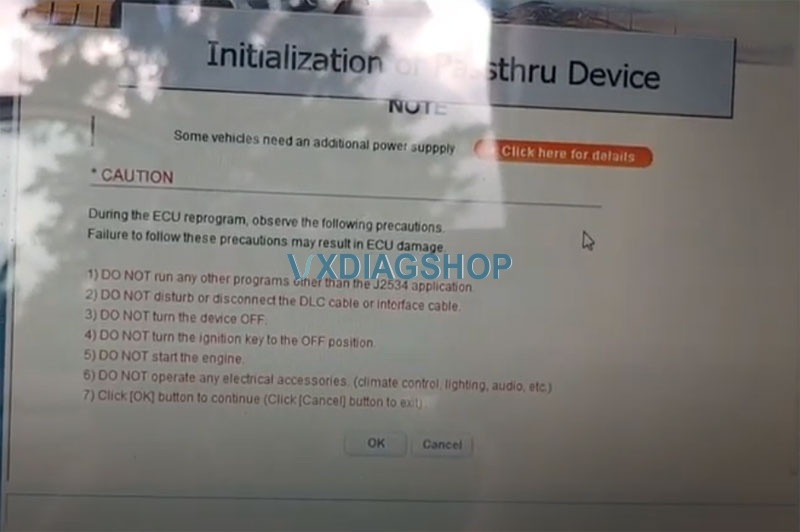
initialization of passthru is a pretty long process
The vcx nano is actually worth its value as a pass-thru
It is trying to communicate with the vehicle
all my updates are done
we are actually going to be able to see anything onto

click on the engine
the vehicle program is updated to date

Can i use VXDIAG VCX NANO Ford as a Passthru?
I purchased a VXDIAG VCX Nano for Ford and Mazda vehicles back in 2019, I must say that I was skeptical of the product but decided to give it a try.
After a week of use I was very impressed. I found the vx nano can be used as a J2534 Pass-Thru device.
It does get recognized by the OEM J2534 software so i am going to show you two programs that i used one for Nissan and one for Kia.
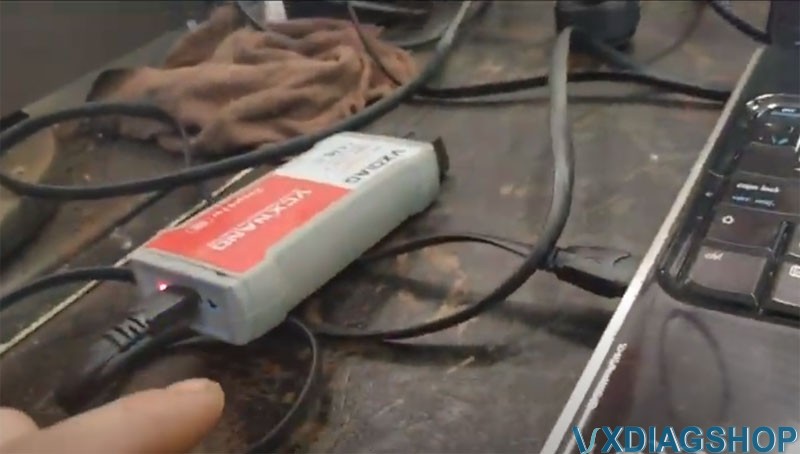
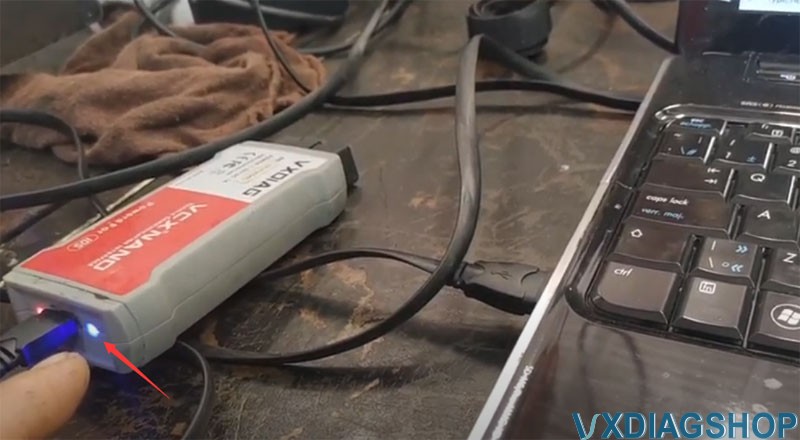
I have plugged it over here and it is plugged into the usb.
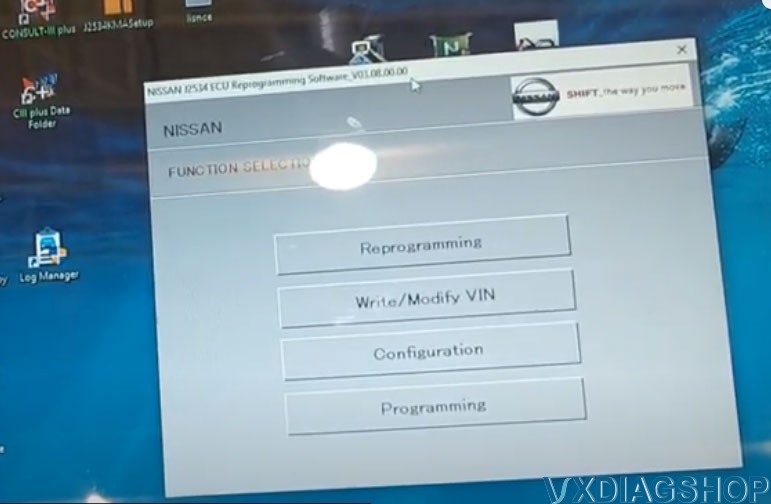
We’ll go over to Nissan (Nissan J2534 ECU Reprogramming Software)
i also have the FJDS bt that one you need a license.
with the Nissan we can actually get through it.
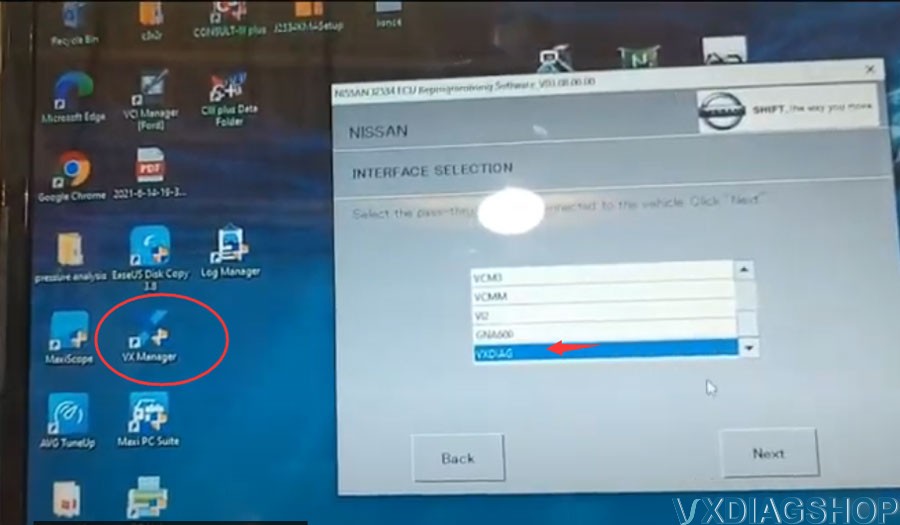
when you download the vx manager basically it shows up as a j2534
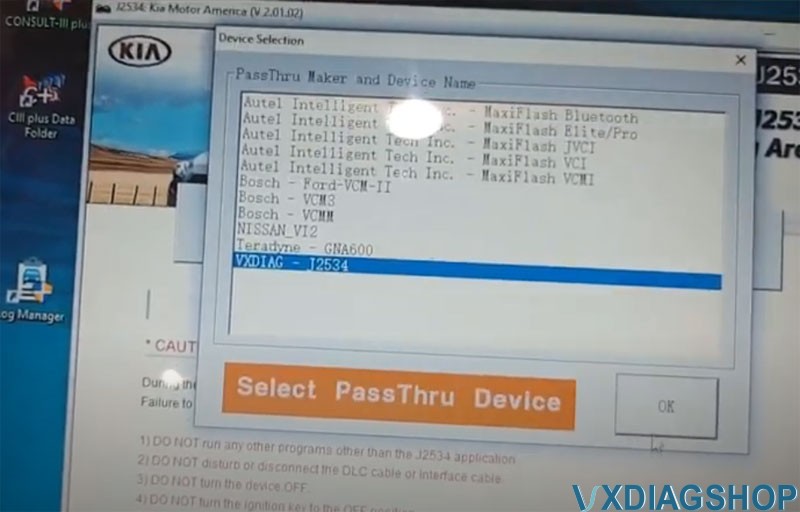
We select VXDIAG device
we will go next and then it read it as a j2534 passthru device as you see right here supplier allscanner
We don’t have a Nissan to test. But the vcx nano ford device can be recognized by the Nissan program.

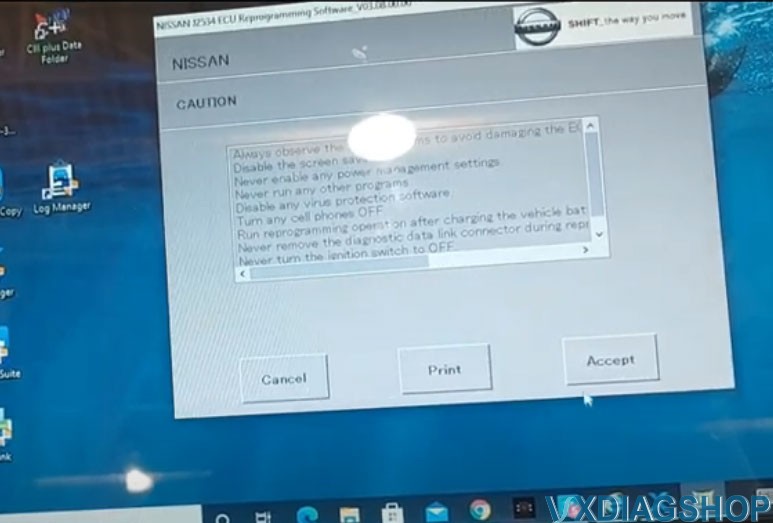

We also tested it on Kia program
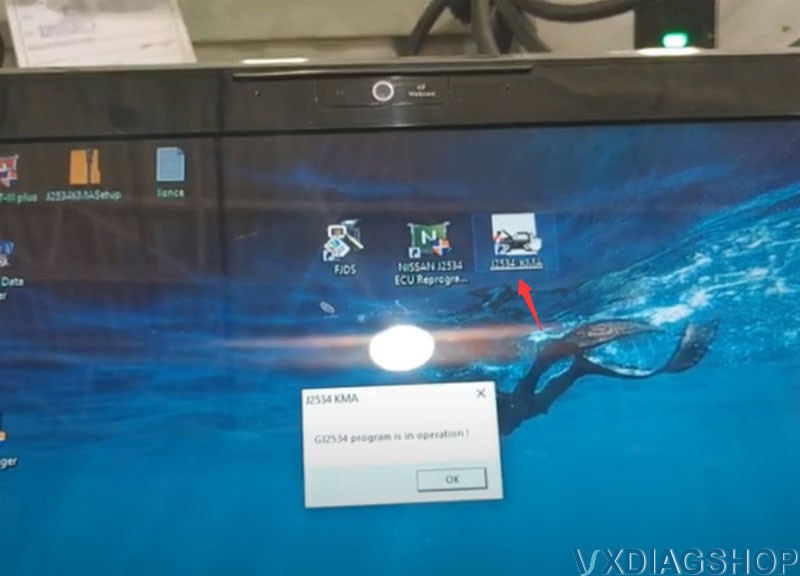
Run J2534 KMA program
the program require to enable network connection
check the power switch and cable connection of the passthru device
select VXDIAG-J2534
initialization of passthru device

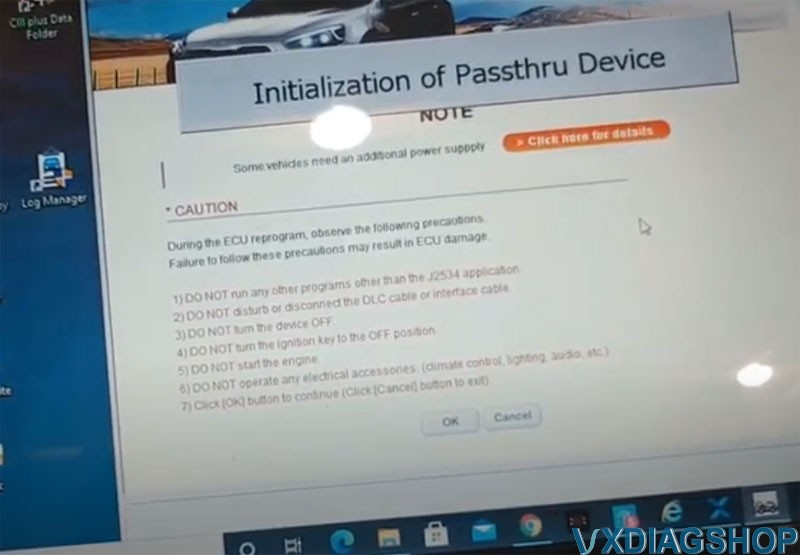
We do have a Kia car for test.