How to Fix VCM2 Clone of VXDIAG Fail to Renew License?
Problem: Ford VCM II (look at the image below) pops up “Your device needs to renew your license”, however, after I clicked on “OK” to continue, it happens nothing, renew license failed.
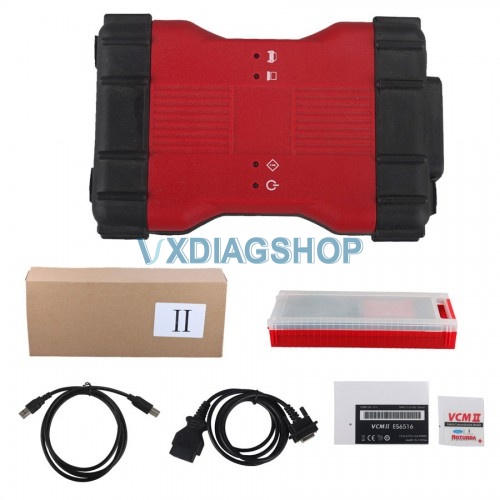
Image 1: Ford VCM II (Clone VXDIAG)
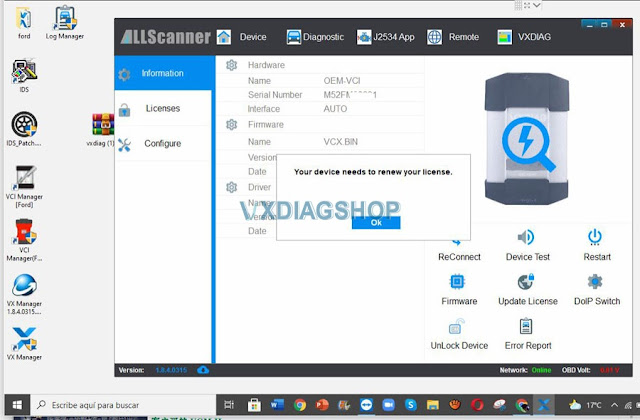
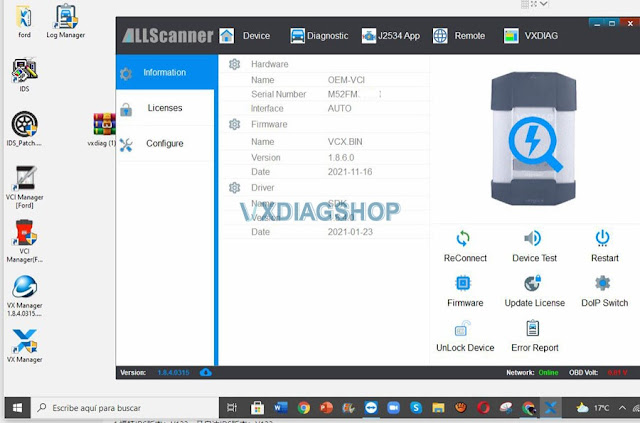
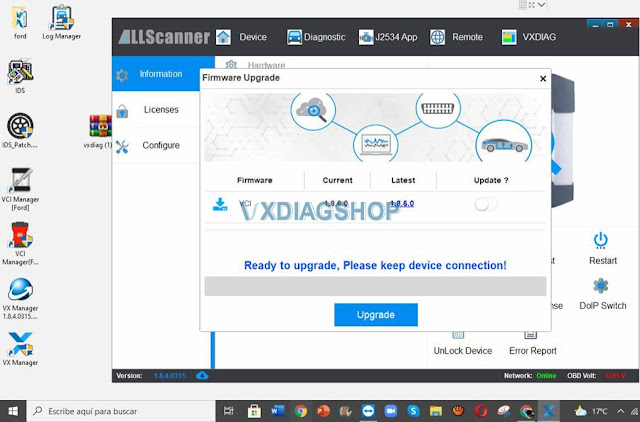
Image 2 – 4: VCM II failed to renew license
vxdiag engineer replied:
Allscanner VX Manager 1.8.x up requires to renew license every 60 das. They have started this since they found some Chinese manufacturers have copied their firmware, including this vcm2 close.
The vcm2 clone reports this error coz the device firmware is too old to update the vx manager. The license cannot be renewed online.
You may have to send back your vcm2 clone to your dealer to renew license by providing your serial number.
If you does not wanna renew the serial number, please use Ford VCI Manager (image below) to downgrade VCI to 1.64, then you can run the old version of IDS.
Good to know:
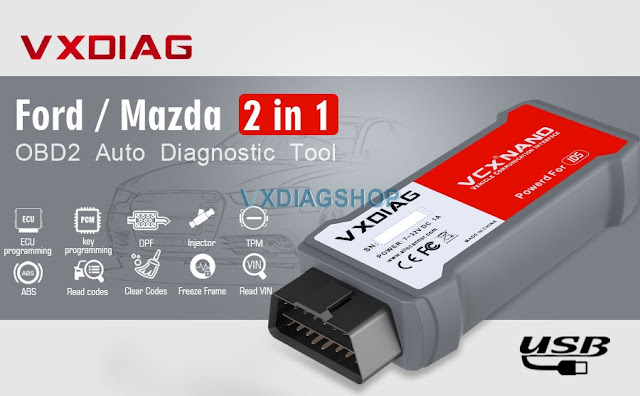
Ford VCM II (mentioned above) is clone of vxdiag, therefore vxdiag upgraded VX MANAGER 1.8.4 to prevent the clone VCMII from being compatible with the newest software.
It is highly recommended to own the original VXDIAG VCX NANO for Ford IDS V123 /Mazda V123 2 in 1 diagnostic tool. Which you will enjoy the newest software with new features.
How to Update VXDIAG VCX NANO VW ODIS to 8.2.0?
Question:
Can i update the wifi vxdiag vcx nano vw scanner with latest ODIS version 8.2.0? I saw it is available on another new vcx se 6154 device.
Answer:
Yes,
vcx nano is compatible with latest ODIS software as well. Update by
link. So does the vcx se and vcx multi tool series (S/N v71****).
vxdiag technician will upload the new ODIS 8.2.0 software download resource soon.
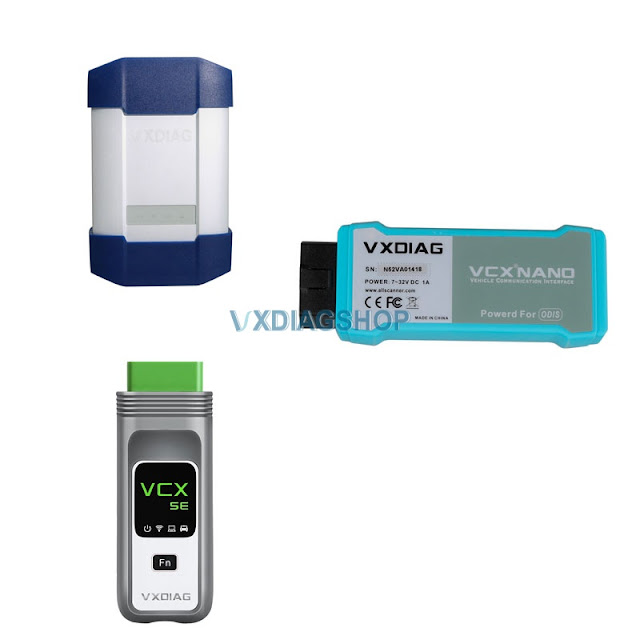
VCX NANO vs VCX SE vs VCX DoIP for VW Audi Skoda Seat
VCX NANO: for VAG brand only, single license. USB/WiFi connection.
VCX SE: default VAG license, allow being added with multi-car brands. USB/WiFi/Type C connection.
VCX Multi Tool: multi-brand license including VAG. USB/WiFi/LAN connection.
All firmware upgradable, software update by link.
VXDIAG VCX NANO GM GDS2 V22.2.03302 Free Download
All VXDIAG GM scanner GDS2 software was released to V2021.4 on Nov. 24th, 2021.
Software version:
GDS2 V22.2.03302 (NEW)
Tech2WIN 16.02.24
GM GDS2 Languages: English, Spanish, French, Italian, Portuguese, Netherlands, Russian, Arabic, Japanese, Chinese, Vietnamese
GM Tech2win language: English
Affected vxdiag tools: vxdiag vcx nano GM USB/Wifi, vcx se pro, vcx plus full etc
Software Download:
GDS2 V2021.4
VXDIAG GM GDS2 and Tech2Win Installation Manual
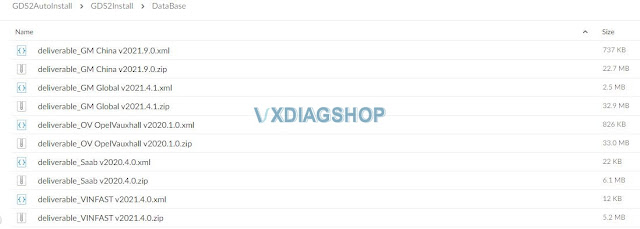
GDS2 22.2.03302 software including:
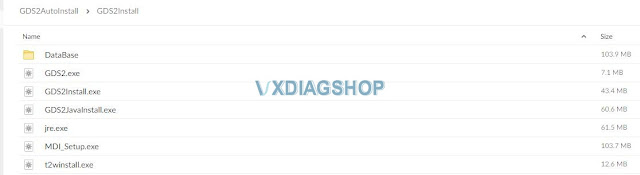
GDS2 database update to V2021
GM China V2021.9
GM Global V2021.4
Opel/Vauxhall V2020.1
Sabb V2020.4
VINFAST V2021.4
What is New in VXDIAG VCX SE 6154 for VAG?
2021 new VXDIAG VCX SE 6154 has been rolled out to replace the 5054, vcx nano 5054 and vas-6154 for VW Audi Skoda Seat Bentley and Lamborghini.
What’s new in VCX SE 6154?
- Supports DoIP protocol (More comprehensive DOIP function,The diagnosis response time is faster,then the transfer data time is shorter)
- Supports DoNet Remote diagnosis
- Supports VAG group till year 2021
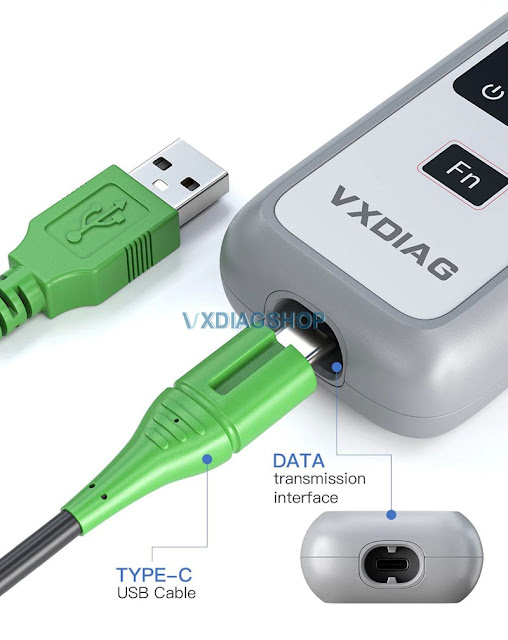
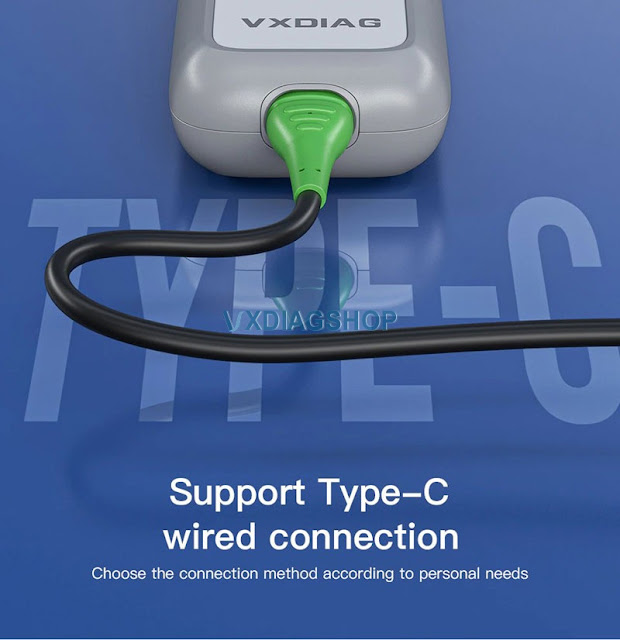
- Support USB, Type C and WiFi connection
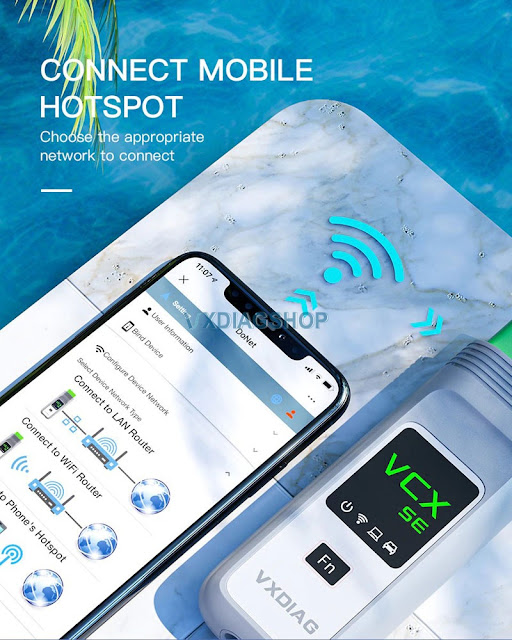
The device need to work with laptop, you can connect the device to your laptop via the USB cable or WIFI,
It supports WIFI and USB communication to transmit the vehicle data to the laptop via the diagnostic software.
- Free to update license and firmware online
The device includes the license for VAG, you do not need to pay the license for VAG again,if the license time was expired, you can directly update it in our driver app ‘VX-Manager”.
- Software update by link
- Software can be installed on Windows 10
- Multi-Languages:
Danish, German, English, Spanish, French, Croatian, Italian, Portuguese, Hungarian, Dutch, Polish, Slovenian, Finnish, Swedish, Turkish, Russian, Greek, Korean, Romanian, Brazilian, Japanese;
- Compatible with latest Offboard Diagnostic Information System Service ODSI Service 8.2.0 software + Engineering V13
- Allow being added with other car brands authorization
(Optional software license: JLR SDD, Toyota Techstream, Honda HDS, Subaru SSM, GM GDS2/Tech2win, Volvo, BMW ISTA, Benz Xentry etc)
ODIS Software Update 8.2.0 – Important Information
The upcoming release of ODIS Service version 8.2.0 uses a new file format compared to previou software versions of ODIS. Due to this change, ODIS will need to be uninstalled and reinstalled. Below we have provided you with the steps to complete the reinstall.
The current version of ODIS will not allow the tester to update to version 8.2.0. You will receive the below error prompt when attempting to update from the Extras menu.
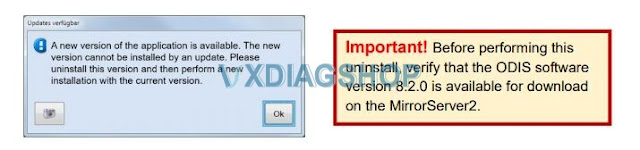
Uninstalling and Reinstalling ODIS Service
Please refer to the erWin > Vehicle Diagnostics &Reprogramming > Step 4 and follow the ODIS Uninstallation and Reinstallation instructions.
Additional documentation, if the uninstall and reinstall is not successful
Older diagnostic devices or older installations of ODIS Service may require additional uninstallation steps.
This is due to the nature of how Windows® stores the installation and other files needed for ODIS Service.
This document named ODIS Software Cleanup is also located at erWin > Vehicle Diagnostics &
Reprogramming > Step 4. When you have completed the cleanup, repeat the reinstall installation instructions
https://www.vxdiagshop.com/wholesale/vxdiag-vcx-se-6154-tool.html
How to Solve VXDIAG GM SGM RDS verification failed error?
Problem:
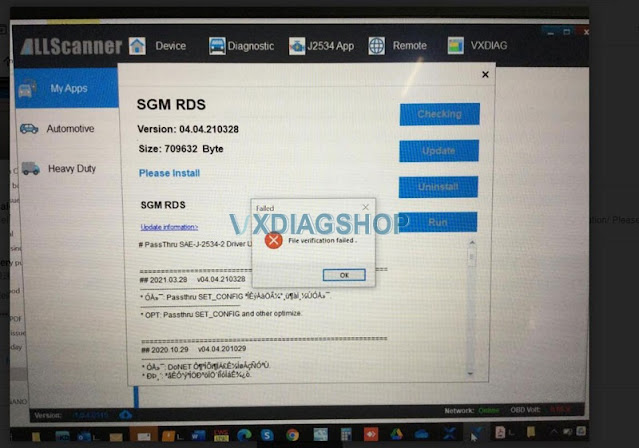
I had a file verification failed error when installing SGM RDS driver for the vxdiag vcx nango gm scanner. Any idea what’s going on?
Vxdiagshop.com solution:
You don’t need to install SGM RDS driver.
If install GM VCI Manager separately, you don’t need to install Passthru nor SGM RDS driver.
Free download GM VCI driver