How to set up PCM Hammer with VXDIAG VCX NANO?
Q: I have the vxdiag vcx nano gm with windows 10. I have used it with gds2, tech2win, sps, and forscan without any problems. Since forscan works with the nano, I wonder is it possible to use PCM Hammer with vcx nano?
FYI:
What is PCM Hammer software?
PCM Hammer allows you to read and write the firmware on the P01 and P59 powertrain control modules that were used in various General Motors vehicles from roughly 1999-2007. Please be aware that while this app contains support for J2534 devices, some J2534 devices do not work with Windows Store apps.
Customers’ working experience:
1). The GM/Opel VCX Nano is used by many without issue.
2) I use PCM Hammer with my VXDiag VCX Nano device via USB cable. Works great and is easily twice as fast as my MX device by Bluetooth.
3). Vx Nano (if it works with SPS) will take about 5 minutes to read a 512K and around 9 minutes on the 1mb pcm with the Pc version of the program (Pcm Hammer).
4). Writing to the PCM was successful. I was able to clone a PCM in under 2 minutes.
Don’t bother with the cd that comes with it. Get the software from vxdiagshop.com
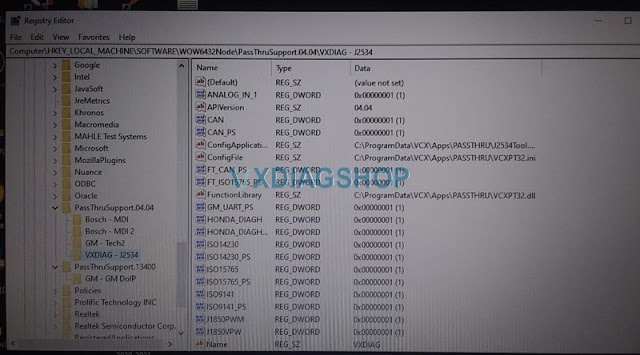
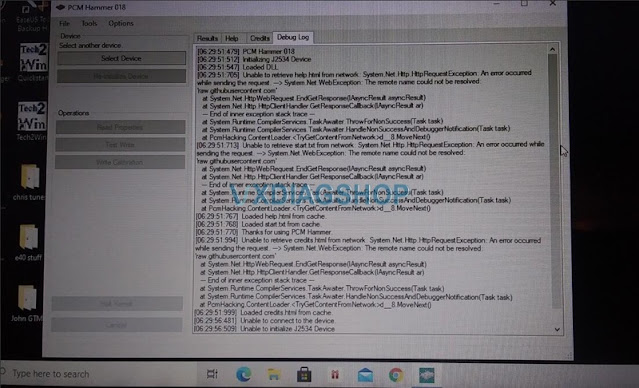

Any software that uses the Nano would load the vcx.dll. vcx.dll belongs to the Nano, it is the Nano’s public J2534 API (Application Programmers Interface).
The DLL in that folder is the ‘heart’ of the communication to the scantool for J2534. The VX Manager directly communicates to the scan tool, which is why that dll does not matter for it, but all other softwares that use j2534 will need that file there.
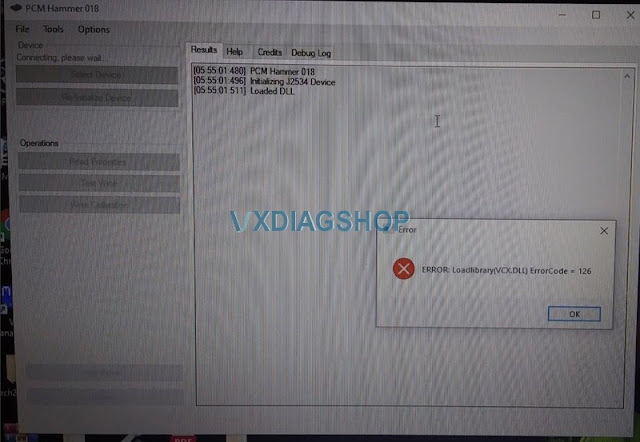
If you open pcm hammer it immediately says the error 126 when load vcx.dll after choosing vxdiag j2534 device, VX Nano does drop an API DLL in the system32 folder, make sure to disable the antivirus program, because some antivirus will delete this which prevents the program from running. Also microsoft app store installation prevented the program from functioning properly.
If you see an error message about LoadLibrary ErrorCode 126, you’ve got a J2534 device that doesn’t work with the Windows Store. In that case, please install PCM Logger from the .zip file at https://github.com/LegacyNsfw/PcmHacks/releases/latest
VXDIAG VCX SE BMW BENZ VW 3-in-1 VS Other Similar Tools
What is VXDIAG VCX SE BMW BENZ VW 3-in-1? As the title suggested, it can work with Mercedes Benz 2005-2020, BMW 2004-2020 & VW 2001-2020 and access to all systems to perform Diagnosis, Programming and Coding.
It features in:
- Come with Type-C USB connection and runs Faster;
- Obtain Donet remote authorization license for free up to 2021-04-30 and Donet license can be use lifetime to work with following car models:
(Doip)BMW (Doip) Benz(Doip)
Toyota (TIS Techstream) Honda(HDS)
Land Rover JLR (Doip) Jaguar JLR (Doip) Ford (IDS)
Mazda(IDS), GM (Chevrolet , Buick, GMC, Cadillac, Holden, Opel, Vauxhall, Pontiac, Hummer, Saab Saturn)
VAG (VW, Audi, Seat, Skoda, Bentley, Lamborghini),Subaru, Volvo
- Add more car models as you will including GM, Ford, Mazda, Toyota, Honda, LandRover, Jaguar, Subaru, Volvo etc.
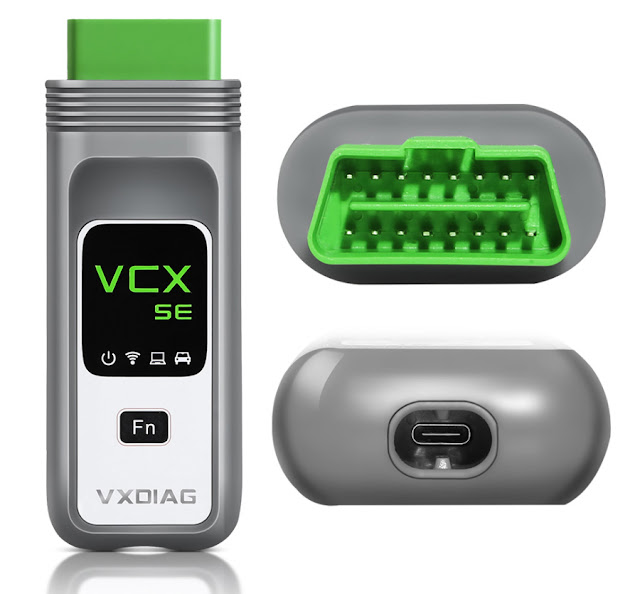
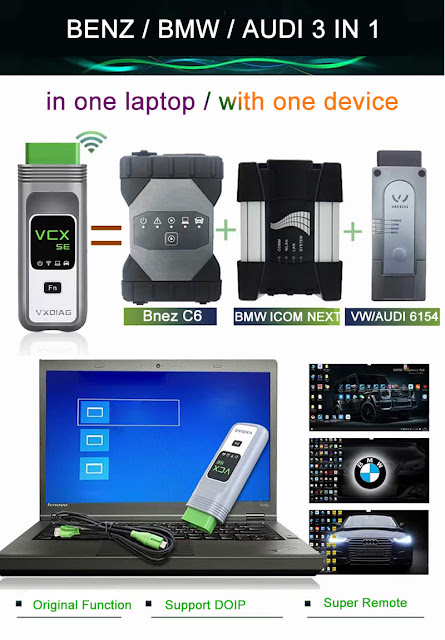
- Communication: Wifi connection, USB connection and network connection.
- Both firmware and DOIP firmware can be upgraded.
VXDIAG VCX SE 3-in-1 wins Other Similar Tablet Diagnostic Tools in the following aspects:

- Engineering System Functions:
-AUX engineering software authorization, Bluetooth activation
-Original switch valve modification
-Stopwatch color replacement
-LED headlights activation
-Upgrade PCM module from low configuration to high configuration
-Original reversing image installation
-Used car parts replacement
-Used PCM module replacement
-Airbag Crash Data Reset
-Instrument horsepower and torque display
-Online programming and firmware upgrade, manual programming, automatic programming, irregular programming
-Long-term sports performance, tire pressure TPM system retrofit, panoramic camera modification
- Engineers functions:
-Power system update for some models
-PSE retrofit, paddle shifter modification
-Ejection function activation
-Start function close/open
-Airbag ECU unlock and airbag crash data reset
-Used parts replacement, coding parameter reset
-Sports performance graph display, shift graph display
-Computer programming, coding parameter writing directly
-Active cruise control modification
-Check engine light on reset / seat belt warning light reset
-Old airbag ECU Unlock directly no need to replace with a new airbag
-The coding interface options: irregular coding, regular coding, manual coding, automatic coding, etc.
Final part is about VXDIAG VCX SE BMW BENZ VW 3-in-1 Car List:
For Mercedes Benz 2005-2020 Car List:
A class: 168, 169, 176
B class: 242, 245, 246
C class: 190.201,202,203,204.205
E class: 110,114/115 ,123, 124, 207, 210, 211, 212, 213
S class: 108/109, 111/112 ,116, 126, 140, 217, 220, 221, 222
SL: 107, 129, 230, 231
SLS: 197
SLK: 170, 171, 172 SLR: 199
SLC: 172, 197 CLA: 117
AMG GT: 194 CL: 140, 216, 215
CLS: 218, 219 CLK: 207 (E-COUPE), 208, 209
CLC: 203 R: 251
ML (SUV) 164, 163 GL (SUV) 164, 166
G (Jeep) 463, 461, 460 GLK (Jeep): X204
GLE: 292 GLC: 253
GLK: 201 GLA: 156
M/GLE: 166 GLS: 166
SMART:451, 450 MAYBACH: 240
V class: 639, 638 SPRINTER: 903
The new Mercedes Benz vehicles with DoIP protocol (W222,W205,W206,W223——) require the DoIp device to diagnose and program, Mercedes Benz VCX SE DOIP is the good choice.
For BMW 2004-2020 car list:
1. Supports BMW All Series Diagnose and Programming
2. Supports Vehicles including for BMW Cars, for Rolls-Royce, for Mini Cooper
For VW Series 2001-2020 Car list:
Supported Car Models: VW, AUDI, SKODA, SEAT
Alright, if you are interested in VXDIAG VCX SE BMW BENZ VW 3-in-1, browse this page:
https://www.vxdiagshop.com/wholesale/vxdiag-vcx-se-3-in-1.html
VXDIAG VW ODIS 8.2.0 Not Installed Error Solution
Problem:
I just got the vxdiag vcx se 1654 with ODIS 8.2.0 software. I failed to install VCI driver in vx manager, it said ODIS not installed. Any idea?
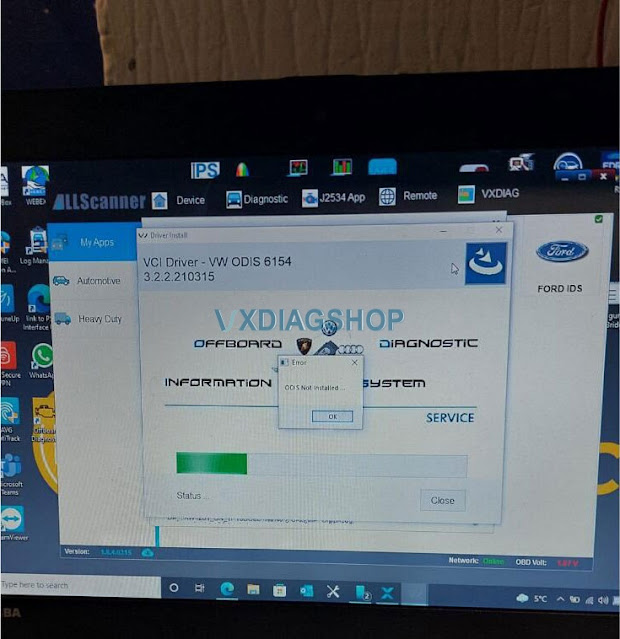
Solution:
Install the wrong driver. Install VW ODIS 6154 driver separately, download driver here install.exe
VXDIAG technician will put the install.exe new 6154 driver into vx manager in the next few days. Then you don’t need to install vci driver separately, install it in vx manager.
The software installation is the same as the older version 7.1.1.
Read also:
http://blog.vxdiagshop.com/2021/12/01/vw-audi-odis-service-8-2-0-engineering-13-0/
VXDIAG VCX SE No WiFi Indicator Solution
Problem:
My vxdiag vcx se Benz doip device works fine, but wifi suddenly not working today.
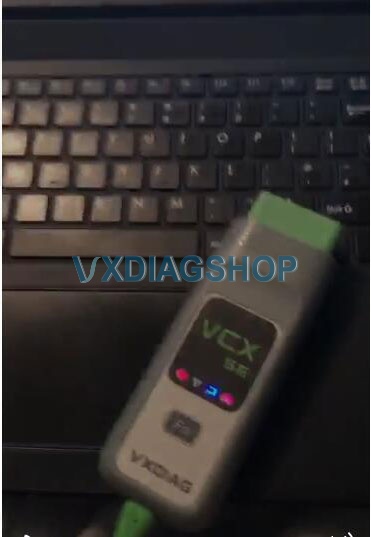
wifi indicator does not turn on after connected with laptopo
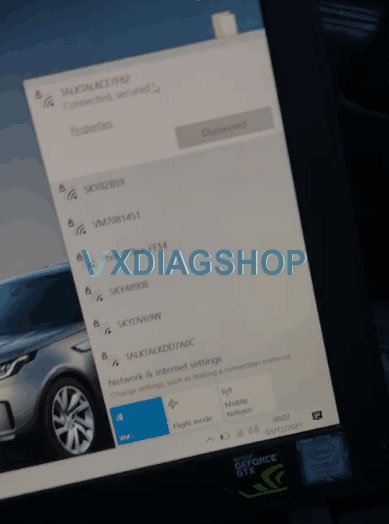
No vxdiag wifi detected
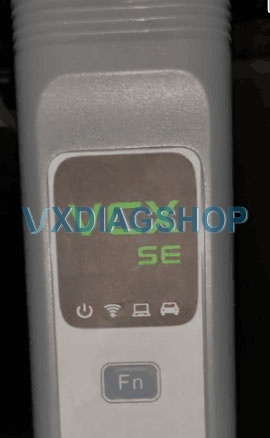
only power and car indicator turn on after connect with vehicle
Any idea?
Reason and solution:
if power with obd, wifi indicator turns on, the device is ok, there is something wrong with laptop or wrong setting
if wifi indicator still does not flash when power with obd, the vcx se is damaged, need to send the unit back to your reseller.
VXDIAG ODIS 8.2.0 and Engineering V13 Software List
Vxdiag vcx nano 6154, vcx se 6154 and vxdiag vcx multi tool VAG software released to latest version ODIS 8.2.0 with engineering V13.0.0 in November 2021.
Software version:
ODIS 8.2.0
Engineering 13.0.0
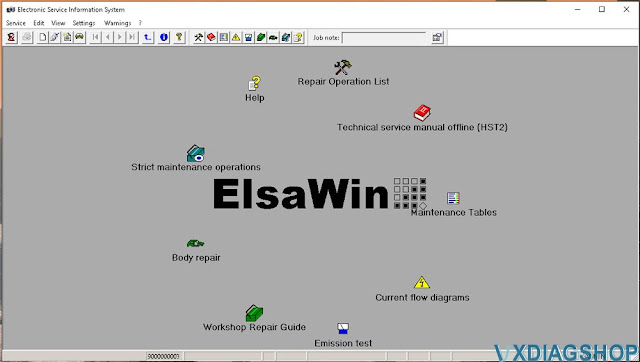
Elsawin Electronic Service Information System
ETKA Audi
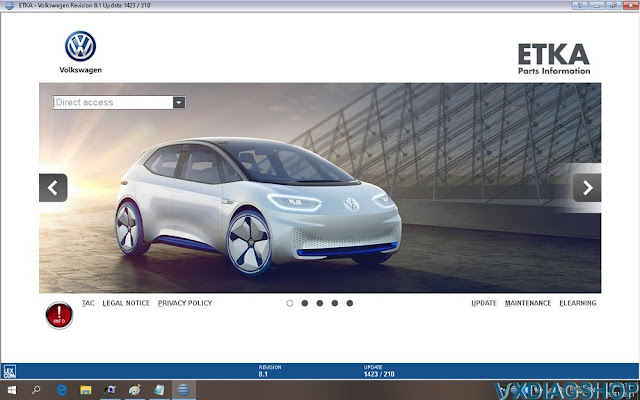
ETKA VW
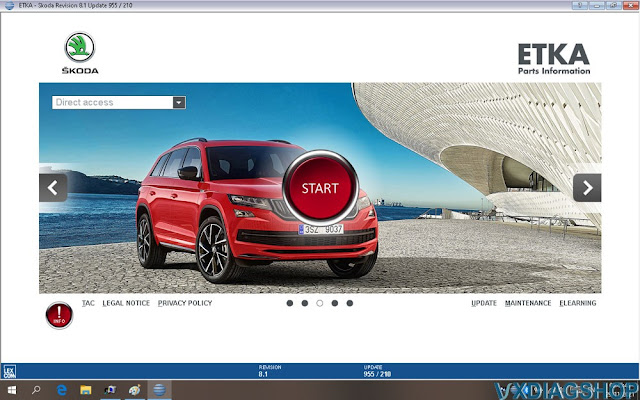
ETKA Skoda
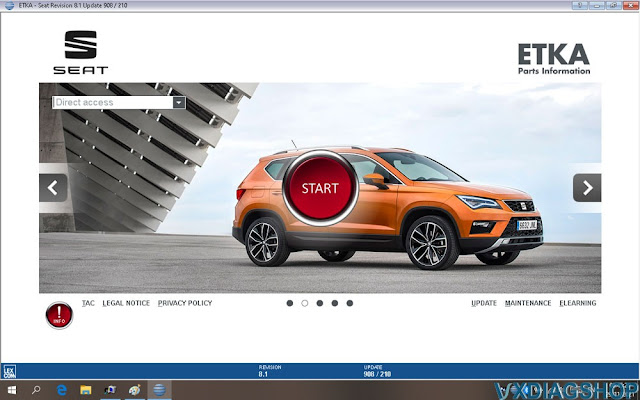
ETKA Seat
ETKA Commercial vehicles


Multi-language: Multi-languages: English Japanese Portuguese Romanian Korean Dutch Polish Turkish Spanish French Italian Croatian Danish German Swedish Finnish Slovenian Czech Russian Greek Chinese etc
Supported Car years: 2001-2021
Audi, Bentley, Bugatti, Lamborghini, MAN, Seat, Shanghai VW, Skoda, VW, VWC, yiqi VW
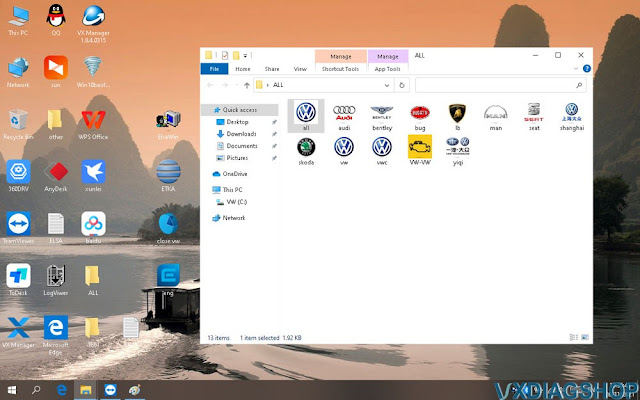
Operating system: Windows 10 Pro 64bit system hard drive 320GB HDD Pre-installed, insert to laptop to use directly.

More Software display: