VXDIAG VCX SE 2TB HDD Windows Failed to Start?
Problem:
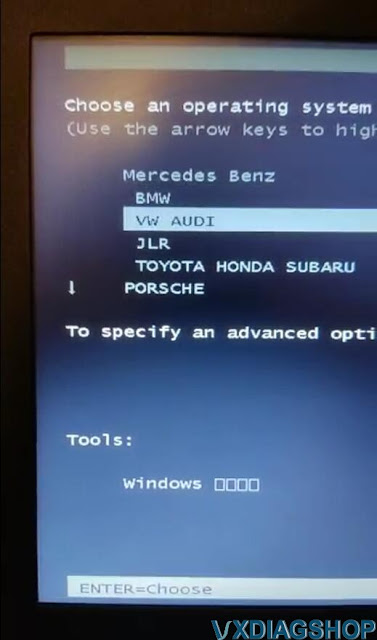
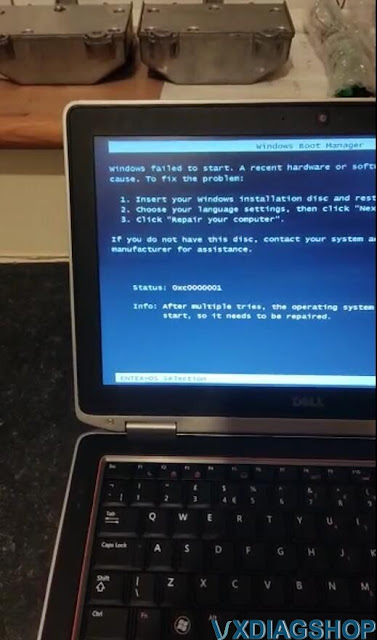
I got the vxdiag vcx se all brands with 2tb full HDD. BMW and Mercedes software starts ok, but some software failed to start, VW, Toyota and Honda.
Image attached. Any solution?



Solution:
Change HDD bios to AHCI mode.
- Open Registry Editor and navigate to HKEY_LOCAL_MACHINE\SYSTEM\CurrentControlSet\services\msahci.
- Right click on the Start registry DWORD and select Modify.
- Set the value to 0 and click OK.
- Now the Start setting should be set to 0.
- Reboot and enable the AHCI setting in your BIOS.
If still not working, change another laptop and try again.
The HDD tested ok on laptops like LENOVO T440P T420 T440 X201, DELL E5420 E6420, Panasonic CF53 54 31. Suggest testing on laptops above.
http://blog.vxdiagshop.com/2022/10/11/vxdiag-2tb-hdd-software-windows-failed-to-start/
VXDIAG Ford IDS Software Initialization Error 5 Solution
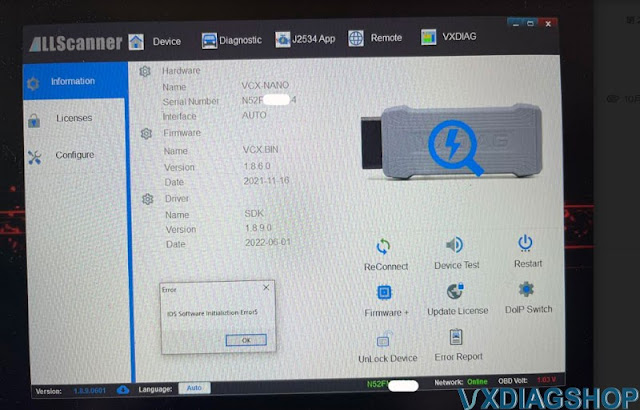
Problem: vx manager can see my vxdiag vcx nano ford device, but failed to start IDS software.
Error "IDS Software Initialization Error 5", any solution?
Solution:
Incorrect IDS software or software not completely installed. Download the latest version IDS software and try again.
http://blog.vxdiagshop.com/2022/09/07/free-download-vxdiag-vcx-nano-ford-ids-v127-mazda-ids-v127/
Ford IDS Installation:
1. Install Ford IDS-1**
2. Wait for the installation of Ford IDS – 1**,
and restart the computer
3. Install the Ford original VCI software_
1.0.0.10.exe
4. Install VX manager and Ford IDS driver
5. Wait for VX
manager and Ford IDS driver installation to complete
6. Connect VCX device
and install idspatch
7. Use idspatch to open IDs and start diagnosis.
VXDIAG Toyota Techstream Turn Off Tundra Passive Alarm
Here comes the problem. One of Toyota Tundra 2010 DC limited owners' truck is locked. He use the fob to unlock all the doors, then open a rear door to get something. He close the door and leave the truck unlocked. 20 seconds later, the alarm goes off.
He may try some troubleshooting, but the weird part is, the truck is unlocked when the alarm goes off. I know some vehicles automatically relock after a while to protect you from accidental button pushes as you walk away. The manual says it will lock after 60 seconds if no door was opened. I've never had this problem with opening the drivers door, only rear doors.
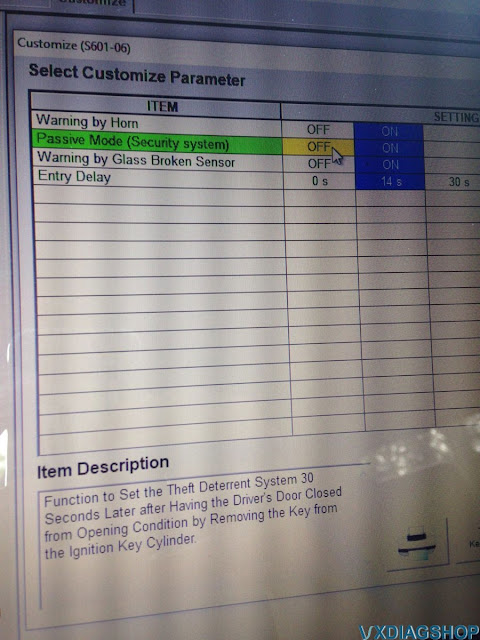
I turned off the Passive alarm on Techstream and it hasn't happened
since.
I did it myself with Techstream. I found it very finicky, had to keep
trying to get it to connect but it worked. The instructions are attached.
My process is
1. Connect VXDIAG
VCX NANO Toyota USB cable to laptop
2. Start laptop
3. Start
Techstream
4. Start car (can also be in ACC ON, but get better results
generally with car in Ready)
5. Plug OBD to car
6. Connect via
Techstream
VXDIAG JLR Pathfinder VCI Connection Not Detected Solution
Problem:
I need to diagnose a 2020 range rover evoque l551 with vxdiag vcx se jlr doip and pathfinder v374 (from your latest hdd). VX manager detects the device, DoIP switch is turned on. but Pathfinder does not detect VCI. Any solution?
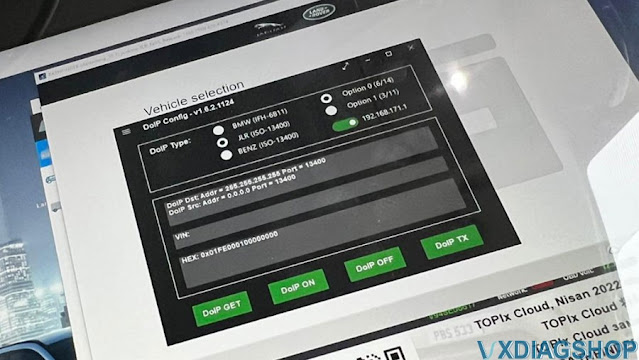
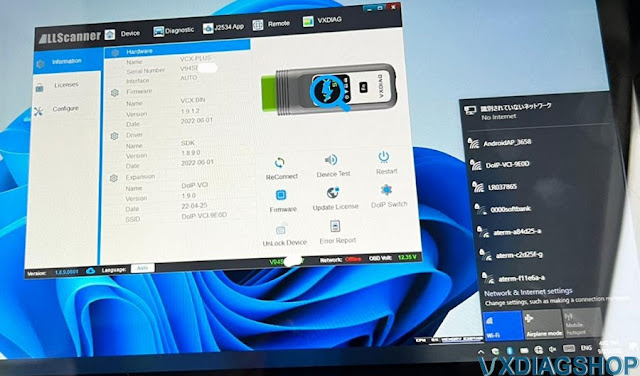
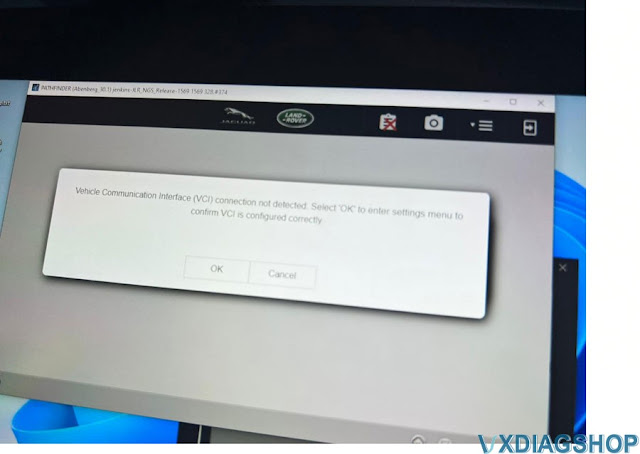
Solution:
If VX Manager and DoIP tool see your device, the problem might be the software.
We found the customer has copied the pathfinder HDD content.
If copy the HDD, you will lose the patch.
Download and install JLR VCI Software Patch here
VCI Software (JLR)-2.4.22.59.exe

Feedback:
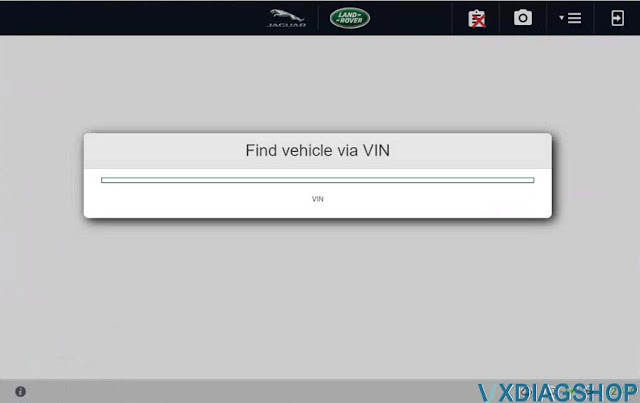
Yes, it is working now. It starts to read VIN.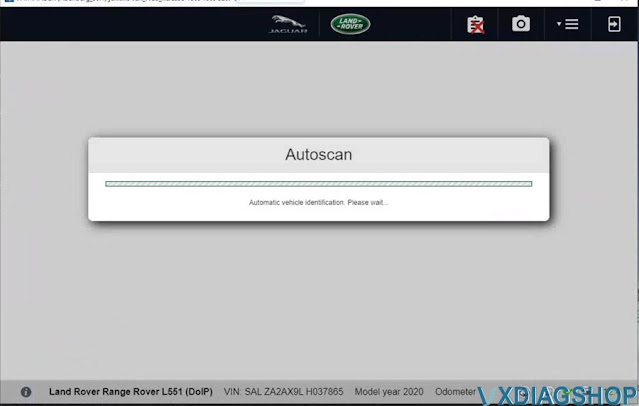
VXDIAG Tech2win 'Cannot Find File Specified' Solution
If you had the error "cannot find the file specified" when install tech2win for vxdiag vcx nano gm scanner. Here is the solution.
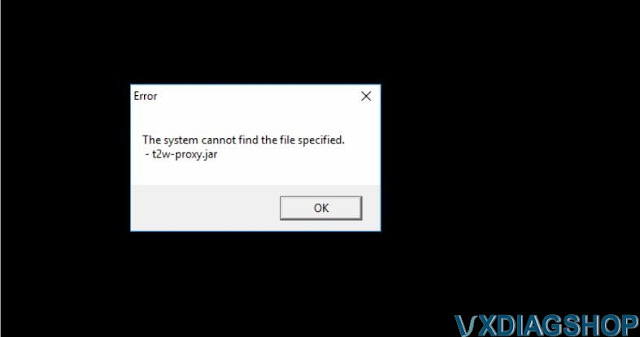
Solution:
Reinstall t2winstall program in GDS2Install folder
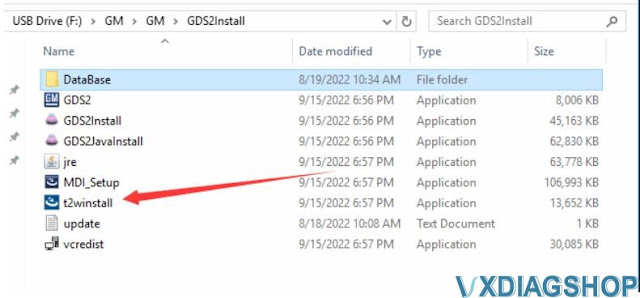
If system fails to install t2winstall program , you have to download full GDS2/Tech2win software and install again.
http://blog.vxdiagshop.com/2022/09/21/free-download-v2022-05-gds2-for-vxdiag-vcx-nano/