VXDIAG VCX NANO Cannot Change Ford IDS Language?
Problem:
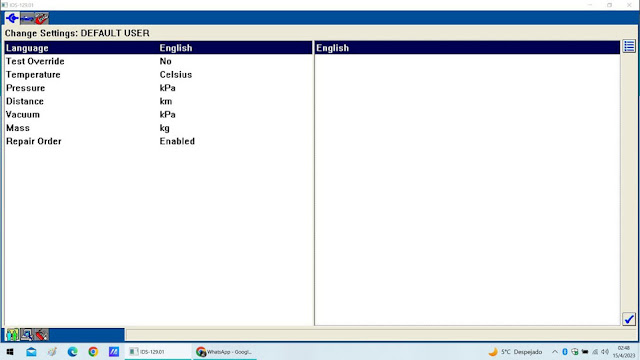
I got the vxdiag vcx nano Ford IDS V129 software installed but only displayed in English, reinstall IDS still cannot change language in Setting. Any idea?
Solution:
If there is no English selection option in Setting, you are not able to change IDS software language.
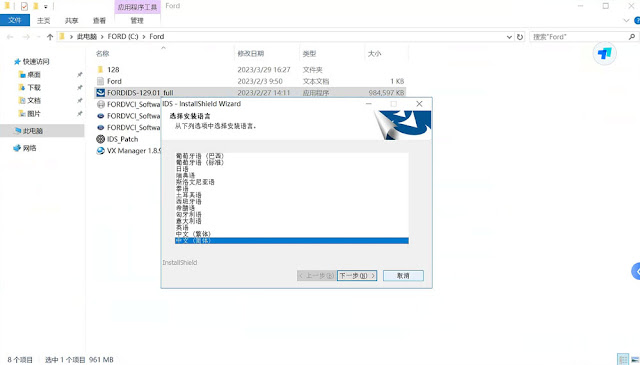
Users have to select language they desired when install Ford IDS software.
Can I Downgrade VXDIAG VCX SE FW to V1.6?
Question:
Is there a way to downgrade my vxdiag vcx se version to 1.6 and back to new version without loosing my license or hardware?
i found this on the net
1.Make a backup of your mangercenterc.ini file
(where your prog is installed)
2.Change one line in your original ini file to
FirmwareUrl="http://www.vxdiag.ugu.pl/xml.xml"
3.Open Vx Manager and "update"
your firmware.
could it work or i may lose my lisence?
Solution:
FW1.8+ has a different license. You will lose all licenses after
downgrading.
You can downgrade with loosing licenses.
After return back to
the FW1.8+ licenses restored from the VXdiag server.
Newly installed licenses
completely overwrite old.
BUT it is not recommended to do so.
If there is a newer vx manager, you device will not working properly.
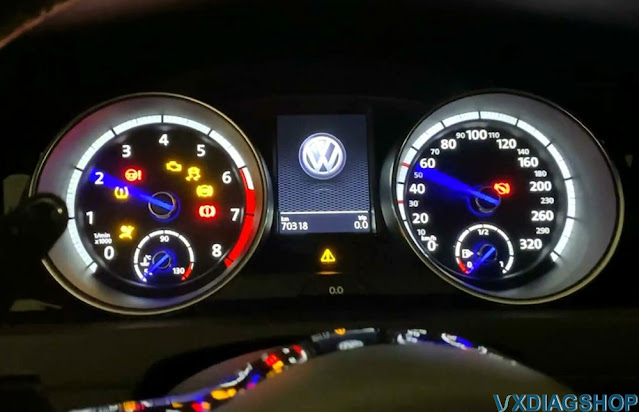
VW GOLF 7 (2018) Immobilizer Coding by VXDIAG VCX SE 6154 ODIS
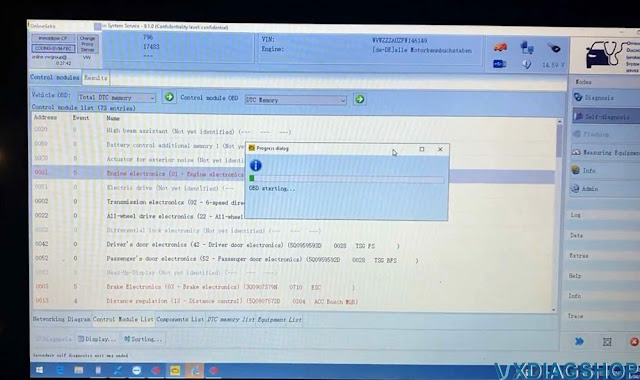
User review: VW GOLF 7 (2018) Immobilizer Adaptation to ECU Coding with ODIS online.
Device used:
ODIS online account.
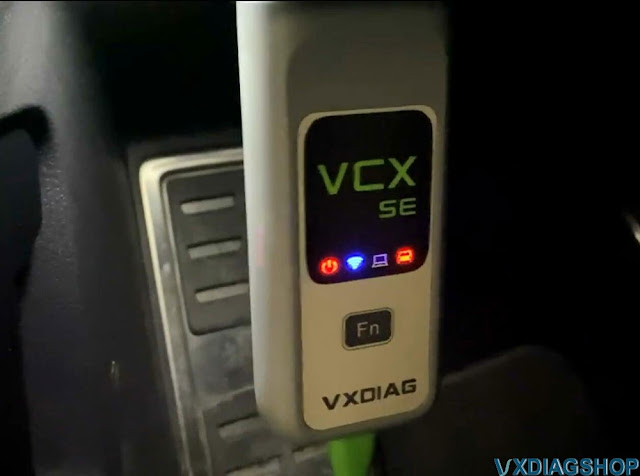
vcx se 6154 works fine with odis v11, but here he used odis 9.1.0.
USB connection is always recommended to do ECU coding.
To do Immobilizer Adaptation you must have an online account (we don't provide online account).
Better provide battery supply to engine (13V+).
Image attached:




VXDIAG Subaru SSM4 Cannot Install Software Error Solution
Problem:
I have a problem installing vxdiag vcx se Subaru Select Monitor SSM4 software on Win7 64bit system
Error"
You cannot install the software.
Time limit for updating the software has
expired."
Tried changing time back to 2022.1.11, no luck. Any idea?

Solution:
Change computer date/time to 08/2022.
Then run Subaru fix patch here
https://mega.nz/file/J6YQALTL#57ZL6loDpa9FapxI4jzLZhfPJUyL-2sxegGOnJuTcLY
It should be fine.
VXDIAG Techstream Cannot Find Toyota Proace 2020?
Problem:
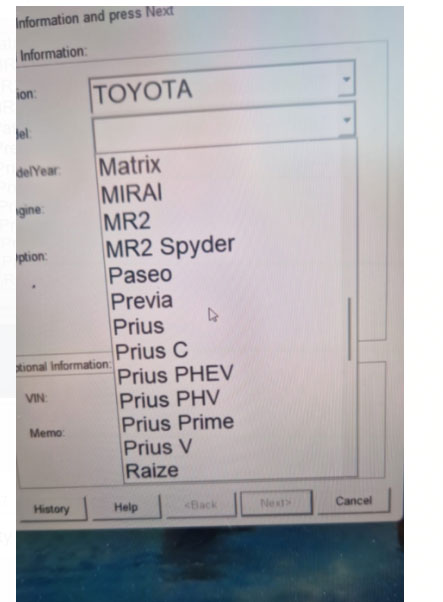
I have a vxdiag vcx nano Toyota connector with latest techstream V18.00.008 on a Windows 10 64bit pc. I've managed to get the program and the connector to communicate with my van (Toyota Proace City 2020). Techstream does not have proace in vehicle list. Tried mini vci no Proace either.
Solution:
Toyota Proace is based on a PSA platform. Toyota Proace is a Peugeot Expert and Citroen Jumpy. PSA made Proace for Toyota.
For ProAce project TME has decided the adoption of PSA technical documentation and diagnostic tester.
So you will need diagbox to diagnose.
Techstream is for all Toyota and Lexus except Supra and ProAce. Supra needs Toyota ISTA and Proace requires diagbox.
Check and download ISTA & Diagbox license for Supra and Proace here.
